How Independent Spa and Wellness Professionals Can Start Taking Appointments Online


How Independent Spa and Wellness Professionals Can Start Taking Appointments Online
A client messages while you're treating someone else. They want to know whether you have an opening on Friday. You see the notification, but replying has to wait. By the time you're free, the client has moved on with their day, and now you need to check whether the time you had in mind is still available.
For a solo spa or wellness practitioner, this is a familiar part of the job. The treatment itself is only one part of running the business. There are enquiries, appointment changes, reminders, and the little bits of coordination that fill the gaps between clients.
You probably don't need another complicated system to manage all of that. What would help is a way for clients to see your available times and book without waiting for you to reply.
That's the practical use of spa scheduling software.
Your phone doesn't need to be your booking diary
WhatsApp is useful. Instagram brings enquiries. Clients often prefer messaging because it's quick and familiar. There is no reason to stop using those channels.
The trouble starts when every conversation turns into a negotiation over time.
A client asks about a facial. You suggest Friday at 5 PM. They can only come later. You check the calendar and find that you've already promised that slot to someone else. Another round of messages follows.
Now imagine doing the same thing between massage appointments, when you also need to clean the room, prepare for the next client, and take a break.
With an online spa appointment booking page, you set the times you're prepared to accept bookings. When someone enquires, you share the link. They choose from the available slots and complete the booking themselves.
You're still deciding when you work. You're simply removing the need to send available times back and forth.
Put one service online first
It's tempting to list every treatment immediately, especially when your service menu has grown over time. I'd start with the one people book most often.
Say you're an independent massage therapist. Most clients book a 60-minute session, and you occasionally have enquiries about longer treatments. Start with the regular session. Give it a clear name, set its duration, and write a description that explains what the appointment is for.
Don't make someone guess whether they should select a massage, a consultation, or a follow-up. They should understand the option before choosing a time.
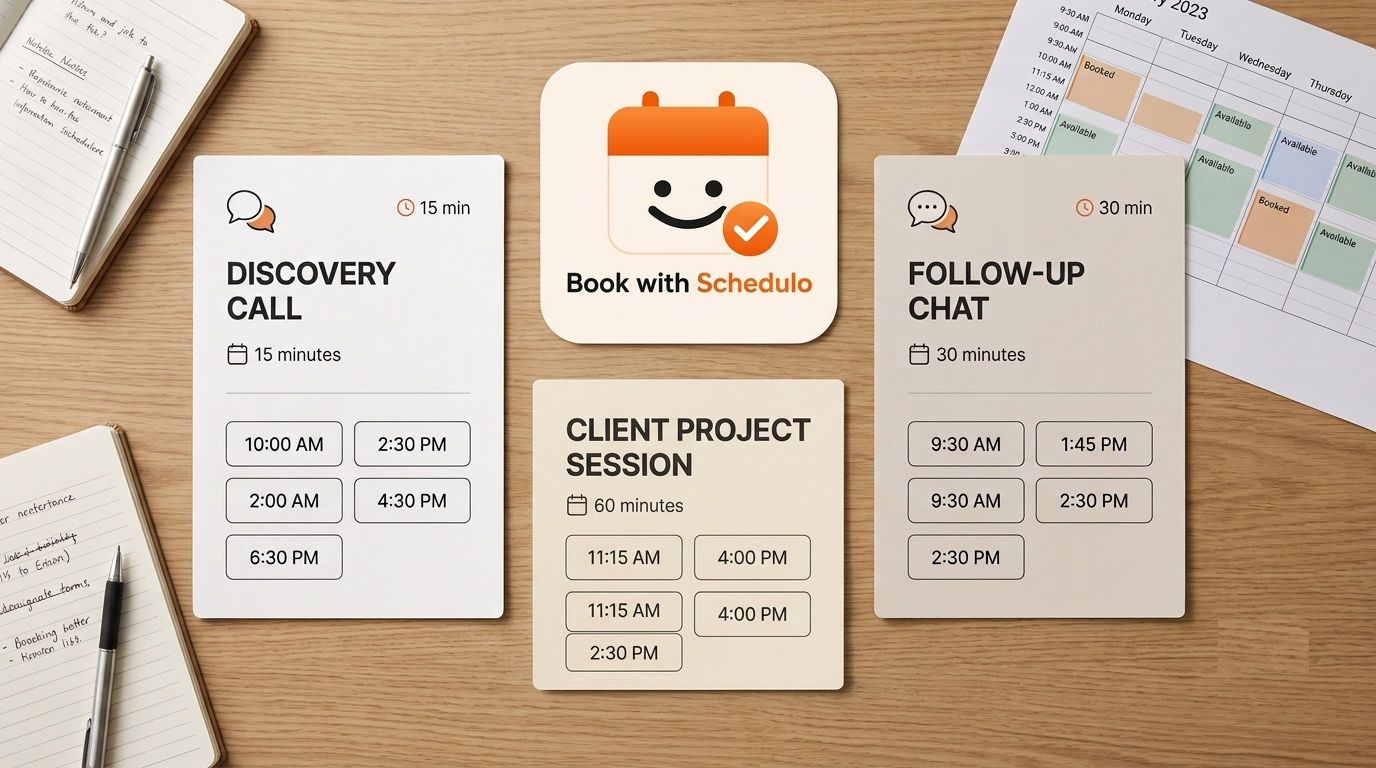
Different treatments may need different durations. If your booking plan supports multiple booking types, you can create separate options for those appointments rather than trying to fit everything into one generic slot. A first consultation might take 20 minutes; a full treatment might need an hour or more.
There is a plan detail worth checking before you do this. Book with Schedulo's free plan includes one booking type and up to 50 bookings per month. You can begin with your main service and consider a plan with more booking types when your business needs them.
The goal isn't to build a long menu for the sake of it. It's to make the booking choice clear.
Make your available hours honest
An empty calendar isn't always a free hour.
Perhaps you only see clients from 10 AM to 1 PM, then reopen from 3 PM to 7 PM. Perhaps Wednesday is your day for ordering supplies, laundry, and the small jobs that are difficult to finish when clients are arriving. Those hours shouldn't appear as bookable just because you haven't added appointments to them.
Set your working hours around the way you actually run your practice. Leave gaps between treatments if you need them. A 15-minute gap can be useful for preparing the room and getting ready for the next person; whether that's enough depends on the service you offer.
Book with Schedulo lets you set availability, use buffers between appointments, and limit bookings per day. You can also connect a calendar you already use. Its Google Calendar integration and Microsoft Calendar integration support two-way sync, so existing busy periods and newly confirmed bookings can stay in step with your calendar.
One habit still matters: when you decide to take a day off, update the availability. Software can't know you've changed your plans unless you tell it.
Use WhatsApp to share the link, not negotiate every appointment
You don't need to stop using WhatsApp or Instagram. They may be where most of your clients first contact you.
The change is small. When someone asks when you're available, send your booking link rather than typing out several possible times. They can open it, look at the slots you've offered, and choose one.
Keep the link somewhere you can find quickly. Save it in a WhatsApp reply, put it in your Instagram bio, or add a booking button to your website. If you have a physical practice, you could also put a QR code on a business card or a small card at reception for clients who want to book their next visit.
Our QR code appointment booking guide has ideas for using a code to take clients directly to a booking page.
This works particularly well with regular clients. You don't have to explain the process again each time. They already know where to go.
The booking itself takes place on your public page. Clients don't need to create a Book with Schedulo account or install an app to choose their appointment.
After the booking, let the confirmation do its job
Think about what you currently do after someone agrees to a time. You might send another WhatsApp message confirming the date, then send a reminder the day before. When you have several clients, remembering who has been reminded can become another job.
Book with Schedulo sends booking confirmation emails and automatic reminders. WhatsApp reminders are also available when enabled and the client has opted in.
That won't eliminate every no-show. People get sick and plans change. But it removes the need to personally message every client just to repeat information that should already be recorded.
If no-shows are becoming a problem, take a look at how to reduce appointment no-shows. Reminders are one part of the process; having clear booking details and a consistent way to manage appointments matters too.
What happens when a client needs to change their time?
This is where an online booking process needs a little attention from you.
A client may message to move Friday's appointment to Saturday. You agree, reply on WhatsApp, and move on to the next task. But unless you update the actual booking, the calendar may still show Friday.
Make the change in your booking dashboard and check that the revised appointment appears correctly on your calendar. The client receives an email notification about the change.
It's a small habit, but it prevents two versions of the appointment from floating around: one in the conversation and another in your calendar. The same applies when you need to cancel a session yourself.
You probably don't need a complete salon management system
If you're the only person providing treatments, your immediate problem may be much simpler than managing a salon with multiple staff members.
You may not need employee rosters, treatment-room allocation, or inventory tracking. What you do need is somewhere clients can select a time, a calendar that stays accurate, and a reliable way to confirm the appointment.
That's the practical role of spa appointment software for an independent practitioner. It should fit around the way you already work, not force you to manage a collection of features that don't solve your current problem.
Book with Schedulo has a salon and spa booking page where you can review its appointment-booking features. Check the plan limits and features against your own practice, especially if you need different booking types for different treatments.
If you already have a website, you can also follow our guide on adding online appointment booking to your website.
Try it with the next person who asks for an appointment
You don't need to move all your clients onto an online system at once.
Set up one treatment. Choose its duration and the hours you're willing to offer. Make a test booking and check the confirmation and calendar entry.
Then send the link to the next person who asks when you're available.
Notice what happens. If the client books without further questions, good. If they don't understand which treatment to choose, the description needs work. If the times don't fit your day, adjust the availability.
That's a more useful starting point than spending an afternoon configuring features before you've seen how clients use the page.
Spa appointment booking should fit around your practice. You can keep answering questions on WhatsApp and getting enquiries through Instagram. Let the booking page handle the appointment time.
Create your free Book with Schedulo account and start with the service you book most often.