How Agencies Can Route Discovery Calls to the Right Account Manager Automatically



An enquiry comes into an agency's general inbox. The prospect wants to discuss an SEO project, but the person who reads the email manages paid advertising clients. They forward it to a colleague, who checks with the SEO account manager. That person then has to work out when they can take the call.
It's not a major problem when it happens once. When several enquiries arrive in a day, those little handoffs start taking up time that the team could spend on client work.
The agency needs to settle two things: who should take the discovery call, and what should happen if that person isn't available. Once those decisions are clear, setting up the booking process becomes much easier.
Start with how your agency assigns enquiries
Before changing the booking setup, look at the way discovery calls are handled now. Some agencies assign prospects according to the service they need. Others let several account managers take introductory calls and decide who will handle the client afterwards.
Consider a digital marketing agency with separate people for SEO, paid advertising and social media. Sending a prospect to the first available person might seem quicker, but if that person can't answer the prospect's questions, the call may lead to another meeting anyway.
A smaller agency might have three account managers who can all handle general discovery calls. There, the main concern may be distributing bookings fairly rather than assigning every enquiry to a specialist.
Here's a simple way to distinguish the two:
| How the agency works | Suitable booking approach | What needs deciding first |
|---|---|---|
| Several account managers can take the same discovery call | Round-robin team booking | Which team members are eligible, and how their availability should be considered |
| Each service has a designated specialist | Service-specific booking options or configured routing | Which service or team should receive the enquiry |
| Existing clients need to speak with their current account manager | Individual account-manager booking link | How clients reach the person already handling their work |
| The agency receives enquiries that need reviewing before a meeting | Manual review followed by the appropriate booking link | Who reviews the enquiry and decides the next step |
You may need more than one of these arrangements. That's fine. The important thing is not to use round-robin for every call simply because it's available.
Round-robin versus assigning a particular account manager
These approaches solve different problems.
Round-robin scheduling is useful when several people can take the same kind of discovery call. Bookings can be distributed among eligible team members according to the availability and routing rules you've configured.
Assignment to a particular account manager makes more sense when the conversation needs someone responsible for a particular service or client relationship.
| Comparison | Round-robin routing | Specific account-manager routing |
|---|---|---|
| Best suited to | Calls several team members can handle | Calls that need a particular person or specialist |
| Main purpose | Distribute bookings across eligible people | Send bookings to the appropriate person |
| Availability consideration | Available team members can be considered under the configured rules | The designated person's availability matters |
| Potential issue | A call may be unsuitable if the eligible group is too broad | The prospect may have fewer available times |
| Example | Any of three account managers can handle a general discovery call | An SEO enquiry needs the person responsible for SEO projects |
Book with Schedulo supports team booking and round-robin routing. Account managers can also have individual booking pages under a shared workspace.
One distinction matters here: routing a booking according to configured rules is not the same as reading an email in a general inbox and automatically understanding what service the prospect needs. If the service requested determines who should take the call, the booking process needs to capture that information or direct the prospect to the appropriate booking option.
Give prospects a clear way to book
Once you've decided who should take the call, look at how a prospect reaches that person.
An agency where several account managers can handle general enquiries may need a shared discovery-call route. A team with separate service specialists may need different booking options so prospects can choose the relevant service.
With Book with Schedulo, account managers can have individual booking pages under a shared workspace. The agency can manage the team's booking setup while allowing clients to book through the appropriate page.
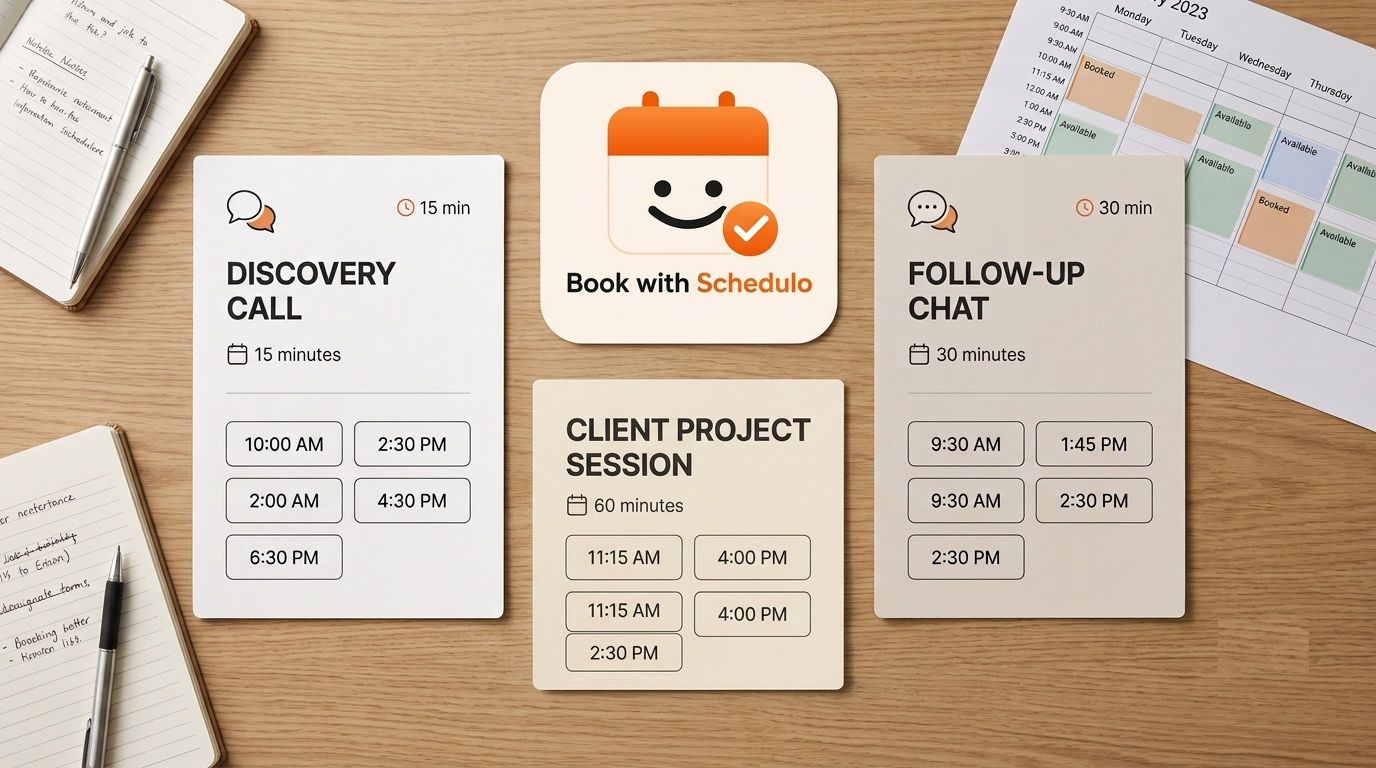
Keep the appointment names understandable. Someone enquiring about an SEO project should not have to guess which employee's name to click. A clear service-specific option may be more useful than a list of staff members the prospect has never met.
You don't have to create a separate booking type for every possible meeting, either. Start with the discovery calls the team handles regularly. Add other types when the people responsible, the duration, or the purpose of the meeting genuinely differs.
Check availability across the team
A routing setup is only useful if the people receiving calls have suitable availability.
Ask account managers to review their working hours and connect the calendars they use. Book with Schedulo supports Google Calendar and Outlook integrations. Make a test booking and check how the appointment appears and how availability behaves afterwards.
Look at the week as a whole. An account manager may have mornings available for discovery calls but reserve afternoons for client reviews. Another may have fewer slots because they are already working on several projects.
Don't forget the time between appointments. After a discovery call, somebody may need to write notes, prepare a proposal or speak with a colleague about the opportunity. If the calendar fills every available gap, that work gets pushed elsewhere.
Before going live, review these settings:
- Working hours: Do the available times reflect when the account manager can actually take calls?
- Calendar availability: Does the booking process behave as expected after an appointment is made?
- Buffers: Is there enough time between meetings for preparation and follow-up?
- Team capacity: Are bookings distributed in a way that makes sense for the agency's workload?
- Time zones: Are prospects seeing the intended local time when booking?
Test the routing before you send the link to prospects
I wouldn't roll the new process out across the whole agency without trying a few real booking scenarios first.
Use this checklist:
| Test | What to check |
|---|---|
| General discovery call | The booking reaches an eligible account manager under the configured rules |
| Specialist enquiry | The prospect is directed to the appropriate service or booking option |
| One account manager is unavailable | The booking process follows the fallback rule the agency has chosen |
| Existing client booking | The client can reach the account manager responsible for their work |
| Calendar conflict | A booking doesn't leave availability behaving differently from what the team expects |
| Rescheduled meeting | The updated time appears correctly in the calendar and expected notifications are sent |
Book with Schedulo supports automatic email and WhatsApp reminders, and clients can reschedule when plans change. Test those parts of the booking process as well, so the team knows what happens when a meeting moves.
Ask an account manager who didn't configure the setup to try it. They may notice a confusing appointment name or a step that isn't obvious to the person setting everything up.
Once the setup is live, keep an eye on the first few weeks. If one person receives most of the calls, check the routing rules and availability. If enquiries are still being passed around internally, find out where the handoff is happening. Adding more rules won't help if the team is still sharing the wrong booking link.
Keep the rules manageable
An agency where everyone can handle discovery calls may need only a shared booking process and round-robin distribution. A team with specialist services and established client relationships may need more specific routing.
Start with the enquiries you receive most often. Get those bookings to the right people, then adjust the setup when the actual work reveals a gap. Not every enquiry needs to be automated, and not every meeting needs its own booking page.
You can explore the available team booking, account-manager routing and shared-workspace options on the Book with Schedulo Agency Scheduling Software page.