How to Reduce Appointment No-Shows With Automatic Reminders


A full calendar is usually a good sign for an appointment-based business. The problem starts when some of those appointments don't actually happen.
You have an appointment at 4 PM. The time is blocked on your calendar, you haven't accepted another meeting for that hour, and you may have spent a few minutes preparing for the call as well.
4 PM arrives.
The customer isn't there.
No cancellation. No message. Just an empty slot on the calendar.
This is one of the frustrating parts of running an appointment-based business. You still had to keep that time available for the customer. Once the hour has passed, you can't go back and use it for another booking.
And sometimes the reason is surprisingly simple.
They forgot.
A customer might book an appointment several days ahead and remember it perfectly well when they make the booking. By the time the appointment arrives, however, they have had a dozen other things going on.
A reminder sent at the right time can bring that appointment back to their attention.
It won't stop every no-show. Nothing will.
It can, however, deal with one of the more avoidable reasons people miss appointments.
Why appointments get forgotten
Look at the difference between these two bookings.
Someone books a call for tomorrow at 11 AM. There's not much time to forget it.
Another person books the same type of call for two weeks from now. They put it on their calendar and carry on with their day.
Two weeks is a long time.
Work gets busy. Plans change. Meetings move around. Other things become more important. The appointment is still sitting there, but it may not be something the customer is actively thinking about.
This happens with sales calls, consultations, coaching sessions, interviews, tutoring and other services where the appointment is arranged in advance.
There are other reasons too. Someone might remember having a booking but forget the exact time. They might have meant to reschedule and never got around to it. They might see the original confirmation email days earlier and then completely forget about it.
Some no-shows are unavoidable. An emergency or illness isn't something an automated message can solve.
For the forgetful ones, a reminder is much more useful.
Automatic reminders save more than a few messages
Manually sending a reminder doesn't sound like much work.
When there are only a few appointments, it probably isn't.
The situation changes when you're managing bookings throughout the week. Checking tomorrow's appointments, deciding who needs a message and then sending those messages becomes another recurring task.
It also has to happen at roughly the right time. A reminder that was supposed to go out in the morning isn't particularly useful if you remember it at 7 PM.
An automatic appointment reminder takes that responsibility away from the person managing the calendar.
The booking already contains the date, time and customer information. The reminder system can use those details and send the message according to the schedule you've set.
There is no separate spreadsheet with a list saying who needs to be contacted tomorrow.
There is no need to remember which customers booked last week.
The reminder follows the booking.
For a business with a busy calendar, that makes a difference.
Keep the reminder short
A customer who has already booked an appointment doesn't need another long explanation of your service.
They need the useful details.
For example:
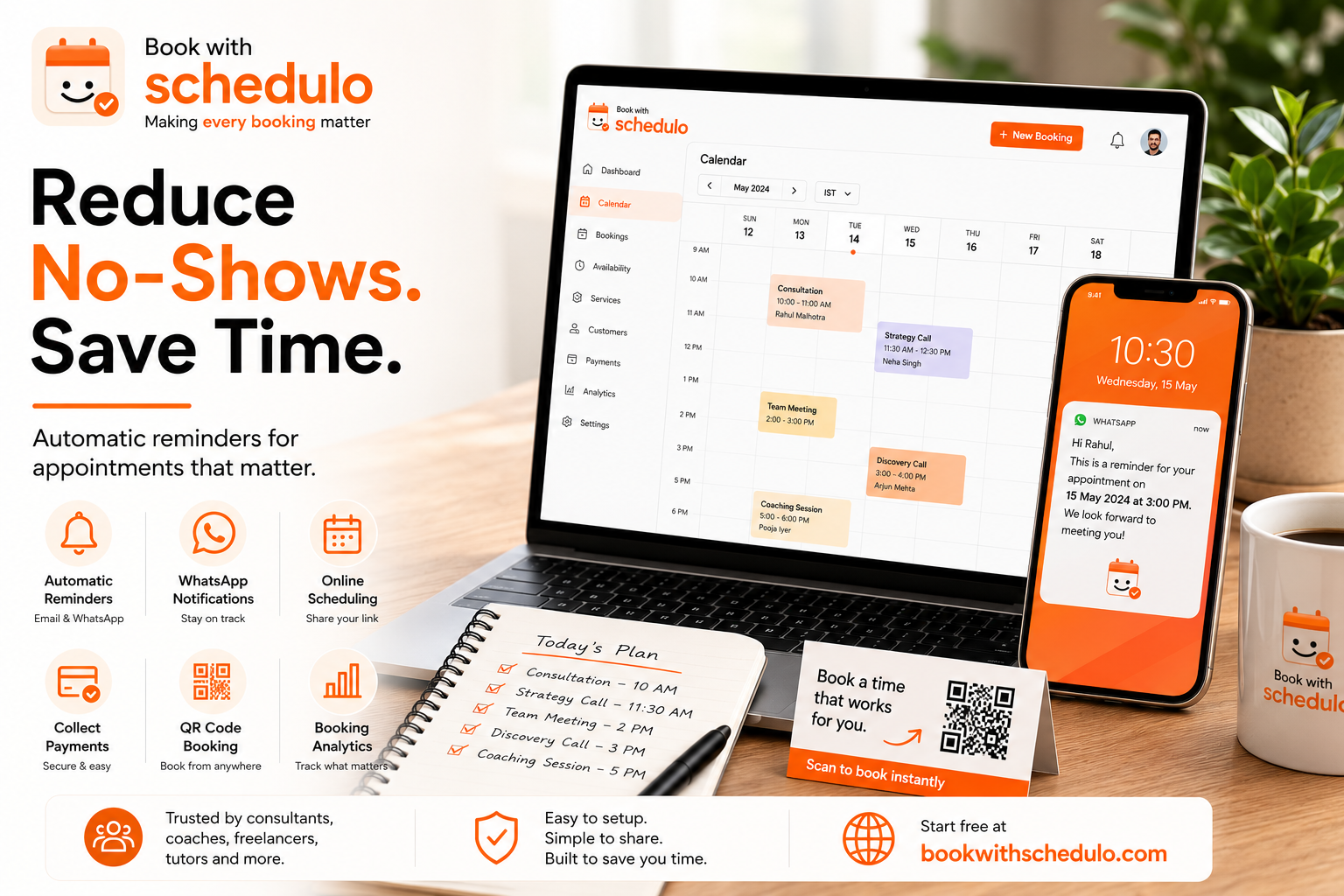
Hi Rahul, your consultation is scheduled for tomorrow at 3:00 PM. We look forward to speaking with you.
If it's an online appointment, add the meeting link.
If the customer has to come to a physical location, include the address.
If they need to bring a document or complete something beforehand, mention it.
That's usually enough.
The reminder should make the appointment easy to remember, not create another message the customer has to work through.
The timing depends on how people book with you
Someone booking a haircut for tomorrow has a different reminder requirement from someone booking a business consultation three weeks ahead.
There isn't one perfect appointment reminder schedule for every business.
A simple setup could be:
- When the booking is made: confirmation.
- Before the appointment: reminder.
- On the day: another reminder if your customers tend to benefit from it.
You can change the timing once you have some experience with your own bookings.
If most of your appointments are booked a week or two ahead, an earlier reminder may make sense. If customers normally book on the same day, the confirmation may already be enough.
The important thing is that the customer doesn't have to rely entirely on memory.
WhatsApp appointment reminders fit naturally into the process
For many customers, WhatsApp is something they check throughout the day.
That makes it a useful channel for appointment reminders.
The booking itself doesn't need to happen on WhatsApp.
A customer can open your booking page, choose a time and complete the booking there. WhatsApp can then be used later to remind them about the appointment.
The process is straightforward:
Customer books online → booking is confirmed → reminder is scheduled → WhatsApp reminder is sent
Book With Schedulo supports automatic WhatsApp and email reminders for bookings.
That means the booking stays on the online scheduling side while WhatsApp can be used to keep the customer informed before the appointment.
See how Book With Schedulo handles appointment scheduling.
There is another problem before the reminder
No-shows aren't the only time-consuming part of appointment management.
Think about how many conversations start with:
"When are you free?"
You check your calendar.
You suggest Tuesday at 3.
The customer can't make it.
You suggest Wednesday.
They ask about Thursday.
It works when you're dealing with one person. Repeat that conversation twenty times in a week and it becomes a job in itself.
An online appointment booking system gives customers access to the times you've decided to make available.
They don't need to ask you about every opening.
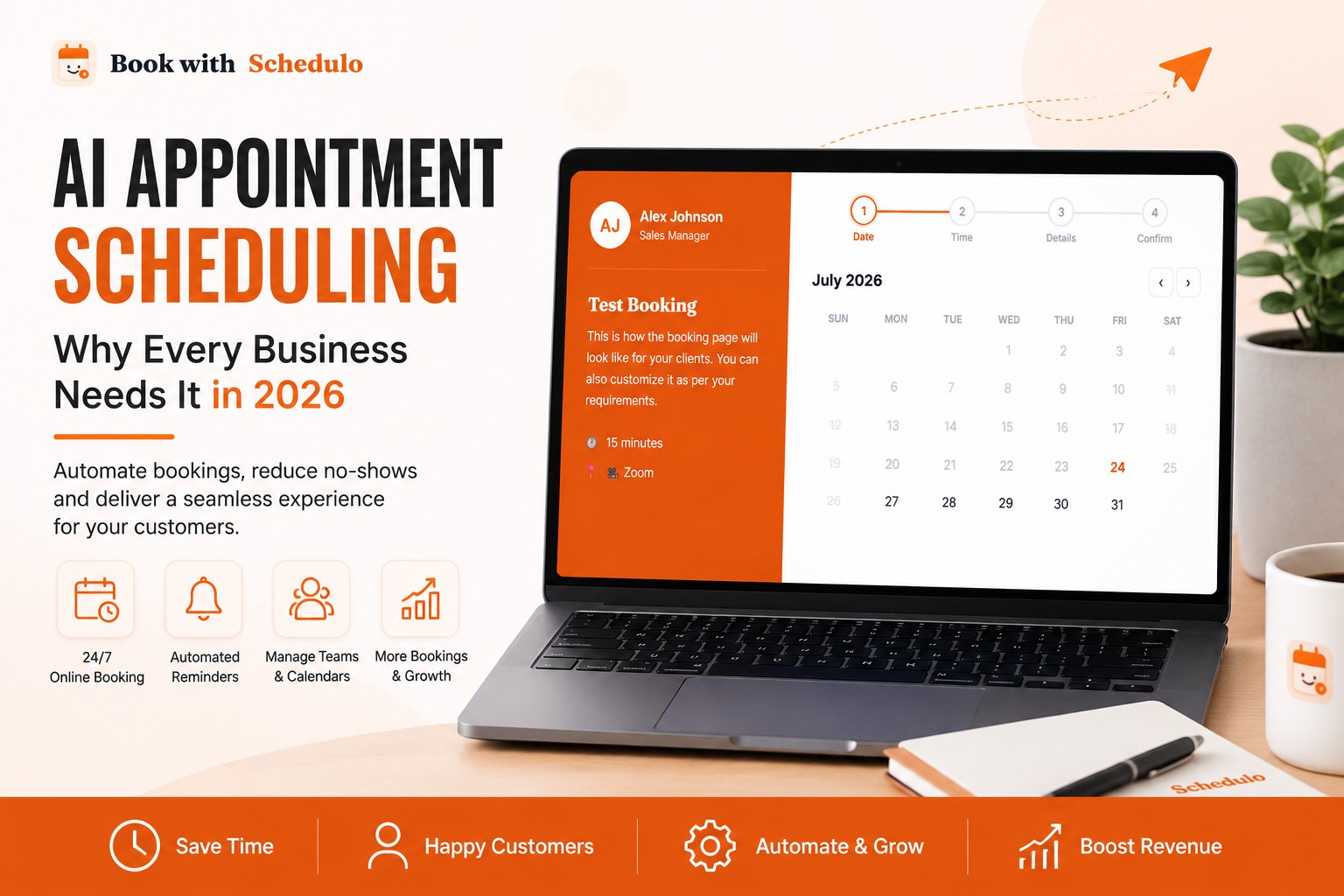
With Schedulo, you can set your availability, create booking types and share a booking link. Customers can then choose an available time themselves.
See how online scheduling works for freelancers or see how consultants can use online booking.
That also means fewer messages between the initial enquiry and the actual booking.
Your booking page shouldn't offer times you can't actually take
Availability changes.
You might have marked Friday afternoon as available last week and then accepted another meeting for that time yesterday.
If your booking system doesn't know about the change, a customer could still choose Friday afternoon.
Calendar synchronization helps avoid that kind of problem.
Schedulo lets you define working hours, add buffer time between bookings and cap daily bookings. Customers see the availability you choose to offer.
There is an important difference between being free and being available for bookings.
You might have an hour with nothing in your calendar because you need time to finish a project. That doesn't mean you want a customer booking that hour.
Your scheduling system should follow the availability you set, not simply expose every empty space in your calendar.
Paid appointments can be handled during booking
This depends on the type of business.
A free discovery call doesn't need payment.
A paid consultation is another matter.
If you charge for your time, collecting the payment during the booking process means the customer doesn't have to complete a second payment step later.
Schedulo supports payment collection through Razorpay, including UPI, cards and net banking.
For a consultant or freelancer, the process can therefore look like this:
Select a service → choose a time → make payment → receive confirmation → receive reminder
See how consultants can use paid appointment scheduling.
Payment doesn't guarantee attendance. It simply keeps the booking and payment process together.
Give customers an easy way to reach your booking page
Your booking link shouldn't be hidden somewhere in an old email.
Put it where customers are likely to find it.
- Your website
- Email signature
- LinkedIn profile
- Instagram or other social profiles
- Client proposals
- Invoices
- WhatsApp profile
- Business cards
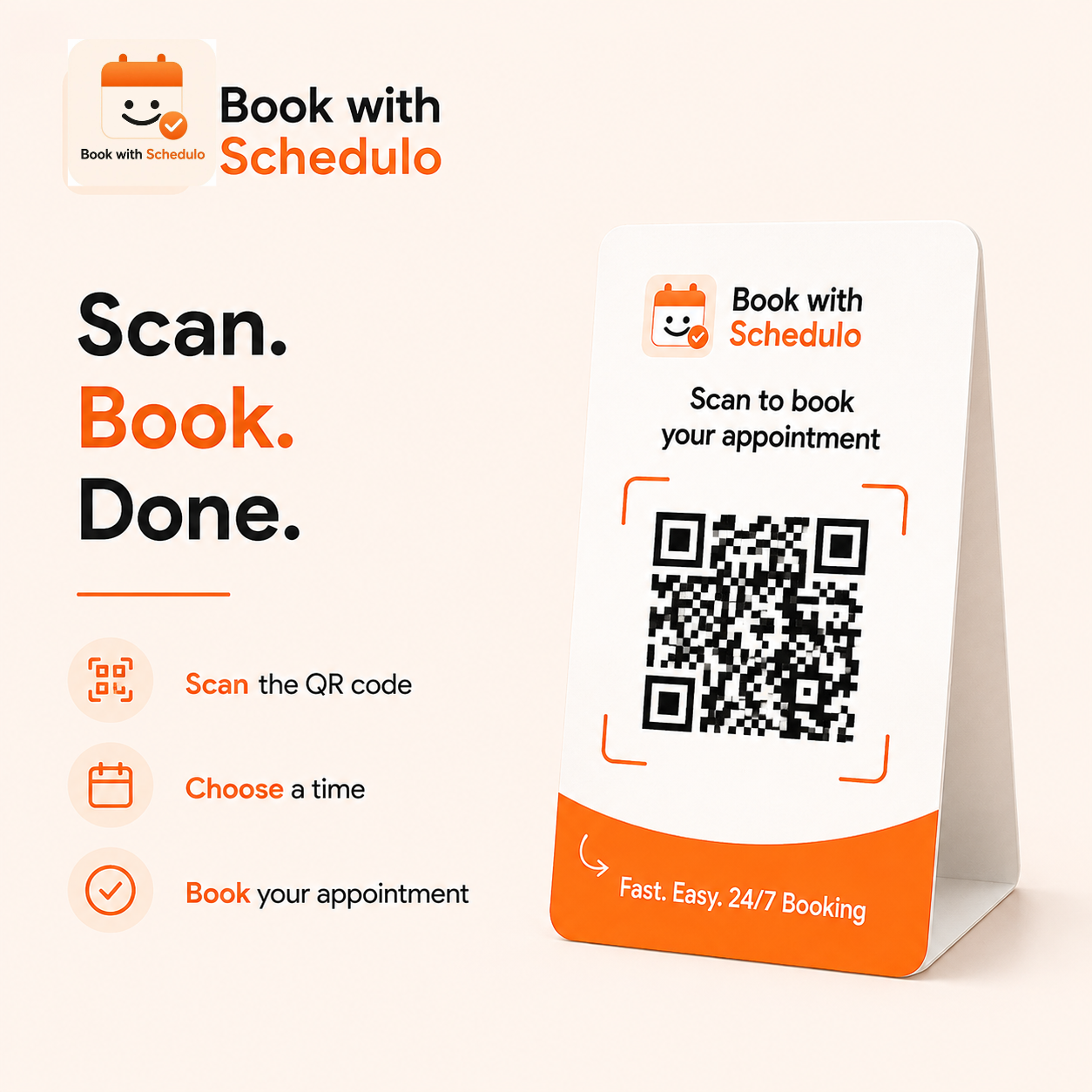
QR codes can be useful when the customer is looking at something offline.
A freelancer could put a QR code on an invoice.
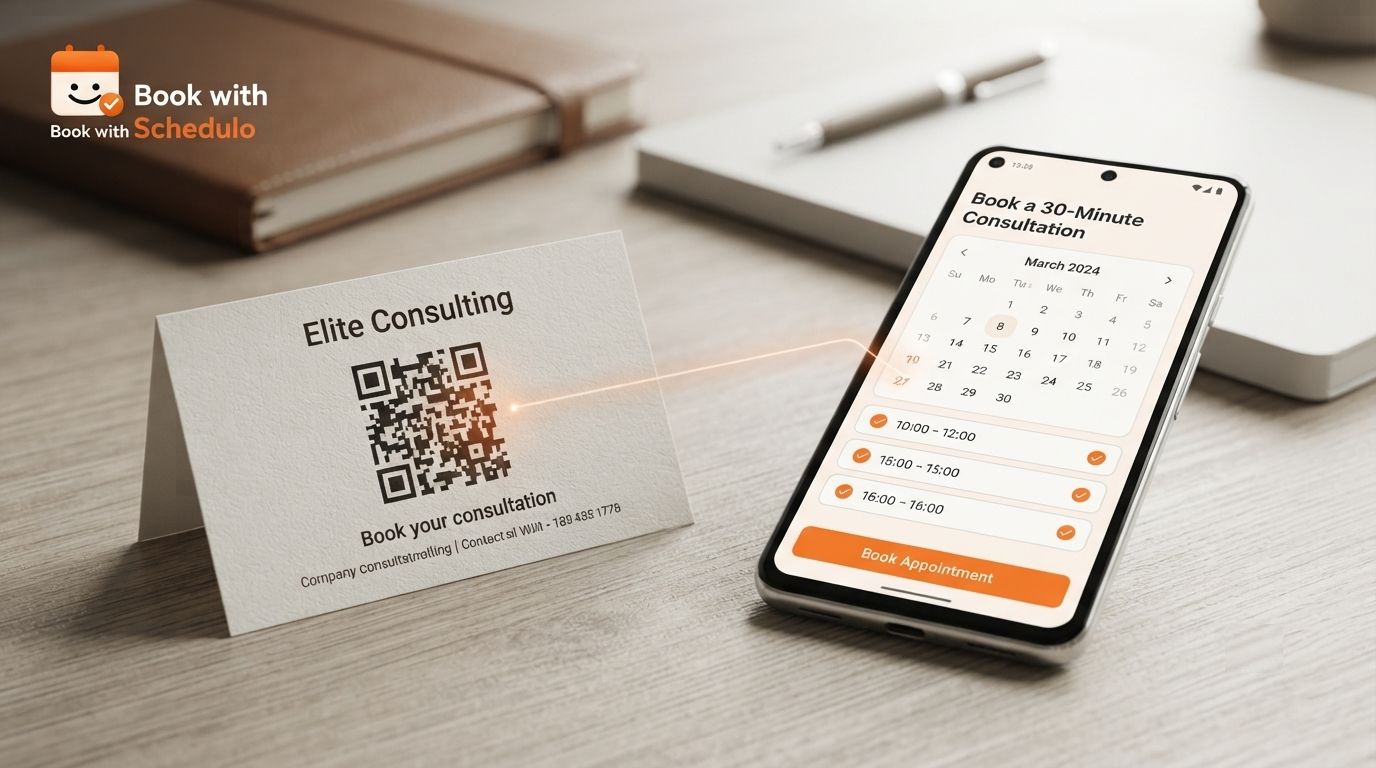
A consultant could put one on a business card.
A service provider could display one at the front desk.
The customer scans the code and lands directly on the relevant booking page.
Schedulo provides a unique QR code for each booking type. The QR code can be downloaded as a high-resolution PNG and used on printed materials or digital channels.
Learn more about QR-code booking with Schedulo.
A booking doesn't need much manual work after it is created
Once the booking is in place, most of the routine information already exists.
The customer has selected the service.
They've chosen the time.
The booking is on the calendar.
The confirmation has been sent.
The reminder can now be handled automatically.
That is really the useful part of appointment scheduling software. You aren't trying to automate the appointment itself. You're removing the small administrative jobs that surround it.
Without automation, somebody has to remember to check the calendar.
Somebody has to send the reminder.
Somebody has to make sure the right time was communicated.
Somebody may have to answer another message because the customer can't find the booking details.
With the right setup, most of that happens as part of the booking workflow.
What to do when no-shows continue
If customers are still missing appointments after you've introduced reminders, don't assume you need to send more messages.
Look at the bookings.
You may find that one service has a much higher no-show rate than another.
Perhaps people regularly miss free consultations but rarely miss paid sessions.
Perhaps appointments booked two or three weeks ahead are the problem, while next-day bookings are fine.
You might even find that one particular time of day has more missed appointments.
Those details are useful.
They tell you whether the problem is really the reminder or something else in the booking process.
For example, if customers frequently miss appointments because they booked them far in advance, changing the reminder timing could help more than simply sending additional messages.
Don't turn an appointment reminder into notification overload
Customers don't need six messages about the same appointment.
One confirmation and one useful reminder may be enough for many businesses.
Someone booking a long consultation may appreciate a reminder the day before. A customer booking something for the next morning might not need much more than the original confirmation.
The right approach depends on your service and your customers.
The reminder should feel like a useful nudge, not another notification they have to dismiss.
No-show reduction is only one benefit
The bigger benefit of improving your scheduling process is the amount of small administrative work that disappears.
Customers can book without asking when you're available.
Your calendar can stay synchronized.
Payments can be collected where required.
Booking links can be shared in different places.
QR codes can take people directly to a service.
Reminders can go out without someone manually checking tomorrow's appointments.
None of those things is particularly complicated.
The difference becomes noticeable when you're doing them repeatedly.
A freelancer handling five client calls a week may not think much about scheduling.
A consultant handling five calls a day will have a very different experience.
That's where an appointment scheduling system starts becoming useful rather than simply convenient.
A simple way to reduce avoidable no-shows
There will always be customers who can't make an appointment.
That's normal.
The more useful target is the customer who would have attended if they had remembered.
Automatic appointment reminders give you a way to reach that customer without adding another daily task to your schedule.
Combine that with an online booking page, accurate availability and a straightforward confirmation process, and the whole experience becomes easier to manage.
With Book With Schedulo, businesses can create booking pages, manage availability, synchronize calendars, collect payments, use QR-code booking and send automatic email and WhatsApp reminders.
For a business still handling appointments through a mixture of WhatsApp messages, spreadsheets and calendar entries, even a small amount of automation can remove a surprising amount of repetitive work.
The customer chooses a time.
The booking gets recorded.
The reminder goes out.
You deal with the customer when the appointment actually starts.
That's the part that matters.