How to Add Online Appointment Booking to Your Website


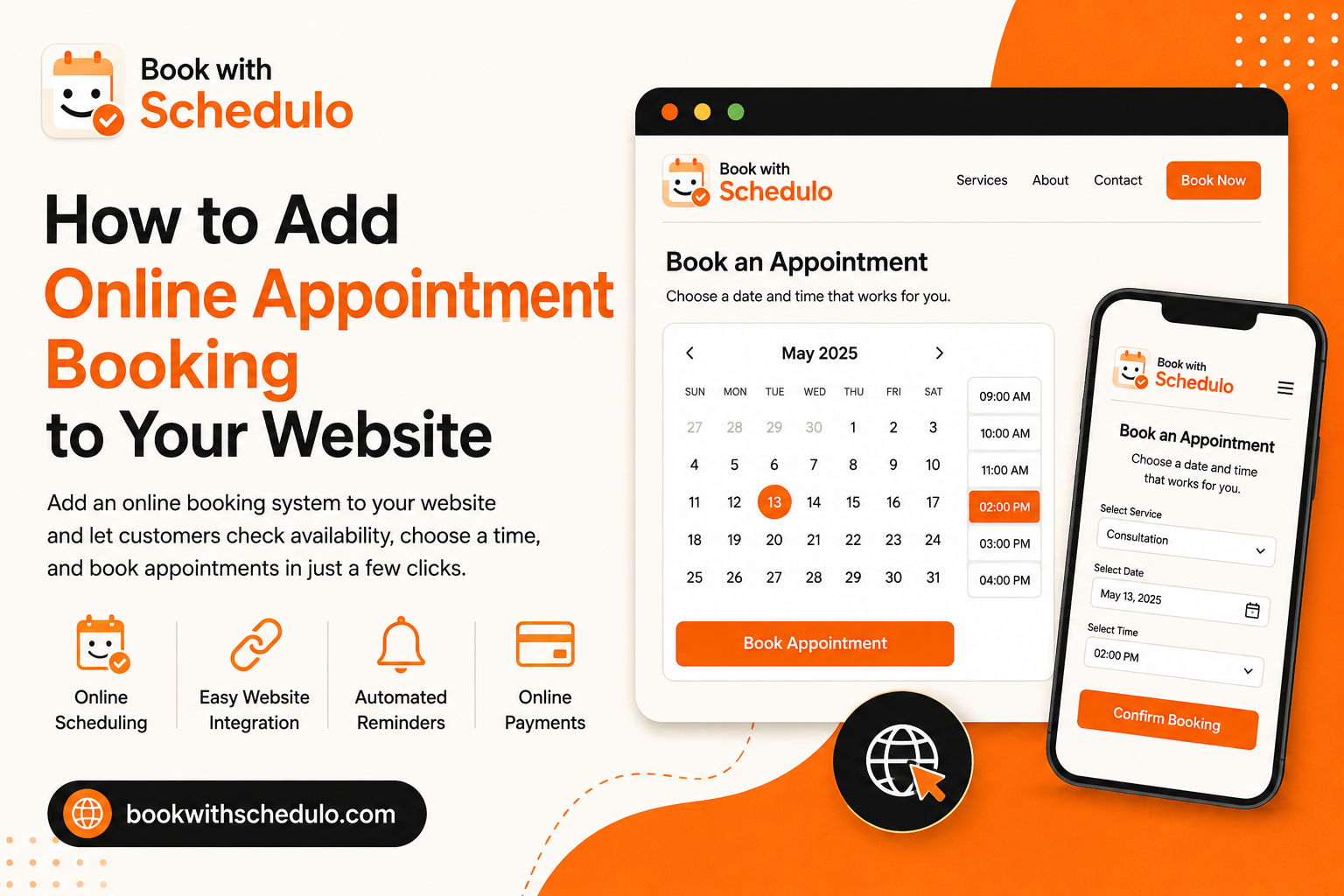
How to Add Online Appointment Booking to Your Website
There is a point in almost every service business where appointment scheduling starts becoming a little annoying.
Someone visits your website and wants to talk to you. They send an email.
Another person asks about your availability on WhatsApp.
Someone else calls while you're with a client.
Then you spend part of the day checking your calendar, suggesting times and waiting for people to confirm which one works.
None of this is particularly difficult. It is just repetitive.
That is where online appointment booking can make a difference. Instead of making every customer go through you to find a suitable time, your website can let them see your availability and book an appointment themselves.
You don't need to replace your existing website to do it. In many cases, adding an appointment booking system to your website is simply a matter of connecting a booking page and giving visitors an obvious way to reach it.
If you're using WordPress, there is an even easier option. And if you also meet customers offline, a QR code can bring them into the same booking process.
The trick is deciding which approach actually fits your business.
Start with the way your customers already book
Before looking at booking software, look at what happens today.
Suppose you run a consulting business. A potential client visits your website, reads about your services and decides they would like to have a conversation.
What do they do?
If the answer is “send an email and wait,” your website is doing most of the hard work but stopping just before the point where the visitor wants to take action.
A simple Book a Consultation button could change that.
The same idea works for a tutor, personal trainer, coach, salon, photographer, accountant or any other business where customers need to reserve a time.
The booking option doesn't have to dominate the website. It just needs to appear where it makes sense.
If someone is reading about your consulting service, that's a natural place for a booking option. If they're looking at your pricing page, they may already be close to making a decision. If they're on your contact page, they are obviously looking for a way to get in touch.
You don't have to make them figure out the next step themselves.
The simplest solution is often a booking button
You don't necessarily need an appointment calendar sitting on your homepage.
A Book Now button can be enough.
The button can take visitors to a dedicated booking page where they choose a service, see available times and complete the appointment.
This setup has a useful advantage: your main website stays focused on explaining your business.
Your homepage can introduce your services.
Your service pages can explain what you offer.
Your booking page can handle scheduling.
That separation often makes the website easier to understand.
The wording of the button matters too. “Contact Us” and “Book an Appointment” don't communicate the same thing.
The first one leaves the visitor wondering what happens next.
The second one gives them a clear expectation.
Book with Schedulo provides shareable booking pages and booking links, so a business can create a booking type and send visitors directly to the appropriate scheduling experience.
That can be particularly useful if you offer different types of appointments. A 15-minute introduction call doesn't have to lead to the same booking page as a paid one-hour consultation.
When an embedded booking calendar makes more sense
A booking button isn't always the best option.
If scheduling is one of the main things visitors come to your website to do, you may want the calendar to appear directly on the site.
A dedicated page such as:
yourwebsite.com/book
can contain a short explanation of the service followed by the booking calendar.
The visitor doesn't need to understand which scheduling platform you're using. They simply see the available times and make their choice.
This is particularly useful for businesses where the appointment itself is the product or an important part of the sales process.
A coaching business, for instance, might have a page explaining its consultation and then allow the visitor to choose a time immediately.
A salon could place booking alongside its list of services.
A tutor could have scheduling directly below the description of a lesson.
There is no rule saying the calendar has to appear on every page. In fact, I wouldn't recommend that. A booking calendar can make a page feel heavy if the visitor isn't ready to schedule yet.
A better approach is to use a dedicated booking page and link to it from the places where the customer is most likely to be ready.
This is also a common approach among established scheduling platforms. Calendly, for instance, provides inline scheduling as well as popup and button-based website integrations.
If your website is on WordPress, you have another option
WordPress changes the equation slightly because you don't have to manually figure out how to place the booking experience into your site.
A WordPress appointment booking plugin can handle that connection.
Book with Schedulo has a WordPress plugin that allows businesses to add their Schedulo booking experience to WordPress pages and posts.
It works with the Gutenberg editor and provides a dedicated block for adding booking. Shortcode support is also available for setups where that is more convenient.
Book with Schedulo WordPress Plugin
The process is fairly straightforward: install the plugin, connect your account, choose the booking type and add it to the page.
The more interesting question is what you do with it after installing it.
I wouldn't automatically create a page called “Booking” and leave it buried in your navigation.
Think about the pages people are already visiting.
If you offer consulting, put a booking option on the consulting page.
If you provide tutoring, make it available from the tutoring page.
If you're a freelancer, a visitor looking at your services should be able to move from understanding what you do to scheduling a conversation without having to hunt through the website.
The plugin makes the technical part easier. Good placement is still a website decision.
You don't have to keep your booking link on your website
Once you create an online booking page, it can be useful outside the website too.
This is particularly relevant for consultants, freelancers and other professionals who communicate with prospective customers directly.
Someone emails you asking about your availability.
You could reply with:
“I'm available Tuesday at 3, Wednesday at 11 or Thursday at 4. Which works for you?”
Then wait for the reply.
Or you can send your booking link.
The second approach lets the customer see your actual availability and choose for themselves.
The same link can be added to an email signature, LinkedIn profile, proposal, social profile or message.
This is why I wouldn't think of a booking page as simply a feature of your website. It is really a central place where appointments are managed, with different channels pointing toward it.
Your existing article on how to share your availability with Schedulo would make a useful internal link here because it takes the reader from website integration to another practical use of the booking link.
What if your customers aren't on your website?
This is where QR-code booking becomes interesting.
Imagine meeting someone at a networking event.
You explain what you do. They're interested and say they'd like to speak with you.
You could give them your website address and ask them to get in touch later.
Or your business card could have a QR code that takes them directly to your booking page.
They scan it, see the available times and book.
The website is still doing the actual scheduling. The QR code is simply removing the step of typing a URL.
Book with Schedulo provides QR codes for booking types, which can be used on business cards, brochures, posters, invoices and other physical or digital material.
Explore QR-code booking with Schedulo
This is useful for businesses that don't rely entirely on website traffic.
A consultant might use it on a business card.
A trainer could display it at a studio.
A workshop organizer could add it to printed material.
A salon could put one at reception.
It is a small feature, but it connects an offline interaction to the same online scheduling process.
What should happen once someone books?
This is where the choice of an appointment scheduling software starts to matter.
A calendar that lets someone pick a time is useful.
A system that takes care of everything around that appointment is much more useful.
Think about what happens after a customer chooses Thursday at 2 PM.
You want that appointment to appear on your calendar.
The customer should receive confirmation.
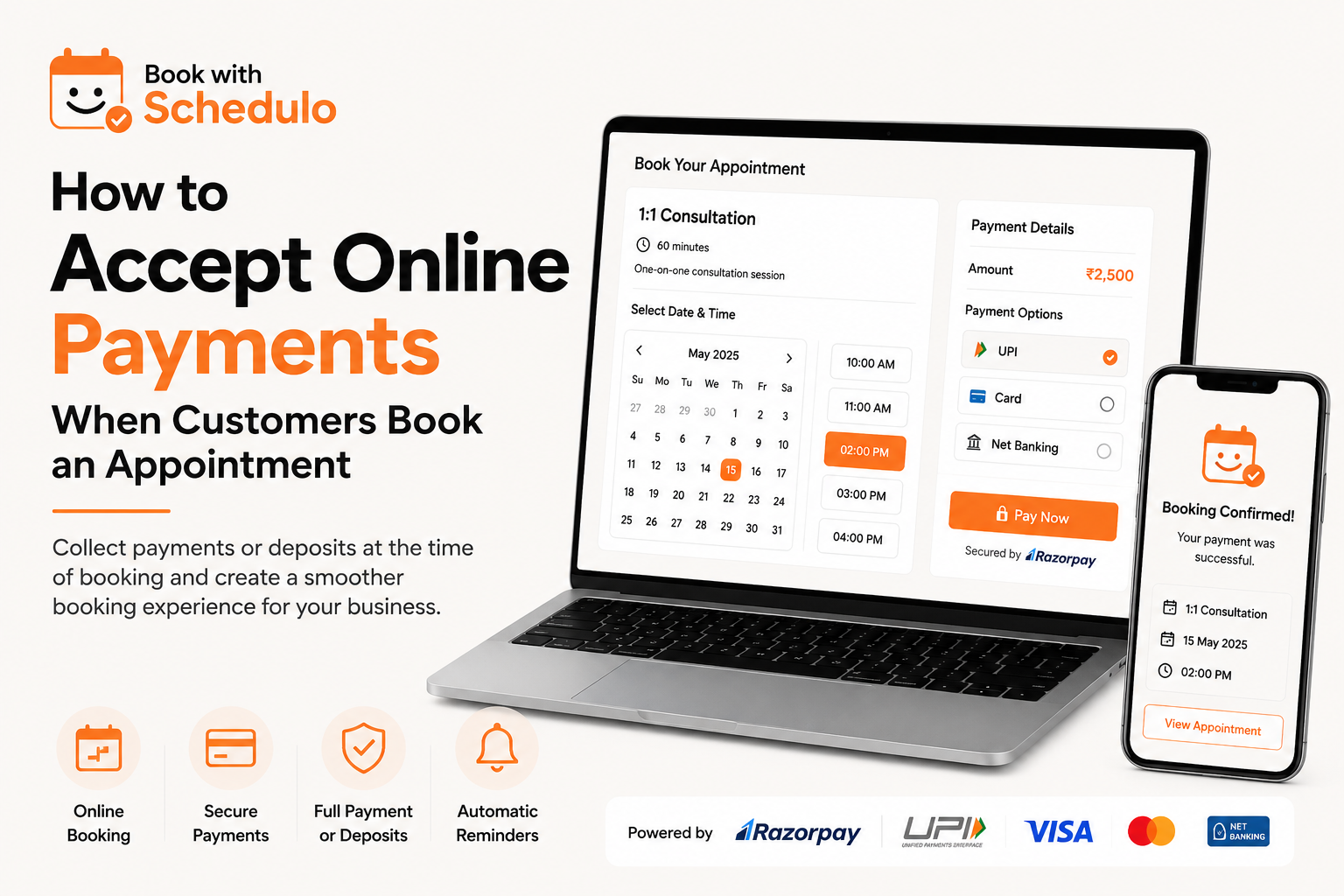
If it is a paid appointment, payment should be handled without requiring another conversation.
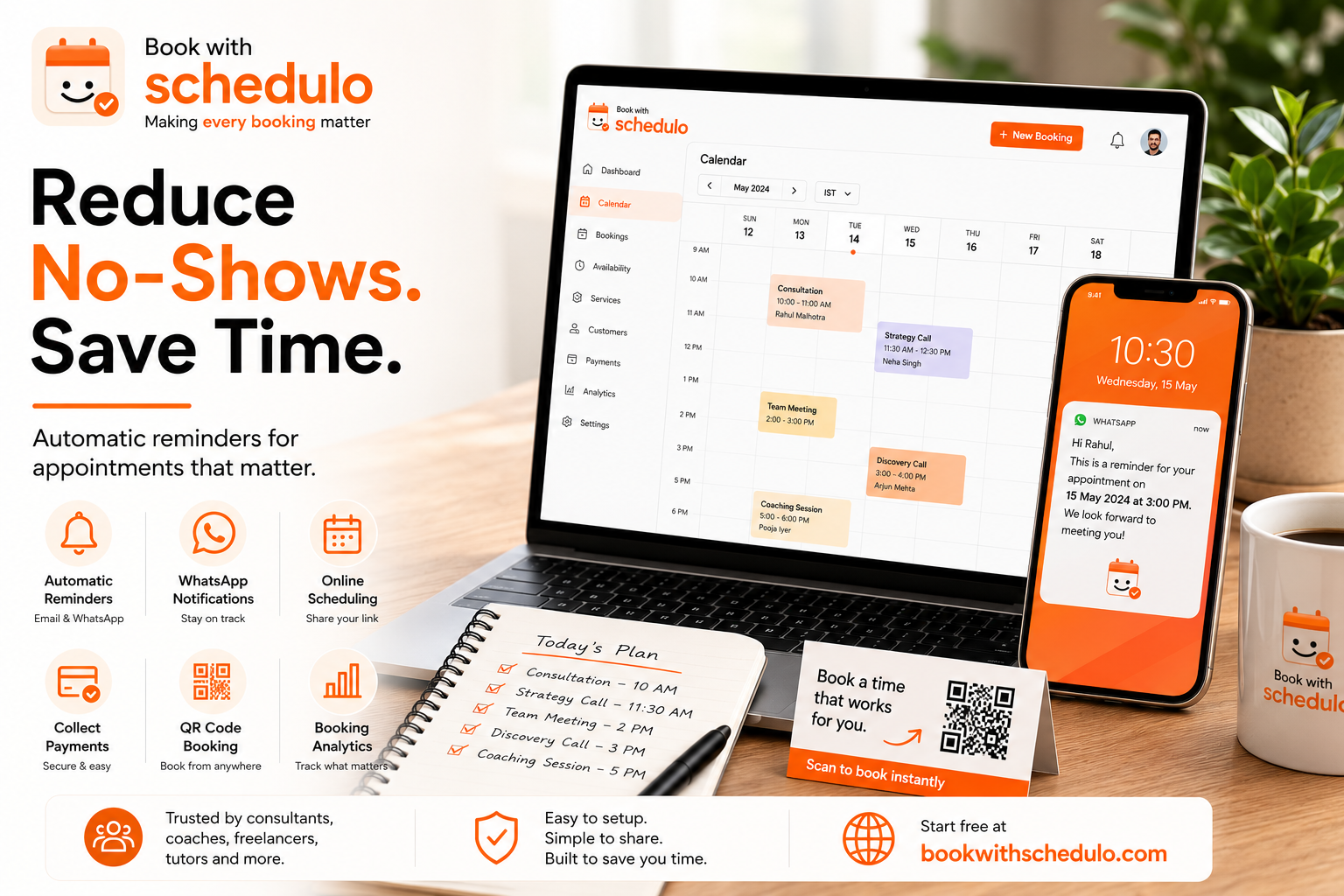
Before the appointment, the customer should receive a reminder.
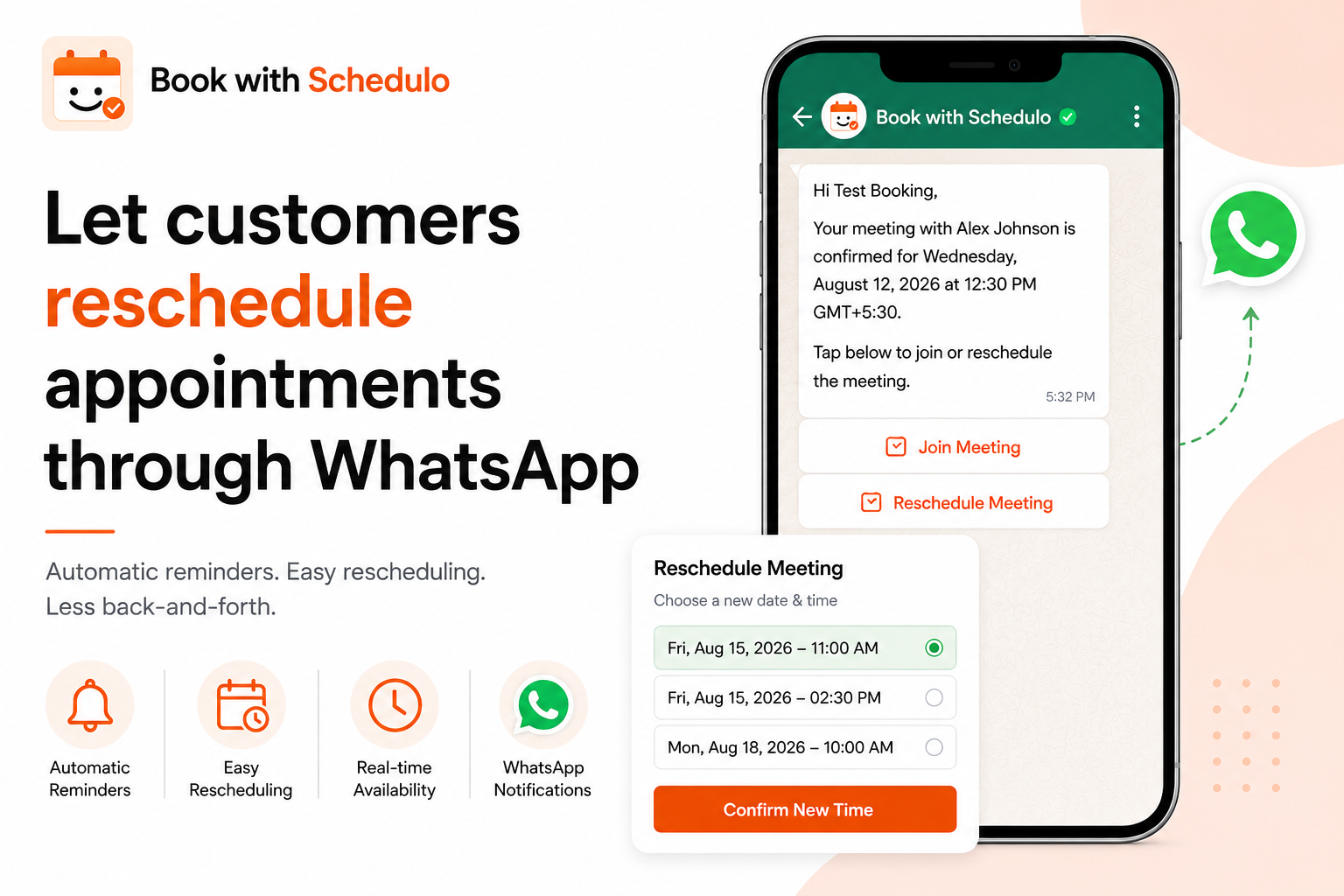
And if they suddenly can't make it, rescheduling shouldn't require you to manually rearrange the calendar.
These details aren't particularly exciting. They are, however, the things that determine whether scheduling software actually saves you time.
Book with Schedulo brings these pieces together with availability controls, calendar synchronization, booking pages, payments and automated reminders.
The customer doesn't need to create a Schedulo account simply to book an appointment.
That is worth considering when choosing an online booking system for your website. Every additional step between clicking “Book” and confirming an appointment is another opportunity for someone to give up.
Should customers pay when they book?
That depends entirely on what you're selling.
A free introductory call probably doesn't need payment.
A paid consultation might.
So might a coaching session, training appointment, class or professional service.
If payment makes sense for your business, collecting it during booking can simplify the process considerably.
Instead of:
Book → send payment details → wait for payment → confirm
you can have:
Choose a time → pay → confirmed
Book with Schedulo supports Razorpay payments, including UPI, cards and net banking.
For an Indian business, UPI support is particularly practical because customers are already familiar with paying this way.
But don't add payment just because the feature exists.
If your business works better with free discovery calls and payment later, keep it that way. The booking system should fit your process rather than forcing your process to fit the software.
Reminders are part of the booking experience
A customer can genuinely intend to attend an appointment and still forget about it.
That is why reminders are one of those features that become more valuable as your number of appointments grows.
You don't want to spend every morning looking through the next day's calendar and messaging people individually.
Book with Schedulo can send appointment confirmations and reminders by email. WhatsApp can also be used for appointment reminders and rescheduling notifications.
The important distinction is that the customer still books through the online booking page.
WhatsApp isn't replacing the booking calendar. It is being used to communicate with the customer after the appointment has been scheduled.
For businesses where customers already use WhatsApp regularly, that can make reminders more noticeable than relying on email alone.
What should you actually look for in an appointment booking system?
This is where I would avoid comparing platforms by counting how many features appear on their pricing page.
Start with the basic workflow.
Can you control when customers are allowed to book?
Can you prevent appointments from being placed too close together?
Can you connect your existing calendar?
Can you create different types of appointments?
Can customers reschedule?
Can you collect payment when needed?
Can you add the booking experience to your existing website?
Does it work on mobile?
And perhaps the most important question: can a new customer understand how to book without needing instructions from you?
That's a better test than simply asking how many features a platform has.
A booking system is doing its job when the customer doesn't have to think about the technology behind it.
They see a time.
They select it.
They confirm.
You get the appointment.
You don't need to rebuild your website
One of the misconceptions around adding online scheduling is that it requires a major website project.
Usually, it doesn't.
You can start with a single booking page and one button.
If you're using WordPress, you can add a booking plugin to the existing site.
If you have a custom website, you can use a booking link or embed.
If you get customers through offline channels, add a QR code.
There is no need to redesign your entire website simply because you want customers to schedule appointments online.
In fact, starting small is probably the better approach.
Put booking on your most important service page first.
See whether people use it.
Then expand it to other parts of the website if it makes sense.
A simple setup that works for most businesses
If you're starting from scratch, I'd keep the first version uncomplicated.
Create your booking page.
Add a Book Now button to your navigation.
Put a more specific booking CTA on the service pages where customers are most likely to schedule.
If you're using WordPress, add the Schedulo plugin instead of trying to build the booking functionality yourself.
Share the booking link in the places where customers already contact you.
If your business has an offline component, create a QR code and put it somewhere people will actually see it.
Then automate the repetitive parts: confirmations, reminders and, if appropriate, payment.
You can add more later.
The point of an online appointment booking website isn't to turn your website into a complicated software application. It is simply to remove an unnecessary conversation from the process.
If someone already knows they want to book, let them book.
If a customer wants Tuesday at 3 PM and that time is available, they shouldn't have to wait until you get back to them.
That's the real value of adding appointment scheduling to a website.
Not the calendar.
Not the button.
Not the plugin.
The time you get back.