QR Code Appointment Booking: How Businesses Can Turn Offline Visitors Into Online Bookings


You meet someone at an event. You have a good conversation, they are interested in your business, and before leaving, you hand them your business card.
Then what?
Maybe they save your number. Maybe they visit your website later. Maybe they send you a message when they have some free time.
Or maybe they get busy and forget.
This happens more often than businesses realize.
When someone is already interested, you don't always need to convince them again. Sometimes you just need to make it easier for them to take the next step.
That's where QR code appointment booking can help.
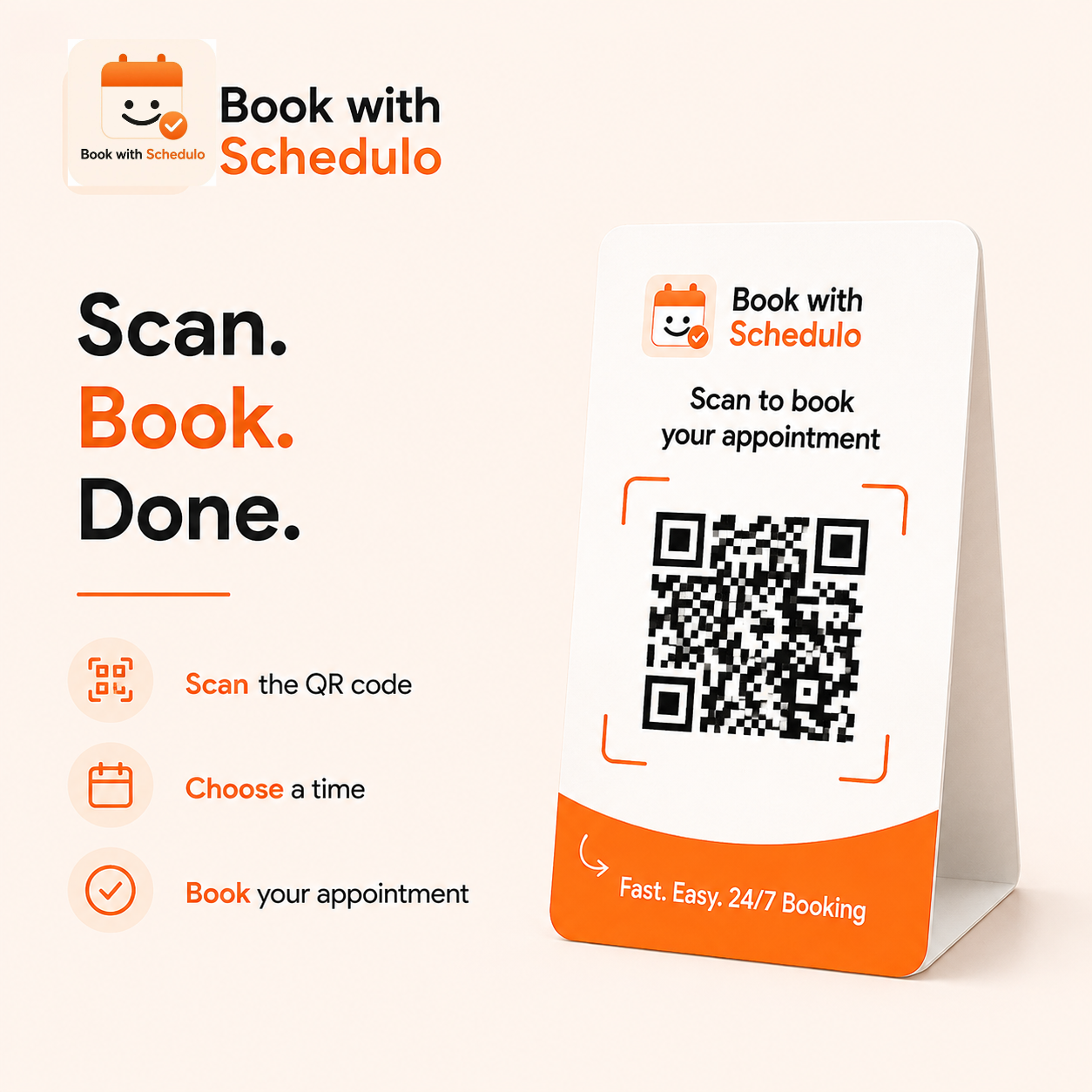
A customer can scan a code on your business card, brochure, invoice, or proposal and go directly to your booking page. From there, they can see your available times and choose one that suits them.
No searching for your website. No “When are you free?” messages. No unnecessary back-and-forth.
Just scan and book.
Turning an offline conversation into an online booking
Your booking calendar is probably online.
But not every customer discovers your business online.
They might meet you at a networking event. Someone may pick up your brochure. A potential client could receive your proposal. A customer may visit your office.
These are all opportunities to turn interest into an appointment.
The problem is the gap between the two.
Someone may be interested today but plan to look you up tomorrow. By tomorrow, they may have forgotten.
A QR code gives them a way to act while the conversation is still fresh.
For example, instead of ending a conversation with:
“Send me a message whenever you'd like to discuss it.”
you could say:
“If you'd like to discuss it, you can scan this and choose a time.”
It's a small difference, but the customer now has a clear next step.
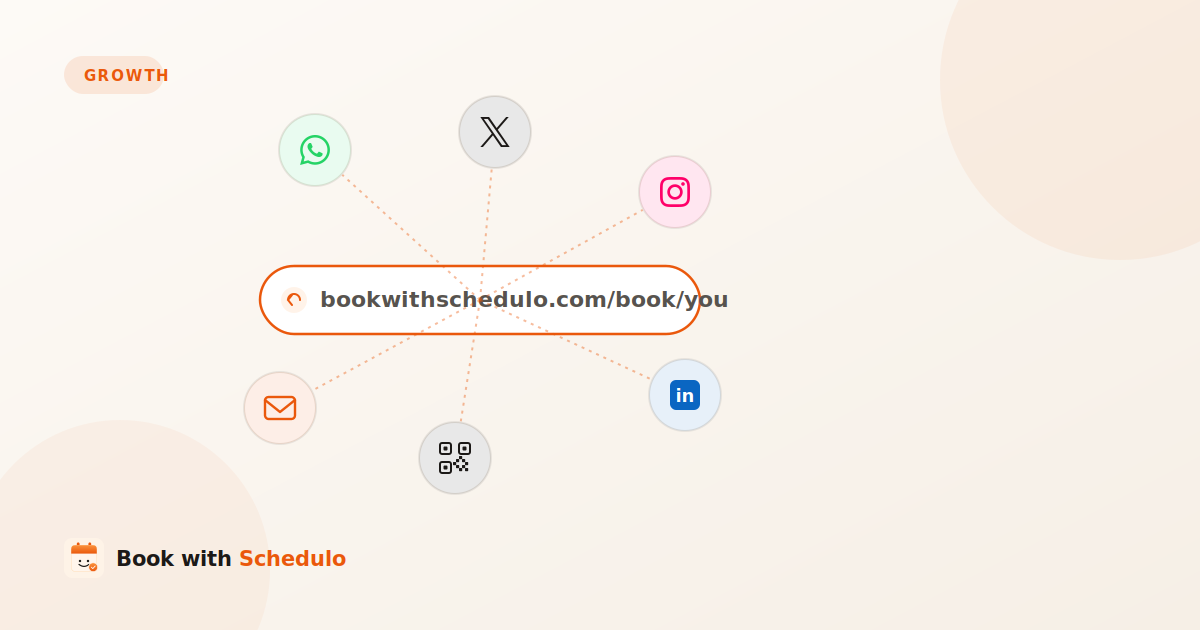
With Book with Schedulo, businesses can create booking types with individual links and downloadable QR codes for sharing online or on printed materials.
Your business card can do more than share your contact details
A typical business card has your name, company, phone number, email address and website.
All of that is useful.
But if your business depends on appointments, there is another piece of information worth adding:
Where can someone book time with you?
A simple message such as:
Want to discuss your project?
Scan to book a call.
can turn the card into a direct path to your calendar.
This can be particularly useful for consultants, freelancers, recruiters, coaches and other professionals who regularly meet potential clients.
The important part is to tell people what the QR code does. A code without any explanation is easy to ignore.
Your business card isn't the only place for a QR code
There are plenty of other points in the customer journey where a booking QR code can make sense.
Invoices
Consider a freelancer who has just completed a project.
A few weeks later, the client needs a follow-up call. Usually, that means another message:
“Are you free next week?”
Then comes the familiar exchange of days and times.
Adding a QR code to the invoice gives the client another option:
Need a follow-up? Scan to book a time.
Book with Schedulo supports QR-code booking on invoices and proposals, which can be useful for freelancers and service providers working with repeat clients.
Freelancer Scheduling Software
Proposals
A proposal can be another natural place for a booking QR code.
A prospect may have read everything but still have a few questions before making a decision. Rather than asking them to reply to an email and then finding a suitable time, you can give them a direct booking option.
For example:
Have questions about the proposal?
Book a quick call.
For consultants, booking links and QR codes can be shared through proposals, email signatures, LinkedIn and printed material.
Consultant Scheduling Software
Reception desks
A QR code can also be useful once someone has already become a customer.
Imagine a customer finishing an appointment and knowing they will need another one next month.
Instead of asking them to remember to call later, place a small sign at reception:
Book your next appointment — scan here.
They can take care of it before they leave.
This can work well for salons, coaches, tutors, consultants and other businesses where customers return regularly.
Events and networking
Events are another good opportunity.
You may speak with dozens of people at a conference, but only a few may genuinely want to continue the conversation.
Those people don't need another complicated step.
They can scan your business card, open your booking page and choose a time when they're ready.
The QR code isn't replacing the conversation. It simply gives that conversation somewhere to go.
One QR code doesn't have to handle every appointment
Not every meeting you offer is the same.
You might have a 15-minute introduction, a 30-minute consultation and a longer strategy session.
Sending everyone to the same page can leave customers wondering which option they should choose.
A better approach is to match the booking option to the situation.
Someone who meets you at an event might only need an introductory call.
Someone who has received a proposal may be ready for a longer consultation.
Book with Schedulo allows each booking type to have its own link and downloadable QR code.
So you can use one QR code on your business card and a different one on your proposal.
The customer lands where you want them to land instead of having to work it out themselves.
What happens after someone scans?
The QR code gets people to your booking page, but that's not the end of the experience.
The page itself needs to be easy to understand.
A customer should be able to quickly see what they're booking, how long it takes and which times are available.
They shouldn't have to search through your website first.
And because QR codes are normally scanned from a phone, the booking experience needs to work well on mobile.
With Book with Schedulo, customers can choose an available time and complete their booking without downloading an app or creating a Schedulo account.
That's important because removing one obstacle doesn't help much if another one appears immediately afterward.
What happens once the appointment is booked?
Getting an appointment onto the calendar is only part of the process.
The customer also needs to remember it.
Book with Schedulo can send booking confirmations and reminders automatically, including email and WhatsApp notifications.
The process can therefore look something like:
Scan → Choose a time → Book → Confirmation → Reminder → Appointment
You don't have to manually message every customer just to confirm that the appointment still exists.
For businesses that charge for their time, payment or deposits can also be collected during booking through Razorpay on supported setups.
So the QR code starts the process, while the scheduling system handles what comes afterward.
When a QR code may not be the best option
A QR code isn't automatically useful for every customer.
If someone doesn't know which service they need, sending them straight to a calendar may create more confusion than it solves.
They may need a conversation first.
They may need a quotation.
They may simply have a few questions.
In those situations, a phone number, email address or contact form might be more appropriate.
QR code appointment booking works best when someone already knows they want to speak with you and the main question is when.
That's the point at which removing a few steps can make a real difference.
Start small
You don't need to add QR codes to everything at once.
Start with one place where people already show interest in your business.
If you attend networking events, try your business card.
If you regularly send proposals, add one there.
If you work with returning clients, test it on your invoices.
If customers visit your physical location, put one at reception.
And test it yourself before you print anything.
Scan the code from your phone. Open the booking page. Make a test booking. Check the confirmation.
It takes a few minutes, and it can save you from discovering a problem after hundreds of business cards or brochures have already been printed.
The QR code isn't really the point
The technology isn't what customers care about.
They care about how easy it is to book with you.
Someone meets you.
They're interested.
They want to continue the conversation.
If they have to remember your name, find your website, locate your booking page and then start another conversation about your availability, there are several points where that interest can disappear.
A QR code removes some of that work.
They scan your card.
They see your available times.
They choose one.
The appointment is booked.
That's the real value of QR code appointment booking.
It connects something physical — a business card, invoice, proposal, brochure or sign — with something digital: your booking calendar.
You don't need every person who sees your QR code to book.
You just need to make it easier for the people who are already interested.
Sometimes improving the booking experience isn't about adding another feature. It's about removing one unnecessary step.