QR Code vs Booking Link: Which Is Better for Getting Appointments?


QR Code vs Booking Link: Which Is Better for Getting Appointments?
There are plenty of ways to put a booking page in front of a customer.
You can send the link in an email.
You can add a Book Now button to your website.
You can drop it into a WhatsApp conversation.
Or, when the customer is standing in front of you with a business card in their hand, you can let them scan a QR code.
That last one is where the question usually starts:
QR code vs booking link — which is better?
Neither one is automatically better.
They solve the same basic problem in different situations.
A booking link makes sense when the person is already looking at a screen. A QR code becomes useful when the booking opportunity starts with something physical.
The destination can be exactly the same.
With Book with Schedulo, every booking type has its own shareable booking link and its own QR code, so there is no need to create separate appointment systems just because customers reach you in different ways.
That makes the decision much less about choosing a “winner” and more about choosing the right entry point.
Think about where the customer is
This is the easiest way to make the decision.
Picture someone reading an email from you.
They are already online.
You send:
Here are my available times: [booking link]
They click.
There is really nothing else to solve.
Now picture a different situation.
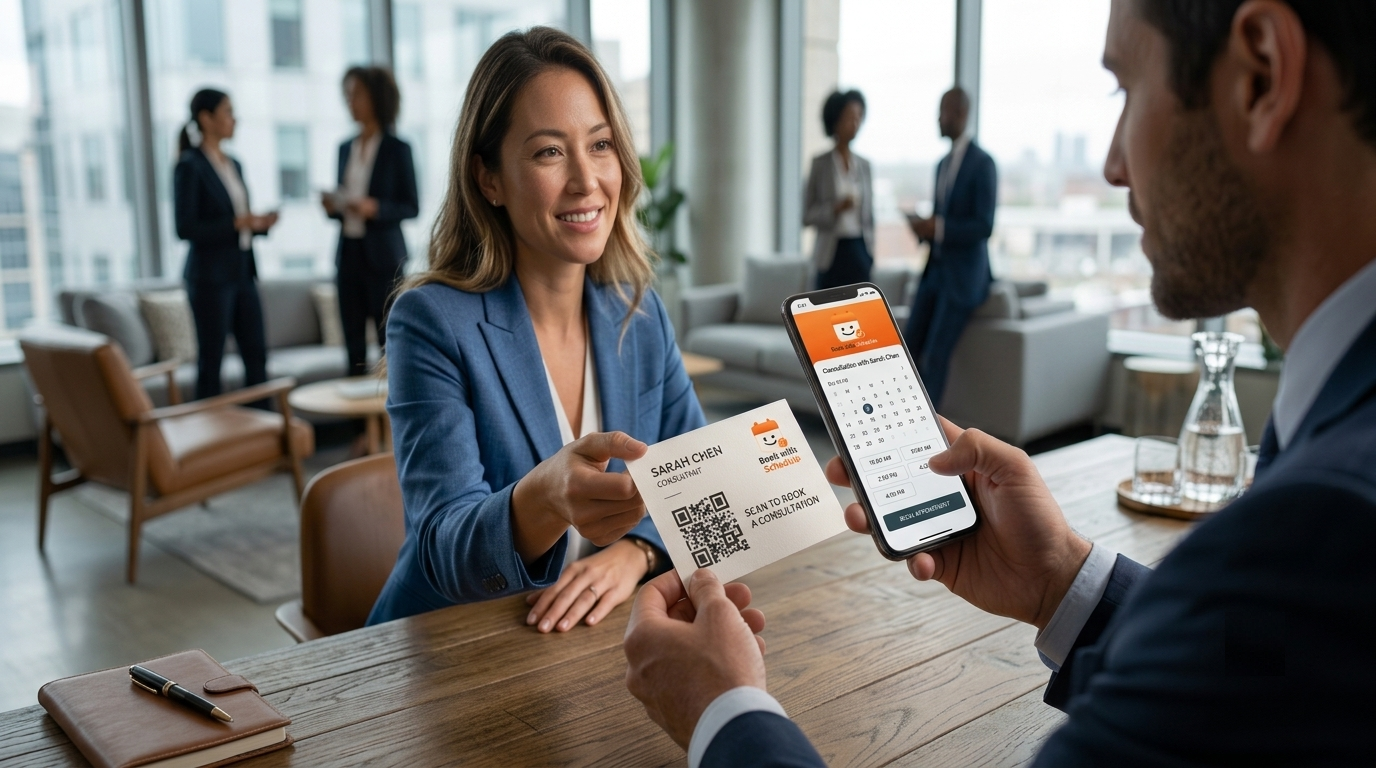
You're at a networking event and someone asks how they can book a consultation. You hand them a business card.
There is no clickable link on a piece of paper.
You could write your website address and ask them to type it later.
Or you could put:
Scan to book a consultation
next to a QR code.
They take out their phone.
Scan.
The booking page opens.
The second situation is exactly why QR codes are useful.
The first is why booking links are useful.
A quick comparison
| Where the customer is | Better choice |
|---|---|
| Business card | QR code |
| Booking link | |
| Booking link | |
| Website | Booking link |
| Brochure | QR code |
| Printed invoice | QR code or link |
| Networking event | QR code |
| Booking link |
There is some overlap.
A printed invoice can contain both.
A desktop website can show a QR for people who want to continue on their phone.
A brochure can contain a short URL underneath the QR.
So this isn't a set of rules that says one format can never appear in the other's territory.
It's just a useful starting point.
Why a link works so well online
A booking link has one major advantage: it is already clickable.
That sounds almost too obvious to mention, but it is the reason links continue to be the better choice for most digital channels.
Take email.
You have already reached the customer.
They are reading your message.
The natural next step is a link.
The same applies to LinkedIn.
Someone reads your profile or post and decides they want to talk. A booking link gives them something they can tap.
WhatsApp is even more straightforward.
If you're already having a conversation in WhatsApp, the customer is on their phone. Send the booking link in the conversation.
A QR image would make them scan a screen with the same device they are holding.
There is no benefit in adding that extra step.
This is one reason the broader guide on adding online appointment booking to a website focuses on booking links, buttons and booking pages for the digital side of the customer journey.
The person is already online.
Let them stay there.
A website is usually a booking-link environment
The same principle applies to your website.
Someone visits your service page.
They read about what you do.
They decide they are interested.
A button says:
Book a Consultation
They click it.
That is a very short journey.
Putting a QR code next to the button isn't necessarily wrong. It just isn't doing much for the person who is already browsing on their phone.
The clickable option should normally be the main one.
A QR can still have a reason to exist on a website. Someone might see the page on a computer and prefer to complete the booking on their phone.
But that is a secondary use.
The person on mobile should not have to scan their own screen.
This is also why the WordPress appointment booking button guide makes sense as a related piece. If someone is already on your WordPress site and ready to schedule, a button is usually the most direct route.
Then the customer is holding a business card
Now the situation changes completely.
A business card is physical.
It cannot be clicked.
Someone has to remember the website, type it into a browser and find the booking page later.
Or you can put the booking destination behind a QR.
That removes the typing.
More importantly, it removes the need to remember.
Imagine you're a consultant at an event.
Someone says:
“I'd like to talk more about this next week.”
You hand them a card.
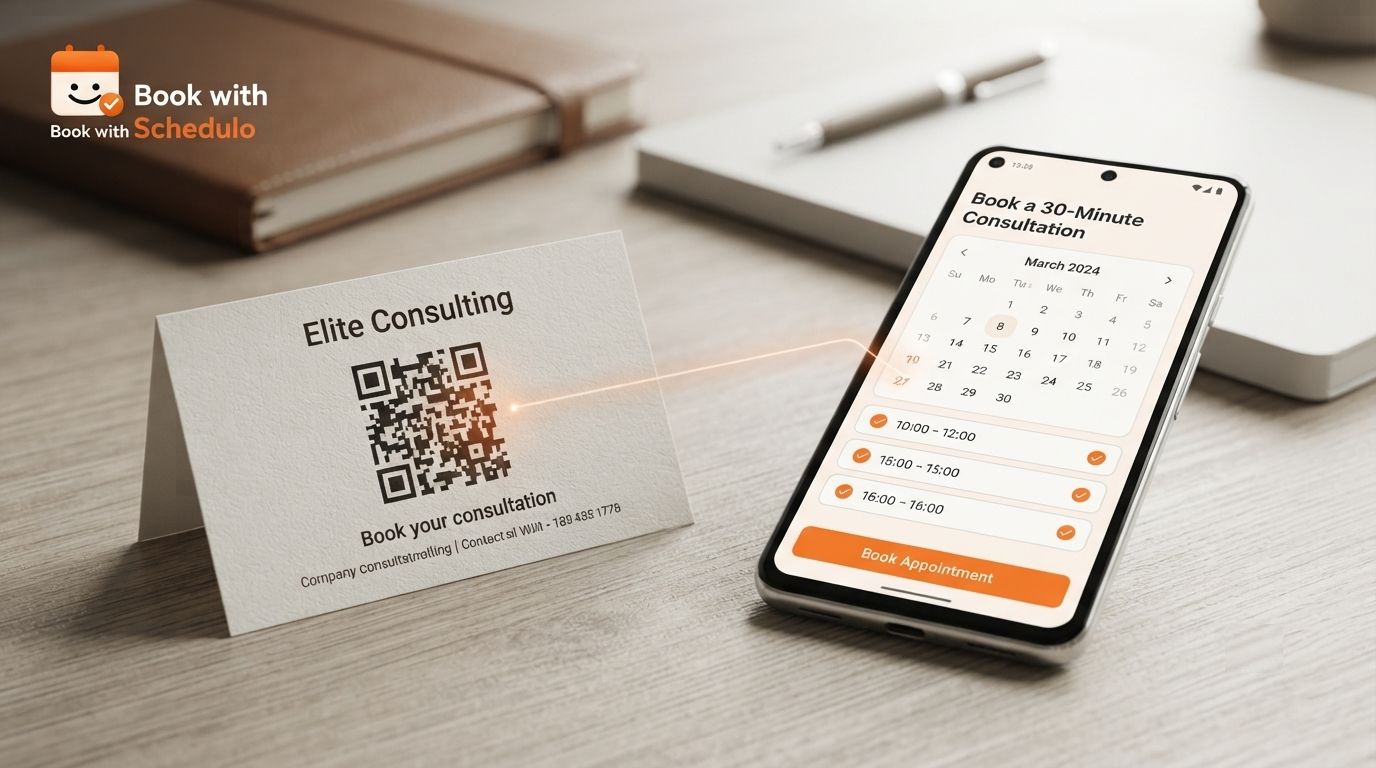
On the card:
Want to continue the conversation?
Scan to book a consultation
They scan.
The appointment page opens.
You haven't guaranteed that they will book.
You have simply made it easier for the person who already wants to.
Book with Schedulo's current QR workflow gives each booking type its own QR code, so the code can lead directly to the appointment you want rather than dropping the customer on your homepage. ([bookwithschedulo.com](https://www.bookwithschedulo.com/qr-code-booking-software))
That's a much better reason to use a QR than “QR codes are modern.”
Brochures have the same advantage
A brochure might explain your services beautifully.
It still can't be clicked.
Suppose a coach gives someone a brochure after explaining a new program.
The last page could say:
Interested? Scan to book an introductory session.
The person doesn't have to write down a website.
They don't need to remember the company name.
They can scan while the brochure is still in front of them.
That's a small difference, but it's exactly the kind of friction a QR code is good at removing.
The same idea works for posters, reception signs, flyers and printed proposals.
The Book with Schedulo QR Code Booking Software page is designed for those physical-to-digital situations, with a QR tied to each booking type.
What about an invoice?
This depends on how the invoice reaches the customer.
A digital invoice?
Use a link.
A printed invoice?
A QR becomes much more interesting.
A freelancer could add:
Need another project call? Scan to book.
A consultant could use:
Questions after delivery? Scan to schedule.
It turns the invoice into another opportunity to make the next appointment easy.
That doesn't mean every invoice needs a QR.
It just means printed material has a problem that links alone can't solve very well.
The customer can't tap paper.
They can scan it.
Events are one of the strongest QR use cases
This is probably the situation where the difference is easiest to feel.
Networking is full of unfinished conversations.
You meet someone.
They ask what you do.
You discuss a possible project.
You exchange contact details.
Then you both move on to the next conversation.
A QR on the card gives the interested person a way to continue without another step.
It is especially useful when there is a natural call to action:
Scan to book a 30-minute consultation
rather than simply:
Visit our website
The first one tells the customer exactly what to do.
The second one sends them back into the general website journey.
That distinction matters because QR codes work best when the destination is specific.
Our existing article on QR code appointment booking covers the broader use cases for business cards, proposals, reception areas and events. This article is narrower: deciding when the QR is actually more useful than the ordinary booking link.
Why LinkedIn is different again
LinkedIn is almost entirely a link environment.
A person reading your profile is already online.
A person reading your post is already online.
A person replying to your message is already online.
Give them a link.
For example:
Interested in discussing your project? Book a time here: [booking link]
That is enough.
A QR image can technically be included in a post, but it creates an unnecessary problem for anyone viewing the post on a phone.
How are they supposed to scan it?
They could use another device.
They could save the image.
They could open LinkedIn on a computer.
All of that is less convenient than tapping a link.
So for LinkedIn, I would choose the link almost every time.
WhatsApp is similar, even though it often starts from an offline conversation
Someone might meet you in person and later message you on WhatsApp.
At that point, the QR has already done its job if they originally received it on a card.
But once the conversation is happening in WhatsApp, switch back to the link.
Send:
Here are my available times:
[booking link]
The channel has changed.
The best distribution format changes with it.
That is an important distinction because QR codes are sometimes treated as though they should replace every other booking method.
They shouldn't.
Use the format that fits the moment.
The appointment doesn't change just because the format does
This is one of the useful things about having both options available.
Imagine you have a booking type called:
30-Minute Consultation
You can use that one appointment in several places.
On your website, it can sit behind a Book a Consultation button.
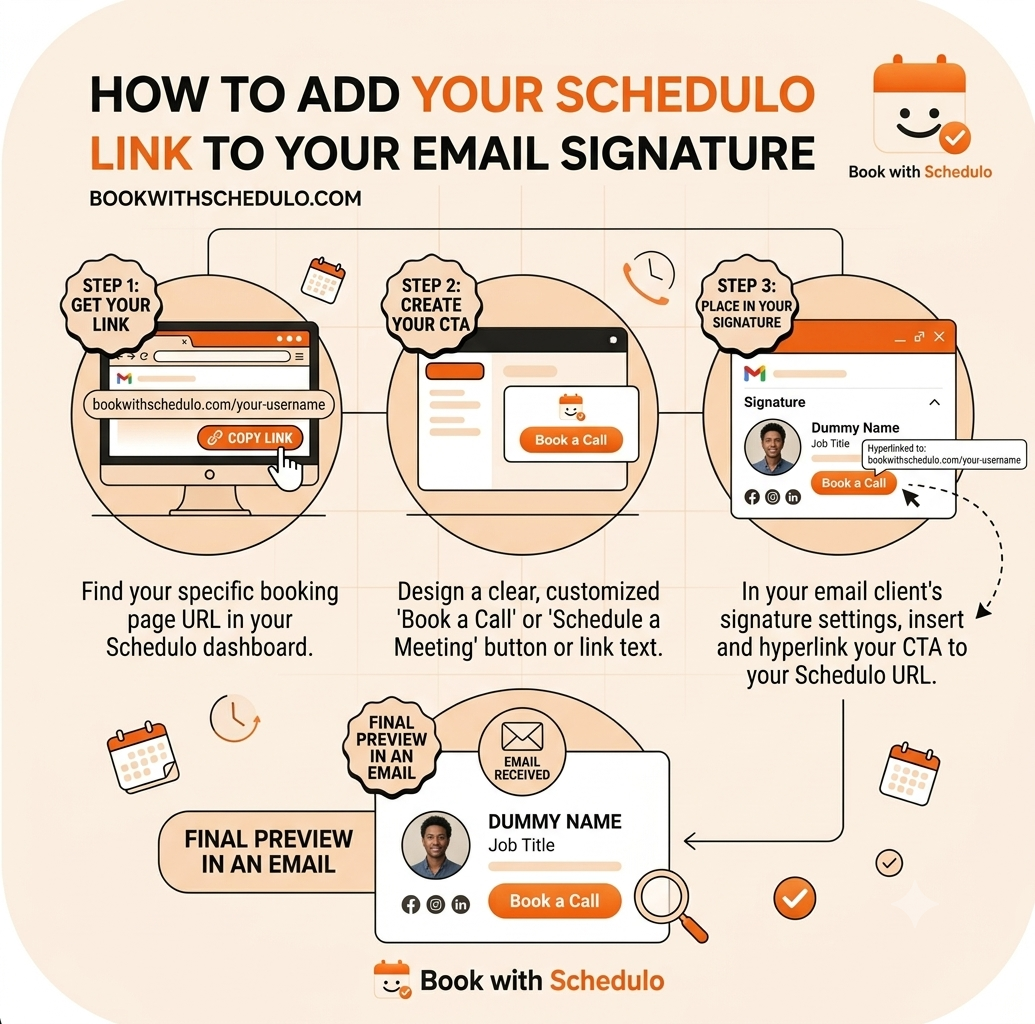
In your email signature, it can be a direct booking link.
In WhatsApp, it can be the link you send to a prospect.
On your business card, the same booking type can have a QR code.
On a printed proposal, you can use the QR again.
The appointment itself stays the same.
Your availability stays the same.
Your booking page stays the same.
Only the way the customer enters changes.
That's one of the strengths of Book with Schedulo's setup: each booking type has both a shareable link and a QR, so digital and physical distribution can point to the same destination.
What if you want both?
There is nothing wrong with putting both a QR and a link on printed material.
In some situations, it's actually useful.
A business card could have:
Scan to book a consultation
[QR]
bookwithschedulo.com/book/your-name
The QR is convenient.
The URL is a fallback.
A proposal could do the same.
The printed QR handles the person who wants to scan immediately.
The short URL helps someone who prefers typing it later.
You don't need both everywhere.
But you also don't need to treat the choice as permanent.
The booking page matters more than the entry method
This is where both options eventually meet.
Someone clicks.
Someone scans.
Either way, they reach the booking page.
That's the part that needs to work.
The customer should understand the appointment.
They should see your real availability.
The page should be comfortable on a phone.
If you're collecting payment, that step should be clear.
If they need to reschedule later, they should know how.
Book with Schedulo's current client flow lets customers open the booking page, see available times and complete the booking without creating a Schedulo account or installing an app.
That applies whether they arrived from a QR or a link.
Don't use a QR where a link is easier
This is probably the most important warning in the whole comparison.
Just because you have QR codes available does not mean every piece of marketing material needs one.
An email with a giant QR image is usually worse than a simple link.
A WhatsApp message with a QR image is unnecessary.
A WordPress page with a Book Now button shouldn't force people to scan another screen.
A LinkedIn post is better with a clickable destination.
In each of those cases, the customer is already online.
Let them click.
The QR earns its place when the customer is offline or looking at something physical.
Don't use a link where a QR removes a real step
The reverse is also true.
If someone is standing at your reception desk, looking at a printed sign, they shouldn't have to type a long URL.
If they're holding your business card, don't assume they'll remember the website later.
If they're looking at your printed brochure at an event, don't make them write down your domain.
If the physical material is already in front of them, a QR can be the shorter path.
That's what it is really solving.
Not a technology problem.
A distribution problem.
The choice can change from one customer touchpoint to another
This is where businesses sometimes overthink things.
They ask:
“Should our company use QR codes or booking links?”
You don't need a company-wide answer.
You can have:
Website: link
Email: link
WhatsApp: link
LinkedIn: link
Business card: QR
Brochure: QR
Conference booth: QR
Printed proposal: QR + link
Printed invoice: QR + link
That isn't inconsistent.
It's adapting to the channel.
A person on LinkedIn is in a different situation from a person holding a business card.
The booking system doesn't need to care.
The distribution layer does.
One booking page can support all of this
That is why I wouldn't think of QR and booking links as separate products.
They are two paths to the same destination.
If the appointment is:
30-Minute Consultation
then that's the thing you are trying to distribute.
The link is one way to distribute it.
The QR is another.
A button is another.
A WhatsApp message is another.
A business card is simply a physical container for one of those paths.
Once you look at it this way, the comparison becomes much easier.
You are not deciding which technology will run your booking system.
You are deciding which format will make it easiest for a particular customer to reach the booking page.
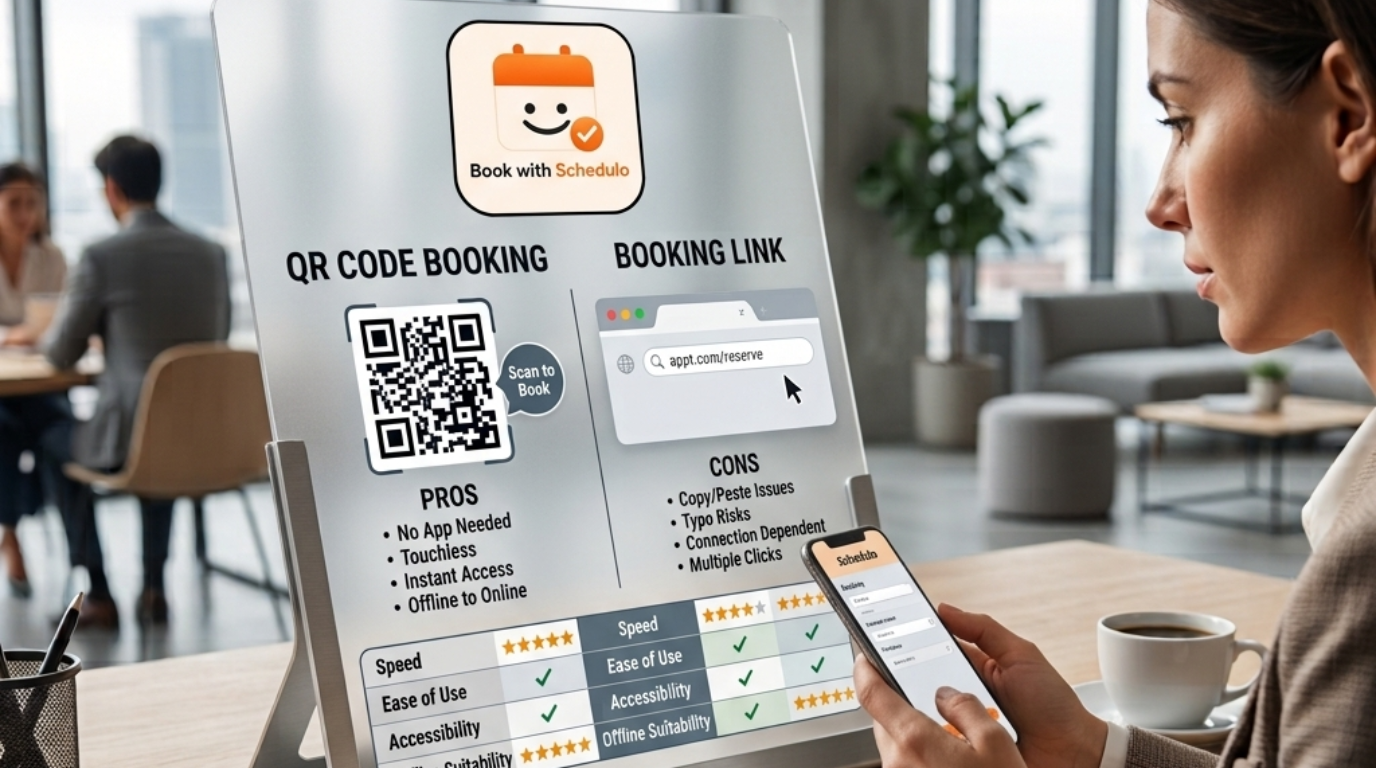
So which is better?
For digital channels, booking links are usually better.
They are immediate.
They are clickable.
They work naturally in email, websites, WhatsApp, LinkedIn and digital documents.
A person is already looking at a screen, so a tap is the shortest path.
For physical channels, QR codes are usually better.
They turn a printed card, brochure, poster, invoice or event display into something that can send a customer directly to the booking page.
And there is a middle ground.
A QR can work on a desktop website if you want someone to continue on their phone.
A printed invoice can include a URL as a backup.
A proposal can contain both.
There is no reason to make the choice more rigid than the customer journey requires.
The practical rule
Here is the rule I'd use:
If the customer is looking at a screen, give them a link.
If the customer is looking at something physical, consider a QR code.
Not every situation needs to follow that exactly.
But it covers most of them.
The QR is not replacing the booking link.
The booking link is not making the QR unnecessary.
They are two ways of opening the same door.
And that is probably the most important takeaway from the whole QR code vs booking link comparison.
You do not need to pick a winner.
You need to make sure the right customer can reach the right booking page with as little unnecessary effort as possible.
With Book with Schedulo, each booking type already gives you both a shareable booking link and its own QR, so you can use the link where people are online and the QR where they are offline.
For businesses that want to put the QR on physical material, see the practical guide to putting an appointment QR code on a business card.
For WordPress sites, the appointment booking button guide shows how the same booking experience can be presented as a website button.
The important part is not whether the customer clicks or scans.
It's whether they can get to the right appointment without having to work for it.