A Booking System for Personal Trainers: How to Let Clients Schedule Training Sessions Online


A client messages you at 7 in the morning asking whether you can fit in a training session tomorrow. You reply with two possible times. They ask about the evening instead. By the time you both agree, you've already spent several messages arranging something that could have taken a minute.
Now imagine doing that with ten or fifteen clients every week, while also trying to plan workouts, track progress, and run your business.
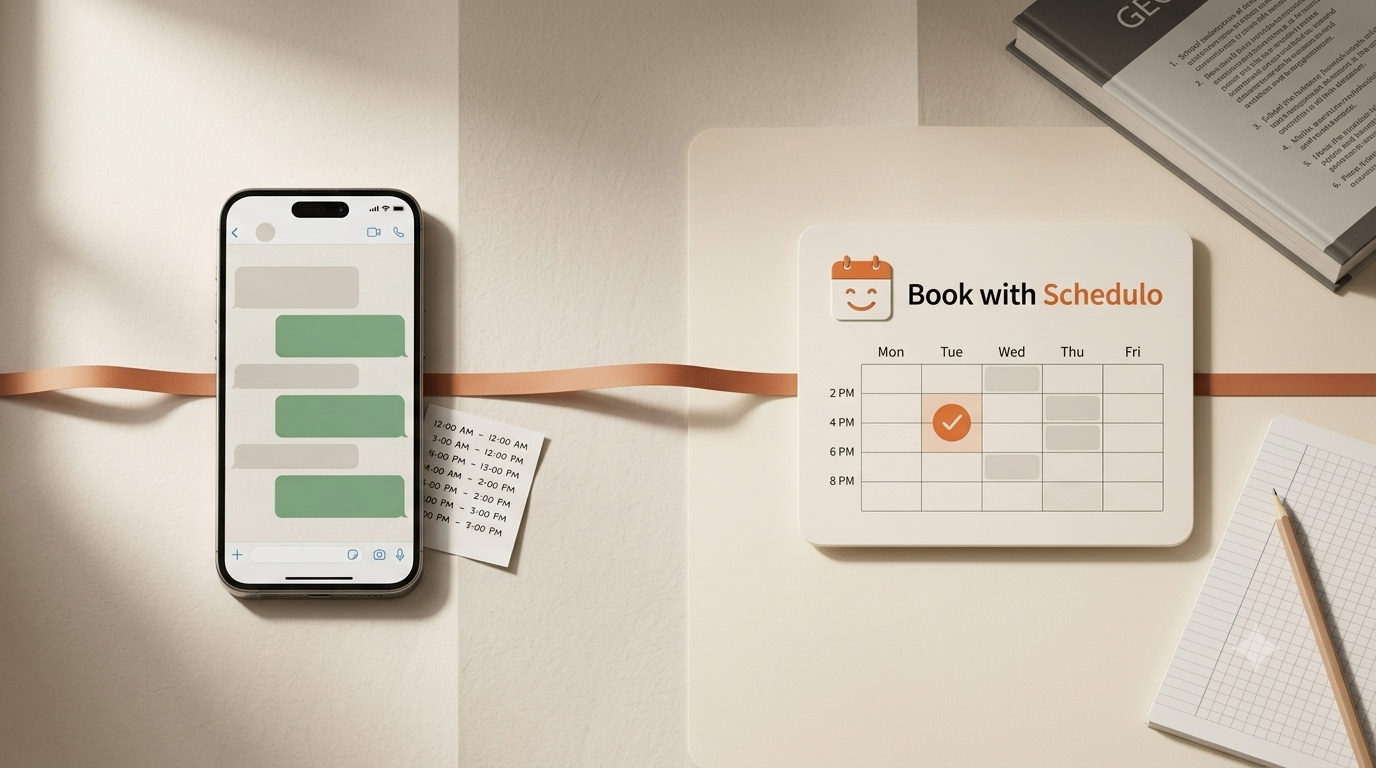
For an independent trainer, fitness booking software can take that repetitive scheduling work off your plate. Clients visit your booking page, see the times you've made available, and choose a suitable slot themselves. You still control your working hours. You simply don't have to negotiate every appointment through WhatsApp or text messages.
Why personal trainers end up spending so much time scheduling
The difficulty isn't necessarily finding a time for one client. It's keeping track of everyone's arrangements as the week changes.
One client prefers early mornings. Another can only train after work. Someone wants to move a Wednesday session to Friday, but Friday is already looking busy. And if you keep some time aside for your own workout or programme preparation, that time shouldn't accidentally become available for a client booking.
A personal trainer booking system gives you a more organised way to handle these decisions. You set the hours you want to offer and the length of your sessions. Clients choose from those available times rather than asking you to suggest a fresh list each time.
It also gives you one place to check upcoming appointments instead of relying on old messages to remember what was agreed.
Keep your introductory consultation separate from training sessions
Someone enquiring about personal training is not quite the same as a client who already trains with you every week.
A new prospect might want to discuss their goals, previous training experience, schedule, and what they hope to achieve. You might need only 15 or 20 minutes for this initial conversation. An actual training appointment needs a different amount of time and a clearer purpose.
Giving both meetings the same booking option can cause confusion. Someone might book a full training slot when they only wanted to ask a few questions, or choose a short introduction when they actually need a proper session.
When your plan supports multiple booking types, create distinct options such as:
- Introductory consultation: a short conversation for someone considering personal training.
- One-to-one training session: the normal appointment for an existing or new client.
- Extended training session: a longer appointment if you regularly offer sessions that need extra time.
Use descriptions that tell people what each appointment is for. There's no need to make the booking page complicated. A client should be able to recognise the right option without messaging you to ask which one they should choose.
There is one plan detail worth knowing before setting this up: Book with Schedulo's free plan includes one booking type and up to 50 bookings per month. You can start with your main one-to-one session and consider a plan with additional booking types when you need separate links for consultations and other appointments.
Set your available training hours before sharing the link
A booking page is only useful when the times shown are times you actually want to work.
Suppose you train clients from 6:30 to 10:00 in the morning, take a break, and resume sessions from 4:00 to 8:00 in the evening. You can set your availability around that routine instead of letting clients request appointments at any hour.
Consider leaving a little space between sessions as well. If one client finishes at 6:00 PM, you may need a few minutes to clean equipment, make notes, or prepare for the next person. Booking every minute back-to-back can look efficient on a calendar but becomes tiring in practice.
Book with Schedulo lets you define working hours, add buffer time between appointments, and cap the number of bookings you accept in a day. That gives you more control over how much training you schedule and when.
If you connect your Google Calendar or Microsoft/Outlook calendar, existing busy periods can also be taken into account. You can learn more about the Google Calendar integration before setting up your booking page.
Let clients book from WhatsApp, Instagram, or your website
You don't need to stop using the channels where clients already contact you. WhatsApp may remain the easiest way for a local client to ask about training, and Instagram may be where a new prospect first discovers you.
The change is what happens when someone wants to book.
Instead of sending several possible times and waiting for a reply, share your booking link. The client opens it, chooses an available slot, enters their details, and completes the booking. They don't need to create a Book with Schedulo account or install an app to make an appointment.
You can put the link in your Instagram bio, save it as a WhatsApp reply, include it in a message to a new client, or add a Book a Session button to your website.
If you already have a website, our guide on adding online appointment booking to your website explains ways to make scheduling available without rebuilding the whole site.
One thing to remember: the booking link should take clients to the actual booking page, where they choose an available time. A WhatsApp conversation can still be useful for discussing training goals or answering questions, but it doesn't have to be the place where every appointment is arranged.
What happens after a client books?
Once a session is booked, you shouldn't have to send a separate message just to confirm that you received the request.
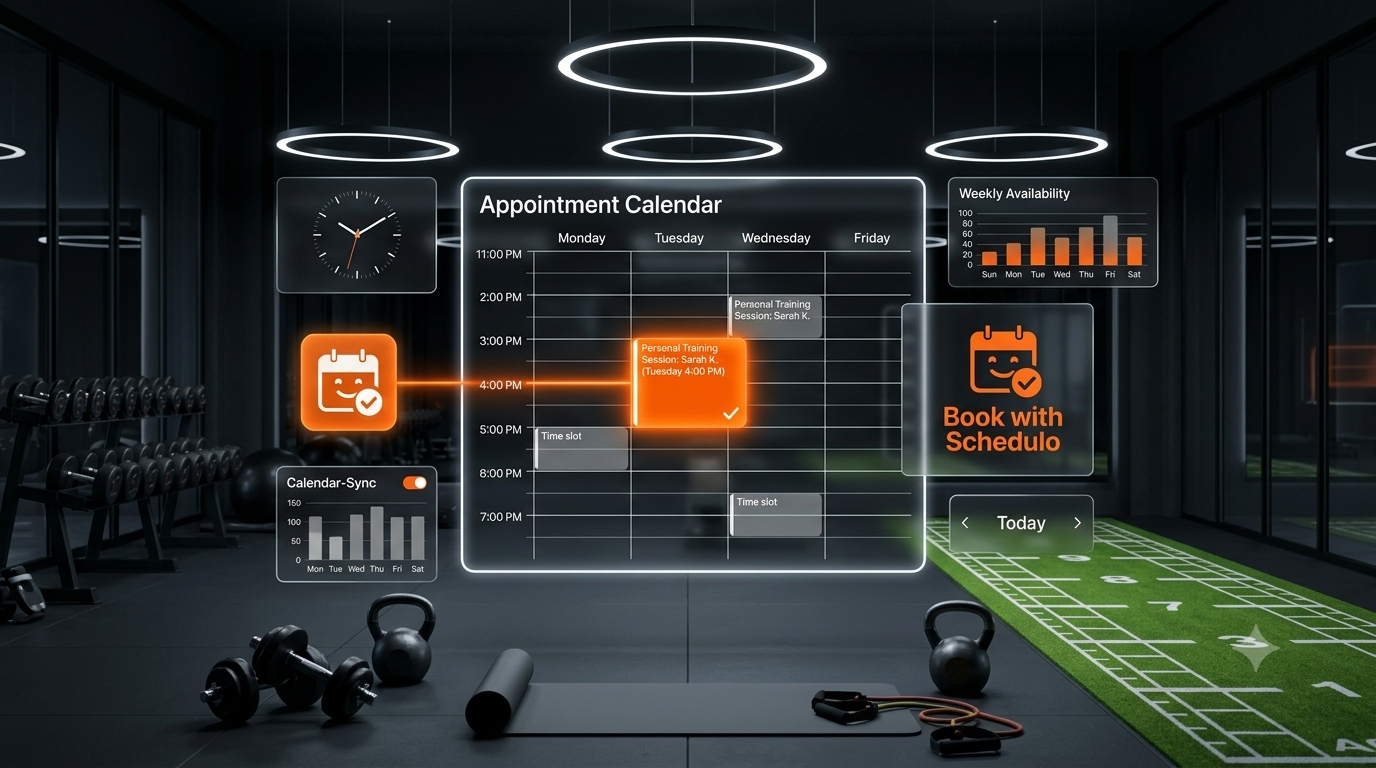
Book with Schedulo sends booking confirmation emails and automatic reminders. With a connected calendar, appointments can also appear in the calendar you use to plan your day. That means you can check your upcoming sessions alongside other commitments instead of maintaining a separate list of training appointments.
Reminders are particularly useful for sessions booked several days ahead. A client may have every intention of showing up and still forget the original time. A reminder gives them another prompt before the appointment.
It won't prevent every cancellation or missed session, but it can reduce some of the manual follow-up you would otherwise need to do. If no-shows are a regular problem, see our guide on how to reduce appointment no-shows.
Clients sometimes need to change their plans, too. You can manage cancellations and rescheduling from your dashboard, with email notifications helping both sides stay informed about the change.
How to set up your first personal training booking page
You don't need to configure every option on the first day. Start with the session you book most often and test the process yourself.
- Create your booking type. Give your one-to-one training session a clear name and description.
- Choose its duration. Use the length of a normal session, not a time that you rarely offer.
- Set your working hours. Add the days and times when you genuinely want clients to book.
- Connect your calendar. Check that existing commitments and new bookings are reflected correctly.
- Test the client experience. Open your public booking link and make a test booking. Check the confirmation and calendar entry.
- Share the link. Send it to your next client or add it to the channels where prospects contact you.
After a few bookings, look at what is still taking manual work. If clients keep asking about introductory consultations, you may need another booking type. If appointments are filling your entire day, review your buffers and daily limit. Add options when there is a real reason to do so, rather than setting up a long list that nobody needs.
When should you move beyond the free plan?
If you're an independent trainer just getting started with online scheduling, a free plan can be enough to try the process with your regular session. Book with Schedulo's free plan allows one booking type and up to 50 bookings per month, with no credit card required to start.
You may want to upgrade as your needs change. Perhaps you want one link for consultations and another for regular training. Perhaps your monthly bookings outgrow the free allowance, or you need features included only on a paid plan.
The point is to start with the booking workflow you need today. You don't have to pay for a more complicated setup before you've even shared your first link. Check the Book with Schedulo website for the current plan details and available features when you're ready to compare options.
Spend less time arranging sessions and more time training clients
Your clients come to you for coaching, consistency, and help reaching their fitness goals. They don't need to wait for a reply every time they want to find a suitable appointment time.
Fitness scheduling software gives you a way to make your availability clear, let clients choose a slot, and keep appointments organised in your calendar. You can continue using WhatsApp, Instagram, or your website to communicate with clients while letting the booking page handle the scheduling itself.
Start with one regular training session, set the times you want to offer, and share the link with your next client. Once that is working smoothly, you can decide whether separate consultation bookings or additional appointment options would make your work easier.
Create your free Book with Schedulo account and set up your first personal training booking page.
Frequently Asked Questions
What is a personal trainer booking system?
How can personal trainers let clients book sessions online?
Can personal trainers offer separate booking links for consultations and training sessions?
Is there free fitness booking software for personal trainers?
Related articles