How Freelancers Can Use Separate Booking Links for Discovery Calls, Project Kickoffs, and Client Check-Ins


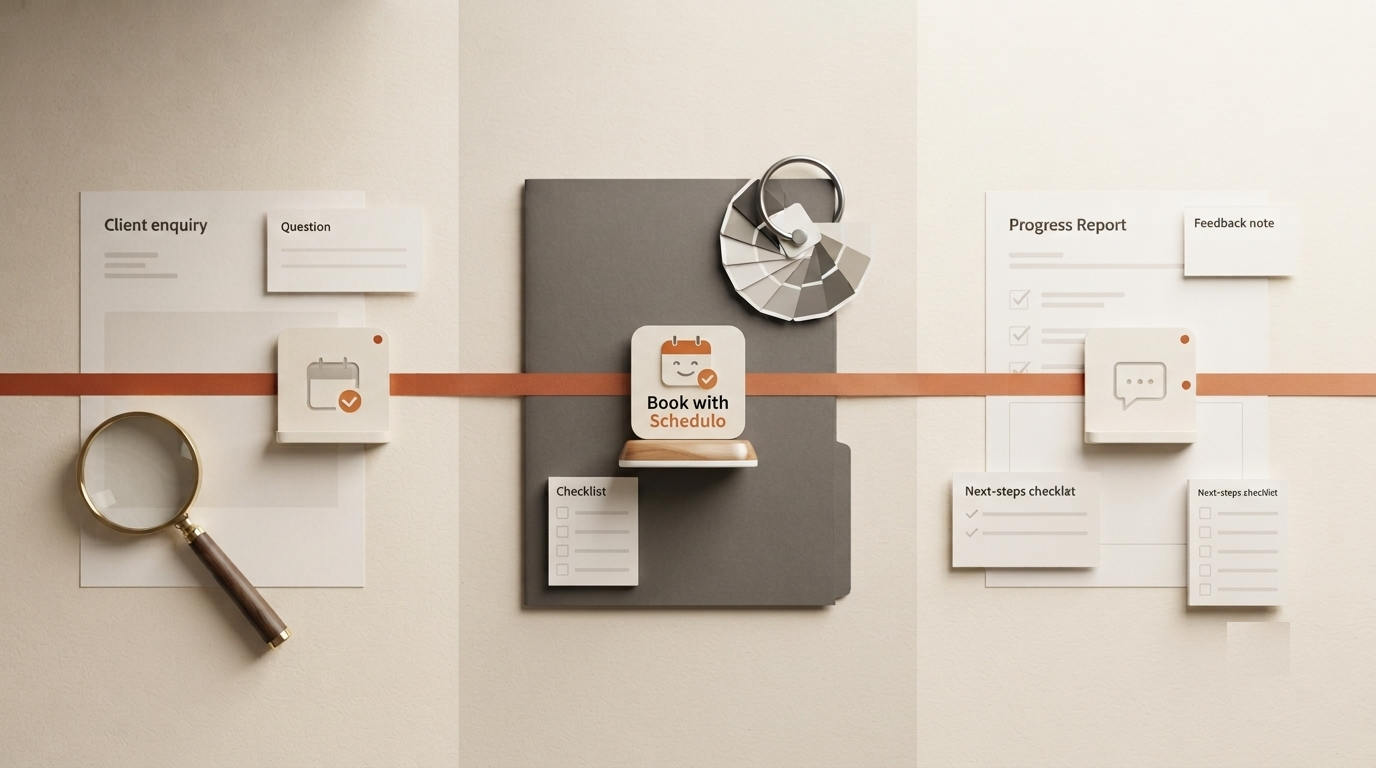
A new prospect wants to discuss a project. An existing client has just signed a proposal and needs a kickoff meeting. Another client only needs a quick check-in to review this week's progress.
All three meetings involve the same freelancer, but they are not the same appointment. The first conversation may take 15 minutes. A project kickoff might need an hour, while a regular check-in could be over in 20 minutes.
This is where a booking app for freelancers becomes more useful than a single calendar link. You can create different booking types for different client needs, give each one its own link, and let people choose a suitable time without starting another round of messages.
Why freelancers need different booking links
When every client gets the same booking page, they may book the wrong kind of meeting. A potential customer might reserve a full hour just to ask about your services. An existing client might take up the same amount of time for an update that needs only 15 minutes.
You can explain the difference in messages, of course. But if you have to do that for every booking, the scheduling process still depends on you.
Separate booking links make the purpose clear before someone chooses a time. You decide the duration and availability for each type, and the client books the one that fits their situation.
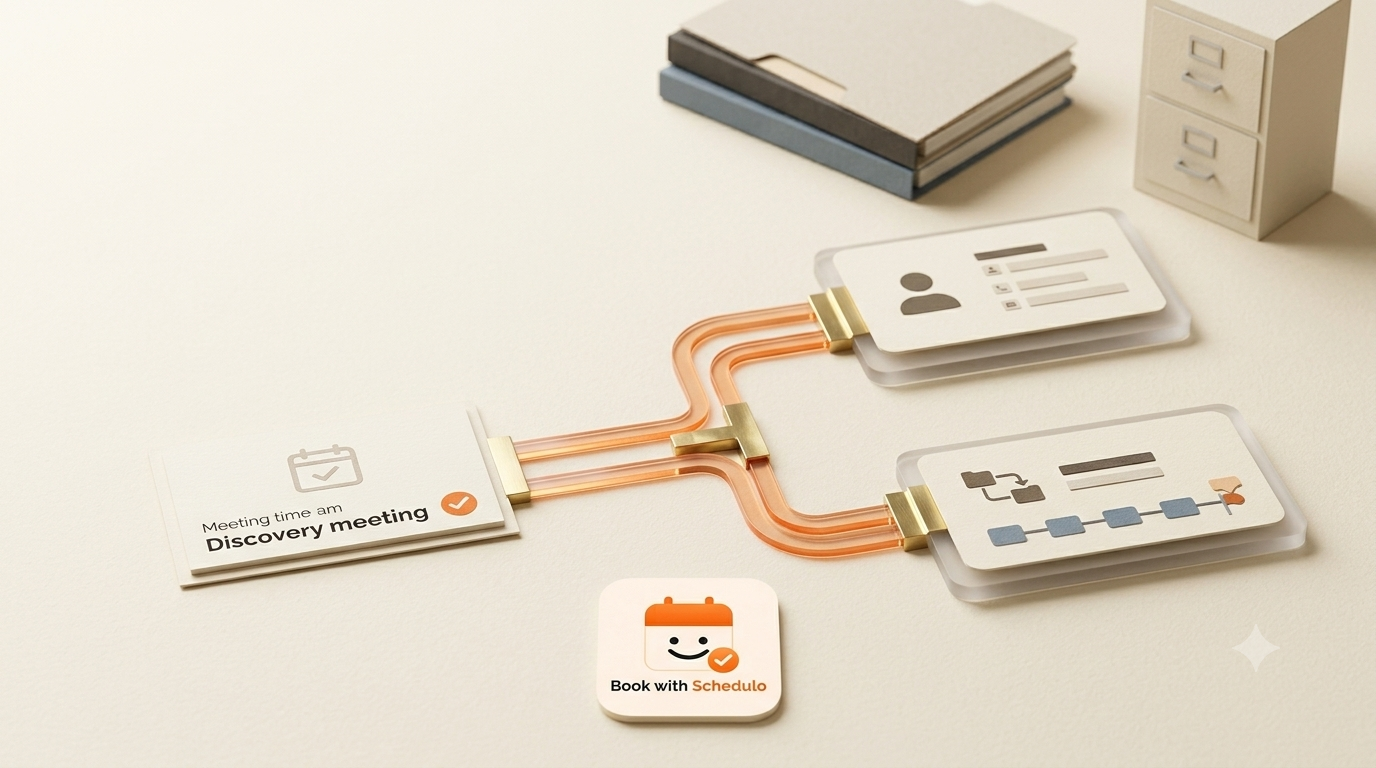
1. Create a short discovery call for new prospects
A discovery call is usually the first proper conversation with someone who may hire you. You need enough time to understand the project and decide whether it is a fit. You probably do not need to spend an hour discussing every detail before you even know the budget or scope.
Create a booking type called Freelance Project Discovery Call. A 15- or 20-minute slot can work as a starting point, depending on the kind of work you do.
Keep the description specific. For example, tell prospects that the call is for discussing their requirements, the main project goal, and whether your services are suitable. It is not a project consultation or a detailed review of their existing work.
Then decide when you want these calls to take place. You might keep them to two afternoons a week so they do not interrupt paid client work. Set the available times accordingly instead of opening your entire calendar.
Share this link when someone enquires about your services or asks to discuss a possible project. Once the call is booked, you can use the conversation to decide on the next step. If the prospect is a good fit, move on to the project proposal and kickoff process.
2. Give every new project its own kickoff booking option
A kickoff meeting has a different purpose. By this point, the client has agreed to work with you, and the conversation needs to move from what might be done to how the work will actually happen.
This meeting may cover deliverables, deadlines, access to files or accounts, who approves the work, and how you will communicate during the project. Rushing through those details can cause confusion later.
Create another booking type, such as Project Kickoff Meeting. You might allow 45 or 60 minutes for it, depending on the size of the project.
Its description should tell clients what to prepare. If you need them to share brand guidelines, project files, reference material, or a list of requirements, mention that before they book. It saves part of the kickoff meeting from being spent collecting information you could have received earlier.
Availability can be different too. Discovery calls may happen before you accept a project, but kickoff meetings need to fit around the work you have already committed to. Keep enough time between meetings to review the proposal, gather materials, or prepare an agenda.
Once the project is confirmed, send the kickoff link with your welcome message or project instructions. The client can choose a suitable slot from the times you have made available.
3. Keep regular client check-ins short and easy to book
Ongoing work brings another kind of meeting. A client might want to review progress, share feedback, discuss a change in scope, or check what needs to happen next. These calls are important, but they do not all need to become one-hour meetings.
Create a separate booking type called Client Check-In. For many freelance projects, 15 to 30 minutes is enough for a regular progress discussion. Adjust the length to suit the work rather than choosing a duration simply because it is the default.
It can also help to keep these appointments free when they are included in the project fee. A paid consultation for a new customer is different from a routine call with someone who has already hired you. Separate booking types let you define those arrangements individually, where your plan supports them.
Share the check-in link when you finish a milestone, need client feedback, or want to arrange the next review. You can also include it in a project update when a meeting would be more useful than a long message thread.
There is no need to make every client book a recurring meeting if the work does not require one. The link is simply another way to arrange a call when it is useful.
How to set up the three booking types
Once you know which appointments you need, setting up your booking options becomes easier. In Book with Schedulo, start by connecting your calendar, then create the appointment types your workflow requires.
- Create the discovery call. Give it a short duration, a clear description, and availability that suits introductory conversations.
- Create the kickoff meeting. Allow more time and explain what the client should prepare before the call.
- Create the client check-in. Keep the description focused on progress updates, feedback, and next steps.
- Review availability. Set the times you want to offer and use buffers where you need time between calls.
- Copy the relevant booking links. Test each one to confirm that it opens the intended appointment type.
Book with Schedulo also syncs bookings with your connected calendar and sends booking confirmations and reminders. That helps keep the appointment details in one place without requiring you to manually confirm every time a client picks a slot.
Check the event-type allowance on your plan before setting up all three options. The free plan includes one event type, so multiple distinct booking types may require a plan with a higher allowance.
Where should you share each link?
You do not need to give every client every booking link. Send the one that matches what is happening in the relationship.
- Discovery call: share it when a new prospect wants to discuss a possible project.
- Project kickoff: include it in the message you send after the client agrees to proceed.
- Client check-in: use it in a progress update when you need a conversation with an existing client.
The distinction matters. A prospect should not have to work out whether they need a discovery call or a project review, and a client who has already signed should not be sent back to the first conversation in your process.
You can still arrange a meeting personally when a client needs something unusual. Booking links are there for the routine appointments that do not need a separate negotiation.
What if a client needs to change the meeting time?
Changes are part of freelance work. A client may have a deadline move, a team member may become unavailable, or a project review may need to happen later than planned.
For a new check-in or follow-up, share the appropriate booking link so the client can choose from your available times. You do not have to send three possible dates and wait for a reply every time another conversation is needed.
If an existing appointment needs to be cancelled or rescheduled, make the change through your Book with Schedulo dashboard and check that the updated details are reflected in your calendar. The client receives an email notification, so both sides have the revised information.
It is also worth protecting your working time. Set buffers between meetings and limit how many calls you accept in a day. A calendar full of short calls can still make it difficult to complete the project work clients are paying you for.
Use booking links to organise the way you work
Freelancers do not need more administration just to arrange a conversation. They need a straightforward way to handle the different kinds of meetings that come with winning and delivering projects.
A discovery call helps you assess a potential client. A kickoff meeting gets agreed work moving. A check-in keeps an existing project on track. Giving each one a suitable duration, description, and booking link makes those differences clearer to everyone involved.
With Book with Schedulo for freelancers, you can set your availability, create the booking types your plan supports, and share the appropriate link when a meeting is needed. Start with the appointment you arrange most often, get that workflow working, and build out the others as your client work requires.