How to Let Clients Book Fitness Classes Online (Gyms & Studios)


Picture a Saturday morning at a busy yoga or spin studio. The 7 a.m. class has twelve mats and eighteen people who said "I'll be there" on WhatsApp. Three never show, two arrive expecting a spot that is gone, and the front desk spends the first ten minutes untangling who actually paid. Every studio that books classes by message and memory hits this wall. Online class booking fixes it: clients see the real schedule, grab an open spot, pay in advance, and the whole thing runs itself. This guide covers how to set that up for a gym or studio, from the class schedule to packs, memberships, and waitlists.
Why manual class booking breaks down as you grow
When you teach one class a week, a WhatsApp group is fine. The trouble scales faster than you expect. Add a second room, a few more class types, and a couple of instructors, and you are suddenly tracking who booked which class, who paid, who is on a pack and who is a drop-in, and who to let in when someone cancels. The information lives in your head and three chat threads, and none of it is reliable. You over-fill some classes and run others half-empty because you could not see demand. Worst of all, the admin lands on you or your front desk instead of on a system — time you should spend teaching or growing the business.
Manual booking also leaks money in ways that are easy to miss. Clients who "forgot" to pay. Drop-ins charged the wrong amount. No-shows who took a spot a paying client would have filled. Each one is small; across a month of classes they add up to real revenue.
What online fitness class booking actually looks like
A good class booking setup gives every client a single page that shows your live timetable — every class, every instructor, every day — with the number of spots left on each. The client picks a class, books it, and pays if they are not already on a membership or pack. They get an instant confirmation and a reminder before the class. You get a clean, real-time register for every session: who is coming, who paid, and how full each class is. No chasing, no guesswork, no double-booked mats.
The result is a studio that feels organised to the client and runs quietly in the background for you. The client experience alone — book a 6 a.m. spin class from their phone at 11 p.m. the night before — is the kind of convenience that keeps people coming back.
Set up your class schedule first
Everything starts with the timetable. List your classes the way clients think of them: by type, instructor, day, and time. Most studios run the same grid week after week, so set classes to recurring — a Monday 6 a.m. HIIT, a Wednesday 7 p.m. yoga — and the system generates each week's sessions automatically. For each class, set the essentials: duration, the instructor, and the capacity, because mat count or bike count is the single number that protects the experience. A spin studio with sixteen bikes should never let a seventeenth person book. Getting the schedule and capacities right up front means the rest of the system simply enforces rules you have already decided.
Let clients see real-time spots and book instantly
The feature clients notice most is live availability. When the timetable shows "4 spots left" and updates the instant someone books, two good things happen: clients book sooner to avoid missing out, and no one turns up to a class that was already full. This is the core of why online booking beats a chat group — the information is true at the moment the client looks, not a half-remembered count from yesterday. It also quietly markets your popular classes: a class showing "2 spots left" sells its last places faster than any reminder you could send.
Take payment the way your studio actually sells
Studios rarely sell a single thing. You have drop-ins, class packs, and memberships, and your booking system needs to handle all three without the front desk doing mental arithmetic. A client should be able to:
- Pay per class (drop-in): book a single class and pay for it on the spot.
- Buy a class pack: pay for ten classes up front and have each booking draw down one credit automatically.
- Book on a membership: book any eligible class with no payment step, because their plan already covers it.
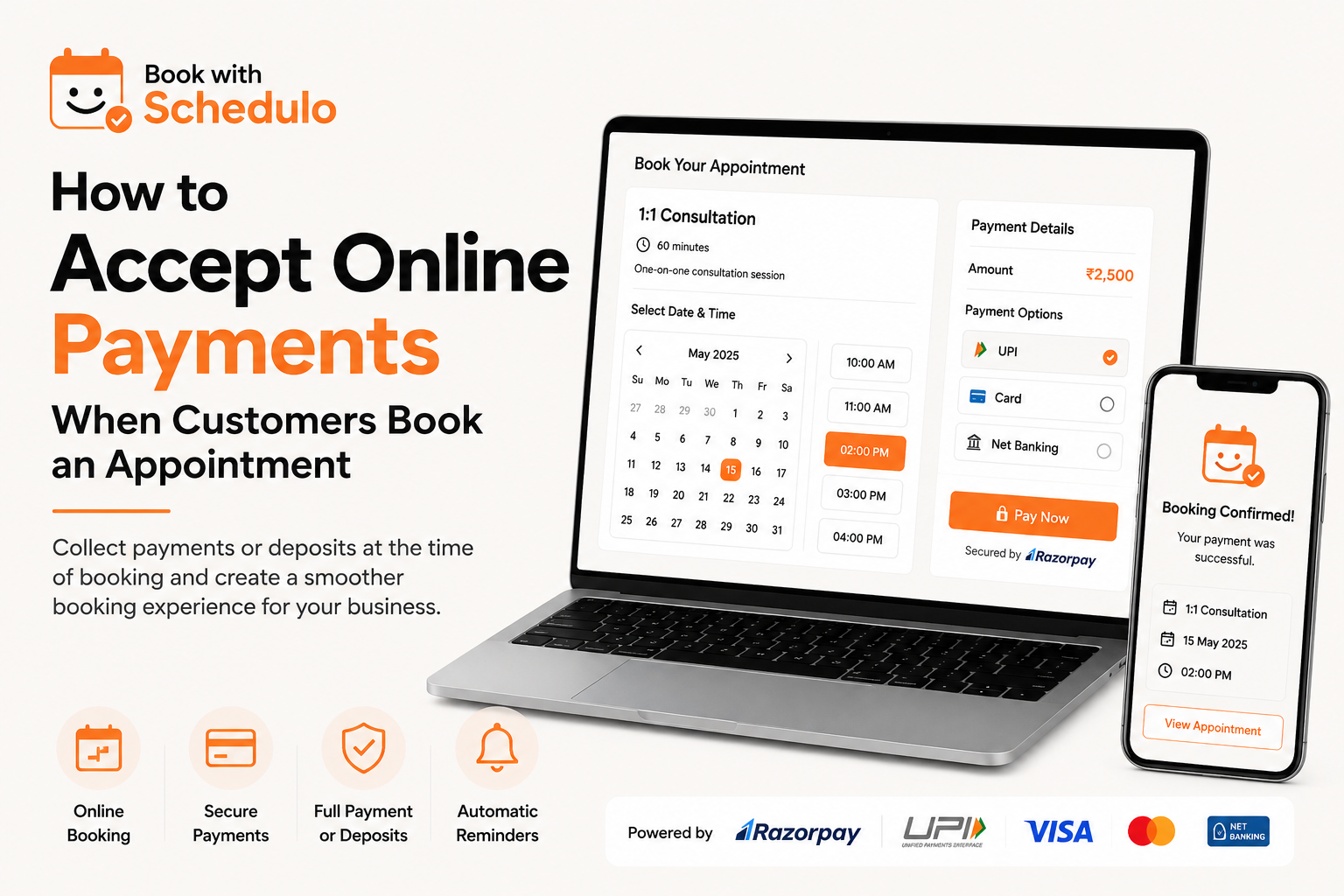
For payment itself, offer the methods your clients reach for. In India that means UPI, cards, and netbanking through Razorpay — the client taps UPI and it is done — while international clients can pay by PayPal. Collecting payment at booking does more than tidy your accounts; it is the single biggest lever against no-shows, because a paid-for class is a class people show up to. The full mechanics are in our guide on accepting online payments when customers book.
Handle capacity limits and waitlists
Capacity is where class booking differs most from one-to-one appointments. Two rules keep popular classes working for you. First, a hard cap: once the mats are full, the class closes to new bookings automatically, so you never oversell. Second, a waitlist: when a class fills, let the next clients join a list, and when someone cancels, the first person on the waitlist is offered the spot automatically. That one feature turns cancellations from lost revenue into filled mats, and it rewards your keenest clients with a fair, automatic way in. For studios that run near capacity, waitlists are not a nice-to-have — they are how you keep every class full.
Cut no-shows and late cancellations
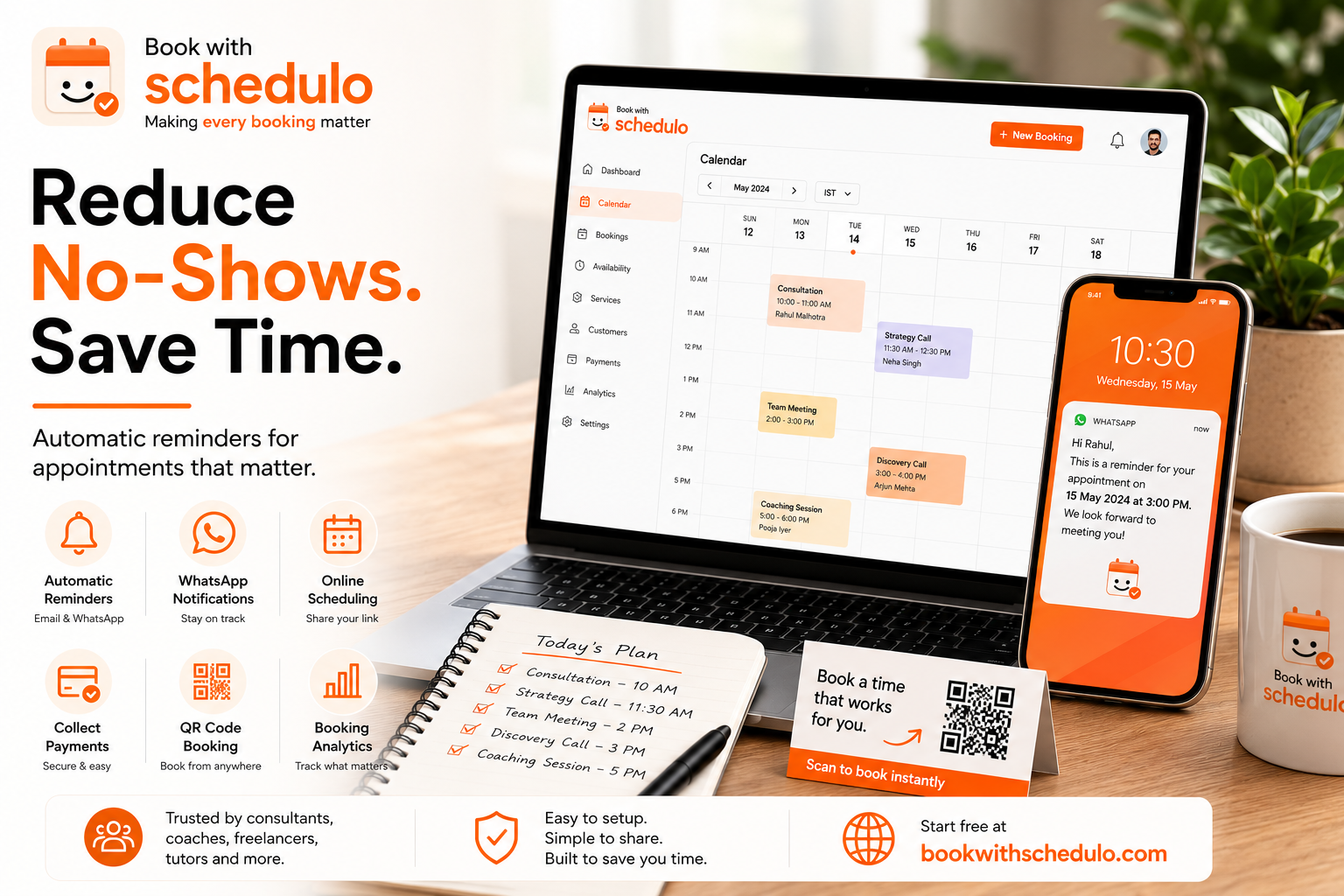
A no-show in a capped class is worse than a no-show at a one-to-one appointment, because it took a spot someone else wanted. Three things keep classes full. Reminders on a channel clients read — WhatsApp as well as email, the evening before and an hour before — bring back the people who simply forgot. A clear cancellation window (say, cancel at least four hours before) combined with the waitlist means a cancelled spot gets refilled instead of sitting empty. And charging up front, through packs, memberships, or drop-in payment, means even the no-shows have paid. Our guide on reducing no-shows with automatic reminders covers the timing that works best.
Make check-in effortless
The last mile is the front desk on class day. With online booking, your instructor or desk opens a live register for the session and marks people in as they arrive — no paper list, no "did you book?" conversations. Because every booking carries whether the client paid or is on a pack or membership, there is nothing to reconcile in the moment. Check-in becomes a glance at a screen instead of a scramble, and the class starts on time.
Keep it on your brand, on your own site
Your booking page is part of your studio's brand, so it should look like it. A good system gives you a page you can brand and embed on your own website, so a client booking a class never feels like they left your world for a generic third-party tool. It looks more professional, builds trust, and keeps your traffic on your own domain. If you have a website already, see how to add online booking to your website.
What to look for in fitness class booking software
Before you choose a tool, make sure it can handle how a studio actually works. It should let you build a recurring class schedule with per-class capacity, show real-time spots, sell drop-ins, packs, and memberships, take payment by UPI and Razorpay for Indian clients and PayPal for others, run waitlists that auto-fill cancellations, send WhatsApp reminders, and give instructors a live check-in register. A tool built only for one-to-one appointments will fight you on capacity and waitlists — the two things that matter most for classes. For a side-by-side look at the features, see our overview of fitness studio booking software.
Managing multiple instructors and substitutions
As soon as a studio has more than one instructor, scheduling gains a dimension that one-to-one tools ignore: who is teaching what, and what happens when they cannot. A good class booking system ties each class to an instructor and draws on that instructor's real availability, so you are never scheduling a class into a slot the teacher cannot make. When a substitution is needed — illness, a clash, a holiday — you reassign the class to another instructor without disturbing the clients who already booked; their spot is unchanged, only the name at the front of the room differs. Handling instructors as first-class parts of the timetable, rather than notes in your head, is what lets a studio grow past a single teacher without the schedule collapsing.
Use your booking page to fill quiet classes
Online booking is not only defensive admin; it is a quiet marketing channel. The same live timetable that stops oversold classes also surfaces your under-booked ones, and that visibility is an opportunity. A class showing plenty of open spots is a class you can promote — a quick message to members, a discounted pack for a new time slot, a post with a direct booking link. Because every share can carry a link straight to the class, turning interest into a booking takes one tap, not a phone call. Over time the data tells you which classes, times, and instructors fill reliably and which do not, so you can shape your timetable around real demand instead of guesswork.
A simple first-week rollout
Switching a studio to online booking does not have to be disruptive. In week one, put your existing weekly timetable into the system with the right capacities and turn on drop-in payment, then tell your regulars that they can now book from their phones. Keep taking walk-ins as usual so no one is shut out while the habit forms. Once bookings are flowing, add a class pack and a membership, then switch on waitlists for the classes that fill. Within a fortnight the WhatsApp group has gone quiet, your classes are paid for in advance, and your front desk is checking people in from a screen — without a single stressful "big bang" migration.
Getting started
You do not need to move your whole studio online overnight. Start by putting your weekly timetable into a booking page with the right capacities, turn on drop-in payment and one class pack, and share the link with your members. Add memberships and waitlists once the basics are running. Within a week or two, the WhatsApp chaos is gone, your classes are paid for in advance, and your front desk is checking people in from a screen instead of a notebook.