How to Accept Online Payments When Customers Book an Appointment


How to Accept Online Payments When Customers Book an Appointment
There is a point after someone decides to book an appointment when the actual work should be pretty simple.
They choose a service.
They find a suitable time.
They book it.
And if the appointment is paid, they pay for it.
But that's not always how it works.
A customer might book a consultation and then wait for you to send a payment link. You send it, they get busy, and the payment sits there for a while. You check again later. Maybe you send another message. Once the payment comes through, you confirm everything.
None of this feels like a major problem when you're handling a handful of appointments.
Then the number of bookings grows.
Suddenly, you're not just managing your calendar. You're also keeping track of who has paid, who hasn't, which payment belongs to which appointment and whether an unpaid booking is actually going to happen.
This is one reason businesses are moving towards online appointment booking with payment.
The customer chooses a time and completes the required payment as part of the booking instead of treating payment as a completely separate task.
It doesn't mean every appointment has to be paid for upfront.
It simply gives you another way to handle paid appointments without adding another conversation to the process.
Why payment becomes a problem after the booking
Let's say you are a consultant and someone wants to book a one-hour consultation.
They contact you.
You agree on a time.
You add it to your calendar.
Then comes the payment.
You send your bank details or a payment link and ask them to complete the payment before the meeting.
Sometimes they do it immediately.
Sometimes they reply, "I'll do it in the evening."
Then the evening comes and nothing happens.
The next morning, you have to decide whether to send another message.
This isn't really a payment problem. It's a workflow problem.
The appointment and the payment are being handled as two separate things even though they are connected to the same customer and the same service.
An appointment booking system with payment brings those steps closer together.
Instead of the customer booking first and figuring out payment later, the payment requirement can be part of the booking itself.
That means there is much less for you to keep track of.
What does an appointment booking system with payment actually do?
The basic idea is quite straightforward.
A customer opens your booking page.
They see the appointment types you offer.
They choose the service they want.
They select a date and time that is available.
If that appointment requires payment, they pay before completing the booking.
The appointment is then confirmed.
That's it.
There isn't a separate conversation where you have to send a payment request after the appointment has already been reserved.
For the customer, this makes the process easier to understand. They know what they're booking, when they're booking it and what they need to pay.
For the business, there is less uncertainty around whether a booked appointment has actually been paid for.
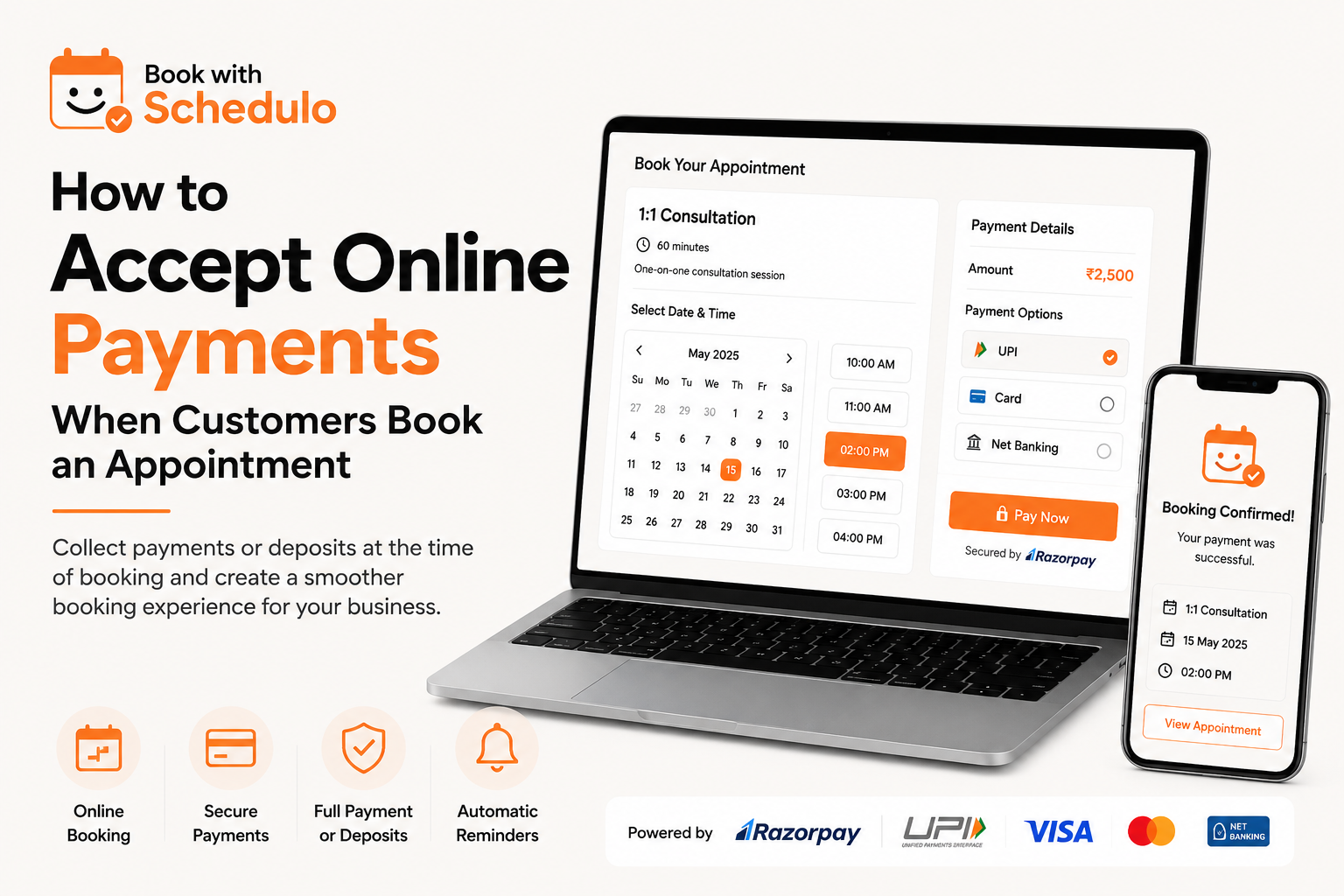
Book With Schedulo supports payment collection through Razorpay, including UPI, cards and net banking. Businesses can also collect the full amount or a deposit when customers book, depending on how they want to structure their appointments.
You don't always have to collect the full amount
This is worth considering before deciding how you want your payment setup to work.
A paid appointment doesn't necessarily mean the customer has to pay 100% of the final amount immediately.
A deposit can sometimes make more sense.
Imagine you offer a consultation for ₹5,000.
You could collect the entire ₹5,000 when the customer books.
Or you could ask for a ₹1,000 deposit to reserve the appointment and collect the remaining amount separately.
Which option works better depends on the type of service you're offering.
A freelancer selling a fixed one-hour consultation might find full payment much easier.
A service provider with a larger appointment may prefer a deposit.
A consultant working on a longer engagement might use the appointment simply as the first paid step in a larger relationship.
There isn't one payment model that works for everyone.
The useful thing is having the choice.
Not every appointment needs to be paid
It's also easy to go too far in the other direction.
Just because your scheduling system supports payments doesn't mean every appointment you create should require one.
You might have several types of meetings:
- A free 15-minute introduction
- A paid consultation
- A client check-in
- A paid strategy session
- A free follow-up call
These appointments have different purposes.
A short introductory call might be there to help someone decide whether they want to work with you. Charging for that first conversation could create unnecessary friction.
A one-hour strategy session is different. That's your time, your expertise and a defined service. Charging for it when the customer books can make much more sense.
Book With Schedulo supports different appointment types, so you can keep some meetings free while requiring payment for others. This is particularly useful for consultants who want to offer a free introduction alongside paid consultations.
The payment rule should follow the appointment, rather than the other way around.
Why not just send a payment link after the booking?
You can.
For some businesses, that might be perfectly fine.
The question is whether you need the extra step.
Consider what happens when payment is handled separately.
A customer books.
You receive the booking.
You send a payment request.
The customer pays.
You check the payment.
You confirm everything.
There are now several points where something can get delayed.
Maybe the customer forgets.
Maybe they don't see the message.
Maybe they are unsure whether the payment went through.
Maybe you forget to check.
The appointment itself hasn't changed, but you've created several additional points of contact around it.
With online booking with payment, the customer can complete the payment during the booking process.
That doesn't eliminate every possible payment issue, but it removes the need for the business owner to manually connect the payment request to the appointment afterward.
For a business with a small number of bookings, that might simply be convenient.
For a business with dozens of paid appointments, it can become a meaningful time saver.
What happens when your calendar starts filling up?
This is where the difference becomes more noticeable.
Suppose you have four consultation slots available on Friday afternoon.
Three people book them.
One of those bookings hasn't been paid yet.
Is the slot actually taken?
Should you continue offering it to someone else?
Should you message the customer?
Should you wait?
These are small decisions, but you're still spending time making them.
If your policy is that payment is required before a paid appointment is confirmed, the booking process can make that requirement clear from the beginning.
Book With Schedulo supports collecting payment upfront, helping businesses avoid keeping unpaid appointment slots open when payment is required.
That can be particularly useful when your availability is limited and every appointment slot matters.
You're not simply protecting a calendar entry.
You're protecting time that you could otherwise use for another customer.
Payment and appointment reminders solve different problems
It's tempting to think that collecting payment will automatically solve no-shows.
It won't.
Someone can pay for an appointment and still forget about it.
People get busy. Plans change. A booking made two weeks ago can disappear from someone's attention surprisingly quickly.
That's where reminders come in.
Payment creates a financial commitment.
A reminder brings the appointment back to the customer's attention.
They work for different reasons.
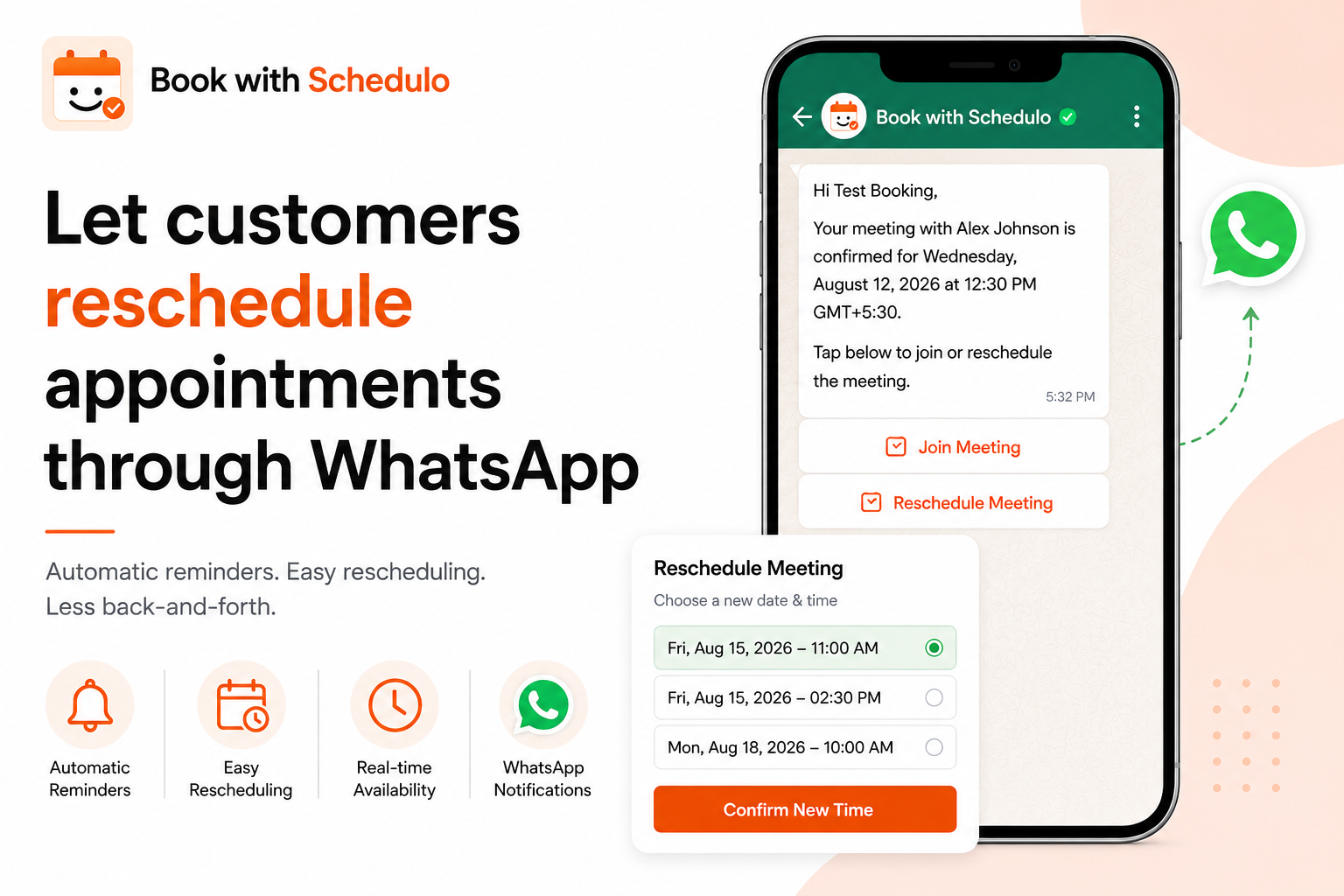
Book With Schedulo supports automatic appointment reminders through email and WhatsApp, alongside payment collection.
So, for example, a consultant could require payment when a client books a strategy session and then have a reminder sent before the appointment.
The customer doesn't have to remember everything themselves.
And the consultant doesn't have to manually message every person on the calendar.
If no-shows are a particular problem for your business, we've also covered the reminder side in our article on how to reduce appointment no-shows with automatic reminders.
Full payment or deposit?
There isn't a universal answer here.
A simple way to decide is to look at what the customer is actually buying.
If you're selling a clearly defined service with a fixed price, full payment can be straightforward.
For example:
60-minute business consultation — ₹3,000
The customer knows what they're getting and what it costs.
They choose a time and pay.
Done.
A deposit can make more sense when the appointment is part of a larger service.
For example:
Initial consultation — ₹1,000 deposit
The customer pays the deposit to reserve the time, while the remaining amount is handled according to your normal payment terms.
Neither approach is automatically better.
The important part is making the terms obvious before the customer completes the booking.
If the customer is paying a deposit, tell them that.
If the payment is the full amount, make that clear too.
A good booking process shouldn't leave the customer wondering what they just paid for.
Payment methods matter too
A payment system isn't particularly useful if your customers struggle to use it.
This is especially relevant for businesses serving customers in India.
Some customers will prefer cards.
Others will reach for UPI without thinking twice.
Some may still prefer net banking.
Giving customers familiar payment options can remove unnecessary friction from the final step of the booking.
Book With Schedulo uses Razorpay and supports UPI, cards and net banking for appointment payments.
That matters because a customer who has already decided to book shouldn't have to stop and figure out a payment method they don't normally use.
The easier the final step feels, the more natural the whole booking process becomes.
A consultant can keep free and paid consultations together
Consider a consultant who offers two services.
The first is a 15-minute introductory call.
It's free.
The second is a one-hour strategy session.
It costs ₹3,000.
There is no reason these two appointments need to work the same way.
The introductory call can remain open to anyone who wants to learn more.
The strategy session can require payment before the booking is confirmed.
The consultant can share one booking page while still giving each appointment its own rules.
That's much more practical than creating separate systems for free and paid meetings.
Book With Schedulo's consultant scheduling software supports multiple meeting types, including free introductory calls and paid sessions. Customers can select a time and pay for paid consultations during the booking process.
For an independent consultant, that can remove a surprising amount of back-and-forth.
Instead of:
“Are you available Tuesday?”
“Yes, what time?”
“3 PM?”
“Can't do 3. How about 4?”
“4 works.”
“Great, I'll send you the payment details.”
You can simply give the customer the booking page.
They choose what they need.
They choose a suitable time.
They pay if required.
And the appointment is added to the calendar.
Freelancers can use the same approach
Freelancers often have a mixture of calls that look similar on a calendar but have completely different purposes.
A regular client check-in may be included in an existing project.
A new prospect may want to discuss a project.
Someone else may specifically want to pay for an hour of your expertise.
Treating all three as the same type of appointment doesn't really make sense.
With freelancer scheduling software, Book With Schedulo allows freelancers to create different call types, including free and paid appointments.
That gives you more control over what happens when someone uses your booking link.
A client can book a regular check-in without payment.
A new customer looking for a paid consultation can be asked to pay during booking.
You don't have to explain the difference manually every time someone asks for a meeting.
The booking page does that part for you.
What does the customer actually experience?
The customer doesn't need to know what's happening behind the scenes.
They shouldn't have to understand your calendar integration or payment provider.
They just need a clear path.
They open the booking page.
They choose an appointment.
They see your available times.
They pick one.
If the appointment is paid, they see the price and payment option.
They complete the payment.
They receive the confirmation.
That's the experience you're aiming for.
Book With Schedulo also doesn't require customers to create a Schedulo account before booking. They can visit the booking page, choose a time and provide their details.
That's a small detail, but it matters.
Someone who wants to book a 30-minute consultation doesn't necessarily want another account, password and login process standing between them and the appointment.
What happens after someone pays?
Payment is only one part of the workflow.
Once the customer has paid, the appointment still needs to be managed properly.
They should receive confirmation.
The appointment should appear on your calendar.
If there is a video meeting involved, they need the relevant meeting details.
Before the appointment, they may receive a reminder.
And if something changes, they may need a way to reschedule.
This is why payment works better when it sits inside your online appointment scheduling workflow rather than being a completely separate tool.
The customer shouldn't have to move between several systems just to book one appointment.
The same applies to the business owner.
If scheduling happens in one place, payment in another and reminders somewhere else, you end up spending time connecting the dots.
A connected workflow is easier to manage.
Do paid appointments actually reduce no-shows?
They can help, but it's better not to overstate it.
Payment creates more commitment.
It doesn't guarantee attendance.
Someone can pay and still need to cancel.
Someone can have a genuine emergency.
Someone can simply forget.
That's why reminders still matter.
The useful combination is fairly simple:
Payment helps create commitment.
Reminders help people remember.
And if the customer needs to change their appointment, giving them a clear way to reschedule is better than leaving them with no obvious next step.
The goal isn't to make appointments impossible to miss.
It's to make the process easier to manage when real life gets in the way.
When should you not collect payment upfront?
There are plenty of situations where upfront payment isn't necessary.
An internal meeting obviously doesn't need it.
A short discovery call might work better as a free appointment.
An existing client may already be paying you through a monthly retainer.
A service with a variable price may need a conversation before you can determine what the customer should pay.
In those cases, forcing payment into the booking process could actually make the experience worse.
The point of an appointment scheduling system with payment isn't to turn every meeting into a transaction.
It's to give you the option when a transaction makes sense.
That distinction is important.
The real benefit is fewer things to remember
The payment button itself isn't the most interesting part of this.
Think about everything around it.
Someone has to send the payment request.
Someone has to check whether the customer paid.
Someone has to connect that payment to the appointment.
Someone has to confirm the booking.
Someone may have to follow up when the payment hasn't arrived.
If you're the person doing all of those things, you're spending time on administration instead of the service you're actually selling.
For a solo consultant or freelancer, that time comes directly out of your working day.
For a small team, it becomes another process someone has to own.
Connecting payment with scheduling doesn't remove every administrative task.
It simply removes one of the unnecessary gaps.
A simple example
Imagine you run online career consultations.
You offer:
15-minute introductory call — Free
A short conversation for someone who wants to understand your service.
60-minute career consultation — ₹2,500
A paid session where you review the customer's situation and provide detailed guidance.
With a traditional setup, the customer might contact you first, you discuss availability, you reserve a time and then you send payment details.
With an online booking system with payment, both appointment types can live on the same booking page.
The customer chooses the free call if they want an introduction.
Or they choose the paid consultation, select a suitable time and complete the ₹2,500 payment.
You don't have to decide manually which appointment they are trying to book.
You don't have to send the payment details separately.
You don't have to wonder whether the paid consultation has actually been paid for.
The customer gets a simpler experience too.
They know exactly what they booked.
Your booking page can become more than a calendar
Once payment, availability and appointment details are connected, your booking page starts doing more of the work for you.
It isn't just a page that says, “Here are my available times.”
It becomes the place where someone can choose a service, select a time and, when necessary, pay for it.
You can share that booking page from your website, email signature, LinkedIn profile, proposals or other places where customers find you.
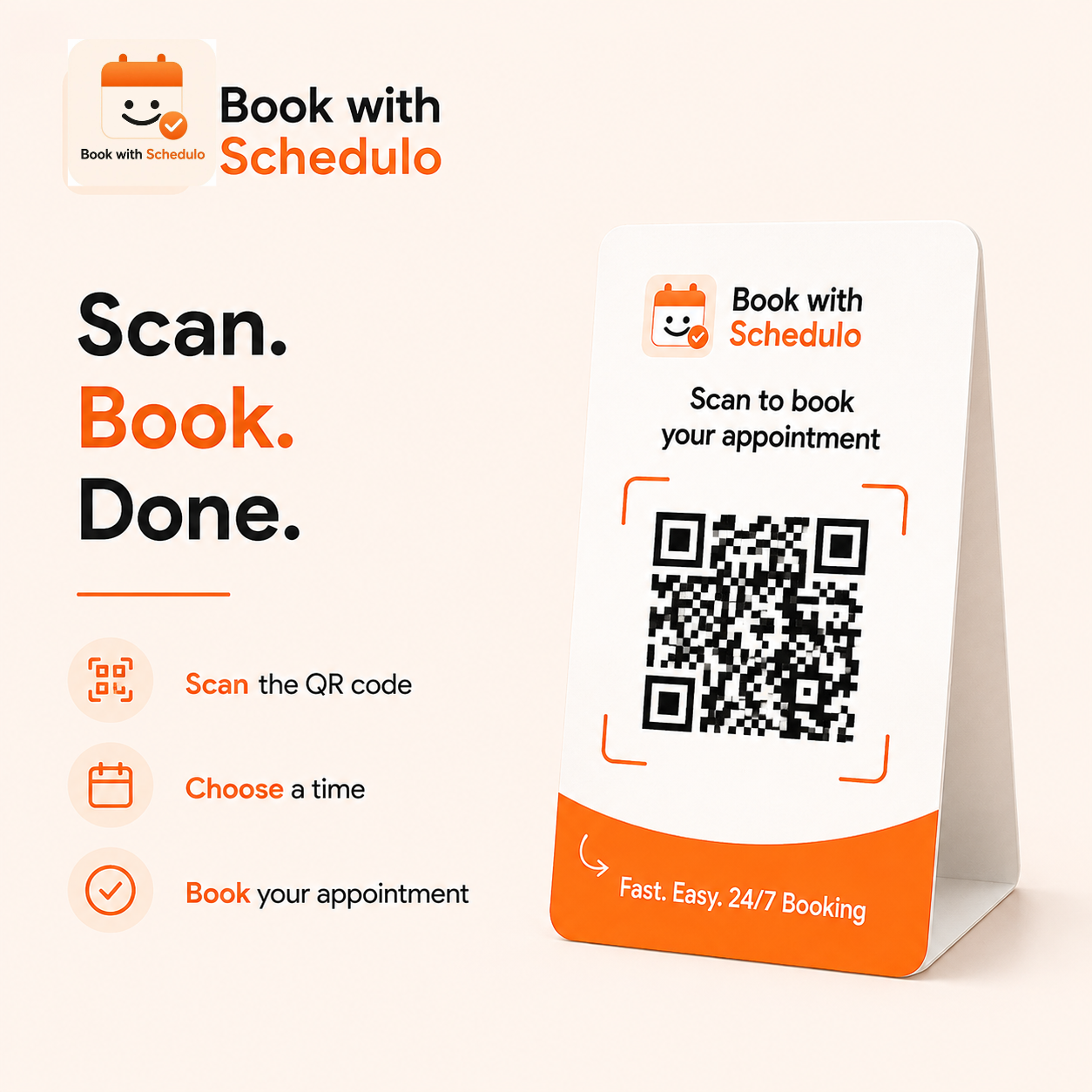
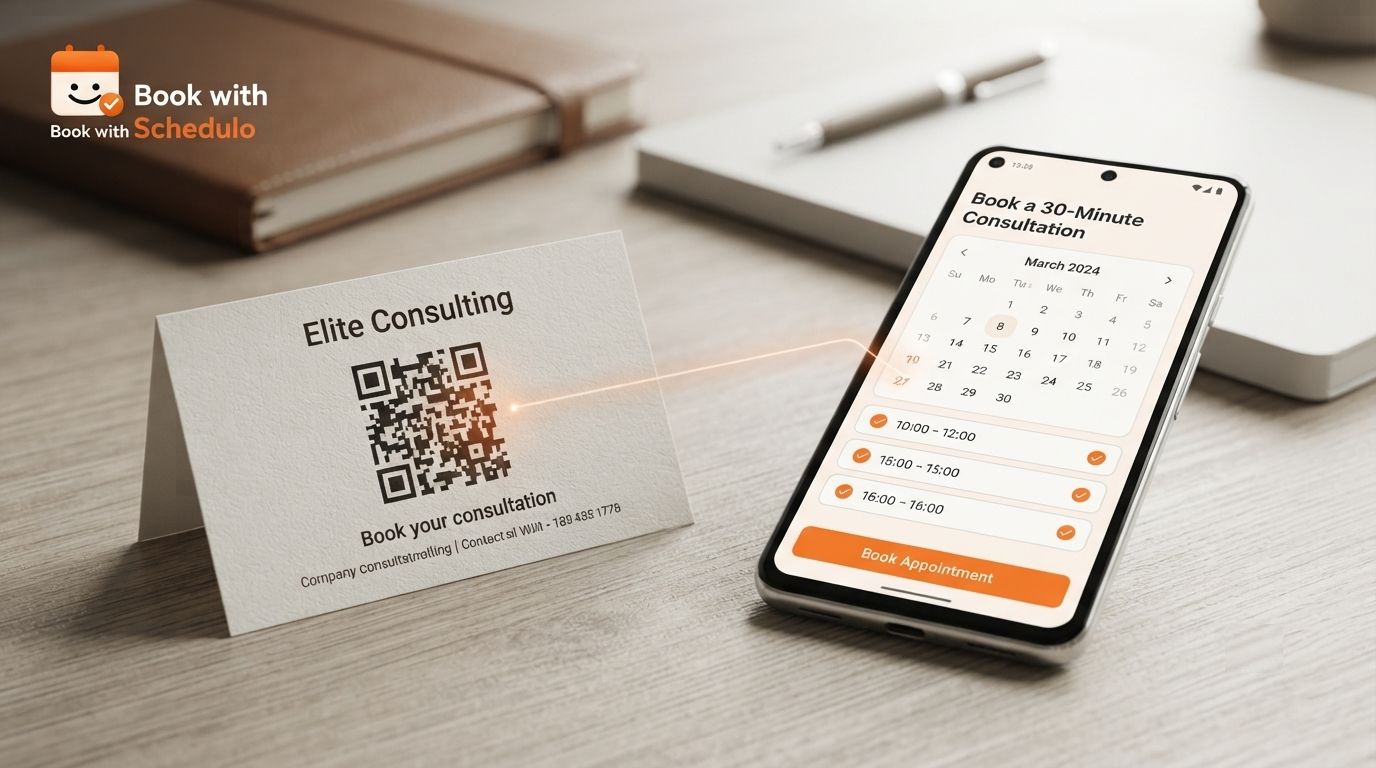
Book With Schedulo also gives each booking type its own shareable link and QR code, so the same booking flow can be used in both digital and offline situations.
The customer doesn't need to know where the booking originated.
They simply end up on the same booking page.
So, should you accept payment when customers book an appointment?
If you sell a clearly priced service and the appointment represents paid time, it's worth considering.
You don't need to make every appointment paid.
You don't necessarily need to collect the entire amount.
And you don't need to change the way you work just because payment automation is available.
Start with the appointments where payment is already part of the service.
A paid consultation is an obvious example.
A strategy session is another.
A coaching session, tutoring session or freelance advisory call can work in much the same way.
The idea is fairly simple: let the customer handle the booking and payment together instead of turning them into two separate conversations.
Book With Schedulo lets businesses create paid appointment types, collect full payment or deposits through Razorpay, and accept UPI, cards and net banking. Free appointment types can still be offered alongside paid ones.
If you're currently sending payment links after every booking, checking transfers manually or following up with customers who haven't paid yet, this is one part of the appointment process that may be worth simplifying.
Set up your Book With Schedulo booking page, decide which appointments should require payment and choose the payment approach that fits your business.
Then let the customer take it from there.
They choose a service.
They choose a time.
They pay when required.
And you can get back to the work they actually booked you for.