How Consultants Should Set Up Their Online Scheduling (Free Calls, Paid Sessions & Payments)


Most consultants bolt a booking link onto their business as an afterthought — one link, pointed at their whole calendar, doing nothing to separate a tyre-kicker from a paying client. It works, barely. A proper scheduling setup does far more: it qualifies leads before they reach your calendar, collects payment for the work that is paid, protects your focus time, and quietly follows up so nothing slips. This guide walks through that setup end to end, so your scheduling does real work instead of just booking slots.
Start with your booking types, not your calendar
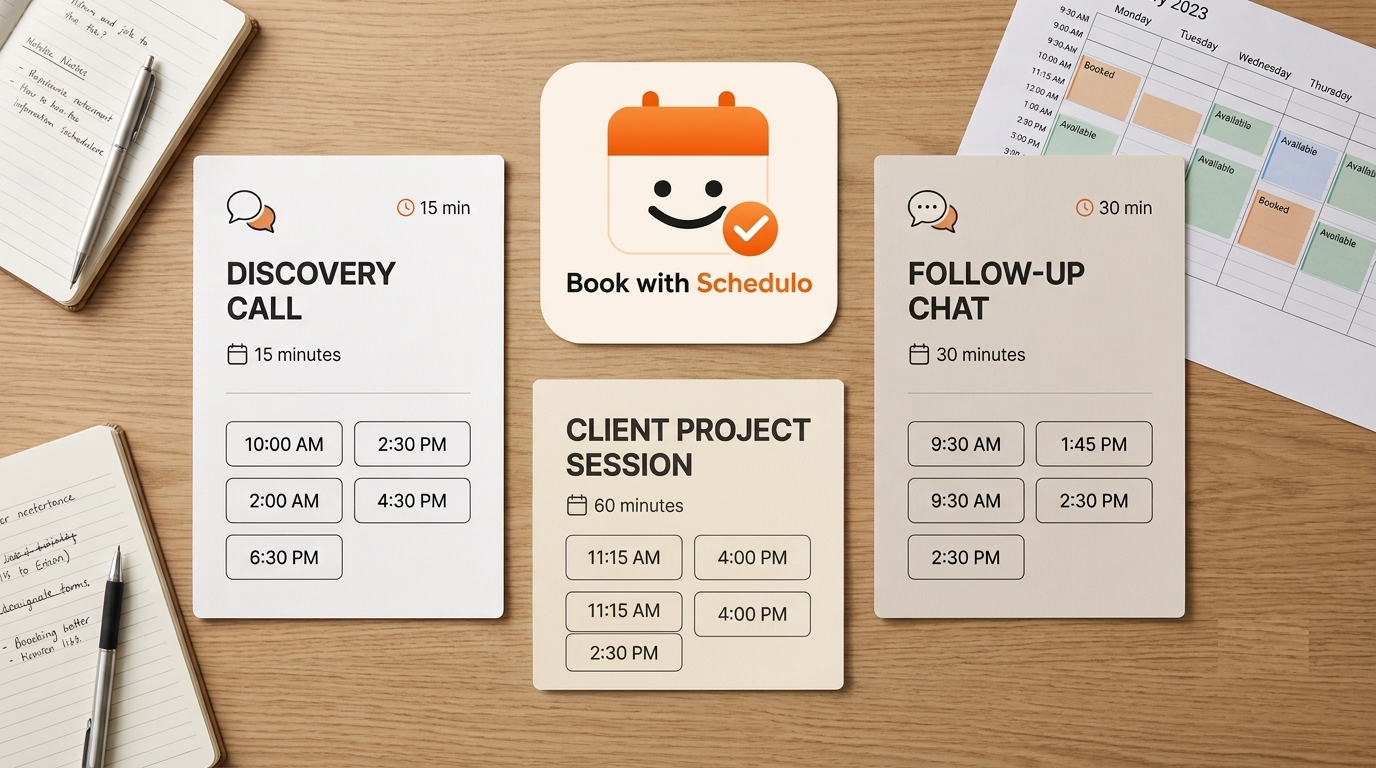
The instinct is to connect your calendar first. Resist it. Begin by listing the kinds of meeting you actually sell, because each one needs different rules. A typical consultant has at least three: a free discovery call for new leads, a paid strategy or deep-dive session, and a follow-up or check-in for existing clients. Each becomes its own booking type with its own duration, price, questions, and availability. Once you know your booking types, every other setting falls into place around them.
Separate free discovery calls from paid sessions
A single catch-all link forces every lead down the same path, and that quietly costs you. A warm referral ready to pay should not land in your free-discovery funnel, and a cold lead should not be asked for a card before they trust you. Keep a free discovery call (15–20 minutes) for new enquiries and a paid strategy session (45–60 minutes) for serious work, each on its own link. Send the right one to the right person: the referral gets the paid link, the cold lead gets the discovery link. Our guide on creating separate booking links for discovery calls, client meetings, and follow-ups covers this in depth, and it is the single highest-leverage decision in your whole setup.
Protect your calendar with the right rules
Self-scheduling without guardrails is a recipe for a chaotic week. A few rules keep you in control:
- Working hours and availability windows: only offer times you genuinely want to work, not every free gap in your day.
- Minimum notice: block bookings in the next couple of hours so no one drops a call on you with no prep time.
- Buffers: add 10–15 minutes between calls so you are not sprinting from one to the next with no room to make notes.
- Daily caps: limit how many calls land in a single day so deep work survives.
- Calendar sync: connect your real calendar so a booked slot can never clash with something you already committed to.
These settings take ten minutes and save you from the slow burnout of a calendar that fills itself without your say.
Collect payment for paid sessions up front
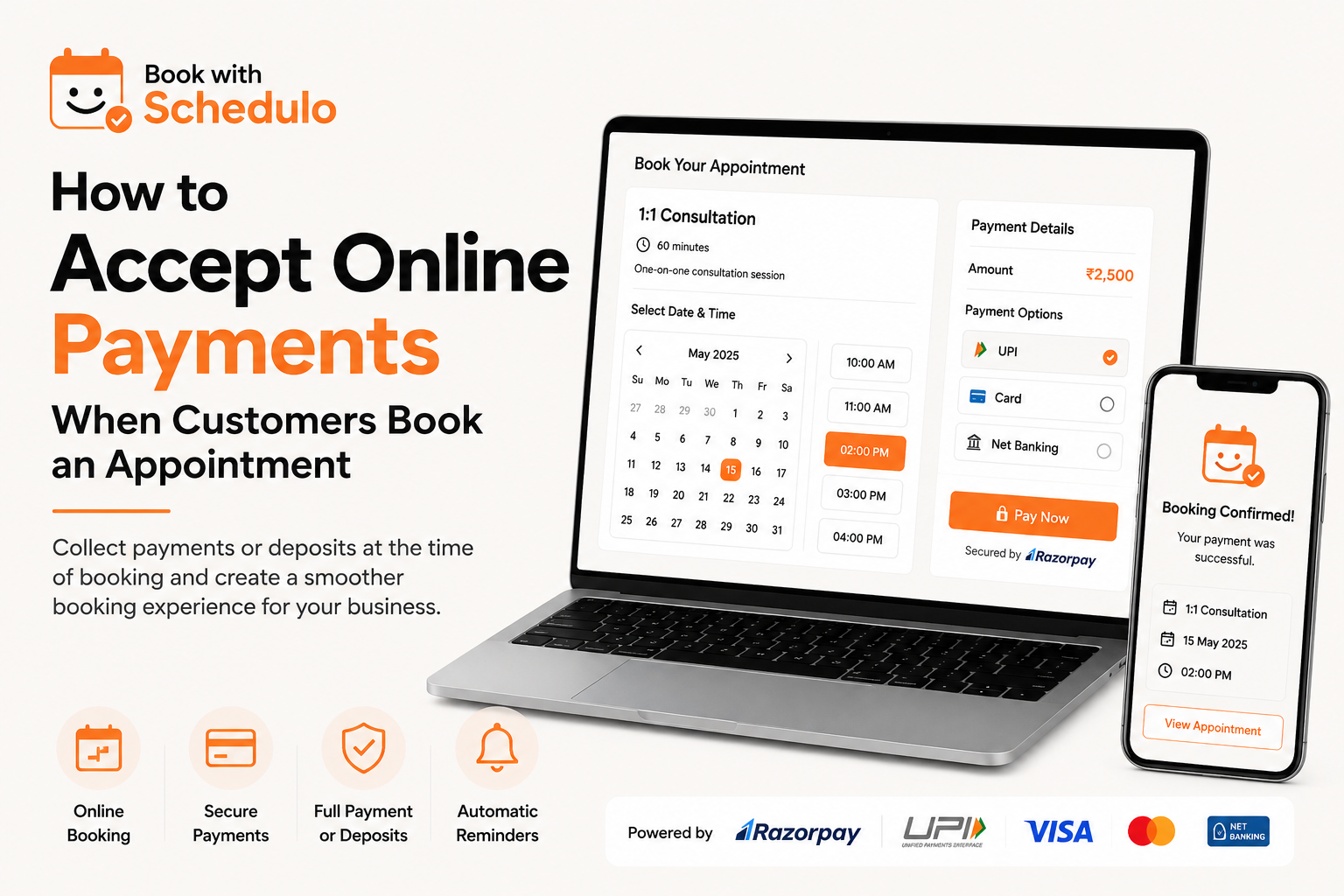
If you charge for a session, take the money when the client books — not after the call, and not on an invoice you chase for weeks. Up-front payment does two jobs at once: it removes the people who were never serious, and it all but eliminates no-shows, because clients reliably show up for what they have already paid for. The detail that matters is how they pay. A client in India should see UPI, cards, and netbanking through Razorpay; an international client should see PayPal in their own currency. Offering the right method to the right client is the difference between a completed payment and an abandoned checkout. See how to accept online payments when customers book an appointment for the mechanics.
Qualify every lead with a short intake
The worst consulting calls are the ones where the first fifteen minutes go to working out whether the person is even a fit. A two- or three-question intake on the booking page fixes that: ask what they do, what outcome they want, and their rough budget or timeline. You walk into the call already knowing whether it is worth your hour and prepared to say something specific. Keep it short — every extra field is a reason for a borderline lead to abandon the booking — but those few questions turn a cold call into a warm one.
Automate the meeting link and the follow-up
Two small automations remove a surprising amount of friction. First, auto-generate the video link — Zoom, Google Meet, or Microsoft Teams — so you never paste a link into a calendar invite again and the client always has the right one. Second, set up what happens after the call: a thank-you message, a link to book the next step, or a prompt to send your proposal. The booking is not the end of the relationship; it is the start, and the follow-up is where a discovery call becomes paid work.
Reduce no-shows with reminders on the right channel
Even a paid booking slips if the client forgets. Automatic reminders recover those bookings, but only if they land somewhere the client actually looks. Email reminders are easy to miss; a WhatsApp reminder a day before and an hour before is not. Better still, let the client reschedule in a single tap — a moved call is salvaged revenue, while a silent no-show is simply lost. Set the reminders once and they run forever. Our guide on reducing appointment no-shows with automatic reminders covers the timing that works.
Connect scheduling to the rest of your workflow
Scheduling should not live on an island. When a call is booked, the right people and tools should know: your calendar, your notes, and — if you use one — your CRM or pipeline, so every discovery call becomes a tracked lead instead of a line you have to copy over by hand. Even a light connection here saves hours a month and makes sure no promising conversation is forgotten between the call and the close.
A simple weekly routine that keeps it running
A scheduling system is not set-and-forget; it is set-and-glance. Once a week, take five minutes: check that next week's availability reflects your real plans, clear any slots you want to protect, and skim upcoming bookings so you are not surprised. If a booking type is attracting the wrong leads, tighten its intake questions. If paid sessions are converting from discovery calls, make sure the path from one to the other is obvious. Small, regular adjustments keep the system working for you instead of drifting.
Putting it together
A consultant's scheduling setup is really a small sales system: discovery calls that qualify, paid sessions that collect money up front, reminders that protect the bookings, and follow-ups that turn conversations into contracts. Set it up once, with real booking types and real rules, and it runs in the background while you do the work you are actually paid for. For a fuller comparison of what to look for, see our overview of consultant scheduling software, and for the focused version aimed at new leads, how to let clients book a call with you.