How to Let Clients Book a Call With You as a Consultant (Without the Email Back-and-Forth)


You know the exchange. A promising lead emails "I'd love to chat." You reply with three time slots. Two days later they come back — all three are gone. You send three more. By the time they reply, the momentum that made them reach out has cooled. For consultants, that gap between interested and on the calendar is where paid work quietly leaks away.
The fix is unglamorous and it works: give people one link where they pick a time themselves, get an instant confirmation, and — if the session is paid — pay on the spot. This guide walks through exactly how to set that up, how to keep free discovery calls separate from paid sessions, how to take payment in the currency your client actually uses, and how to stop no-shows from eating your week.
Why "email me your availability" quietly costs you clients
Every extra step between a prospect's intent and a confirmed booking is a chance to lose them. Manual scheduling stacks up several of them: you open your calendar, type out slots, wait for a reply, risk a double-booking, then re-send a fresh set because the first ones expired. Each round is hours — sometimes days — of delay against a buying decision that was hottest the moment they hit send.
There is a quieter cost too. Every "does Tuesday at 3 work?" email makes you look like you have the spare time to chase. A clean booking link does the opposite: it signals that your calendar is in demand and your process is sorted. A booking page collapses the whole exchange into a single action. The client sees your real availability, picks a slot, and it is done. You are not faster because you are working harder; you are faster because you removed the back-and-forth entirely.
What a consultant booking page actually does
A booking page is a single link you can share anywhere — your email signature, your LinkedIn bio, a proposal footer, a button on your site — that shows your open times and lets clients self-book. A good one does more than show a calendar. It:
- Syncs with your own calendar so you are never double-booked
- Adds buffers between calls so you are not sprinting from one to the next
- Generates and sends the video link (Zoom, Google Meet, Teams) automatically
- Collects a few qualifying questions before the call so you walk in prepared
- Takes payment up front for paid consultations
- Sends reminders so the person actually shows up
That last pair — payment and reminders — is what separates a scheduling toy from a tool that protects your time and your income.
How to set up a booking page for consultant calls
You do not need a developer or a new website. The setup is about an hour, most of it spent deciding your own rules.
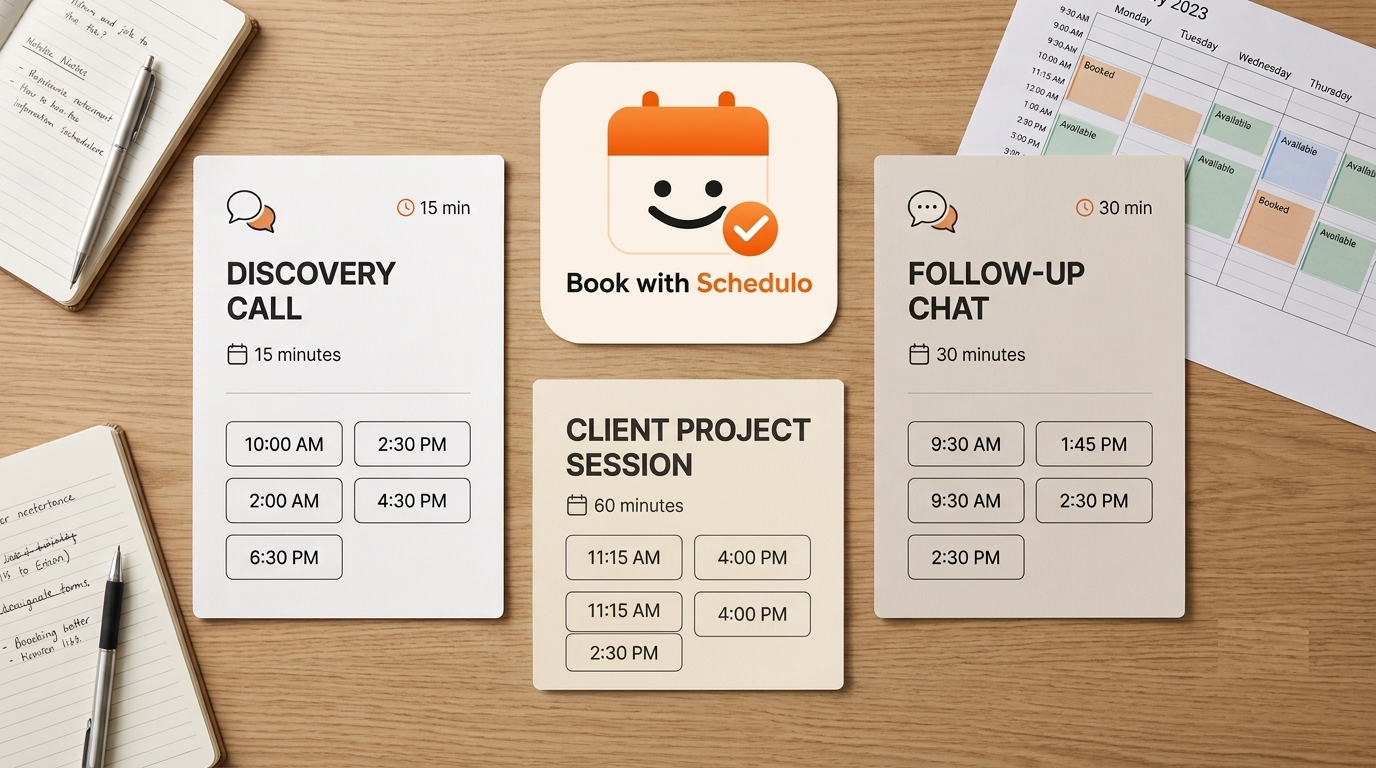
- Create your booking types. Most consultants need at least two: a free discovery call (15–20 minutes) and a paid strategy session (45–60 minutes). Keep them separate — more on why below.
- Connect your calendar so only genuinely free times are offered and nothing clashes with your existing commitments.
- Set your rules: working hours, a minimum notice window (for example, no bookings in the next two hours), buffer time between calls, and a daily cap so a busy day does not leave you drained.
- Add your intake questions. One good prompt — "What is the single outcome you want from this call?" — filters out tyre-kickers and makes you look prepared before you have said a word.
- Attach the meeting link. Auto-generate Zoom, Meet, or Teams so you never paste a link into a calendar invite again.
- Share it everywhere — email signature, LinkedIn, the footer of every proposal, and a clear button on your website.
Keep free discovery calls and paid sessions on separate links
A single "book a call" link forces every lead down the same path, and that is a mistake. A warm referral who is ready to pay should not land in your free-discovery funnel, and a cold lead who found you an hour ago should not be asked for a card before they trust you.
Create one link for free discovery calls and another for paid strategy sessions, then send the right one to the right person. The referral gets your paid link; the cold lead gets the discovery link. You can go further and keep a third link for existing clients booking follow-ups, so your repeat work never competes with new enquiries for the same slots. We cover the full setup in our guide on how to create separate booking links for discovery calls, client meetings, and follow-ups.
Take payment when they book a paid consultation
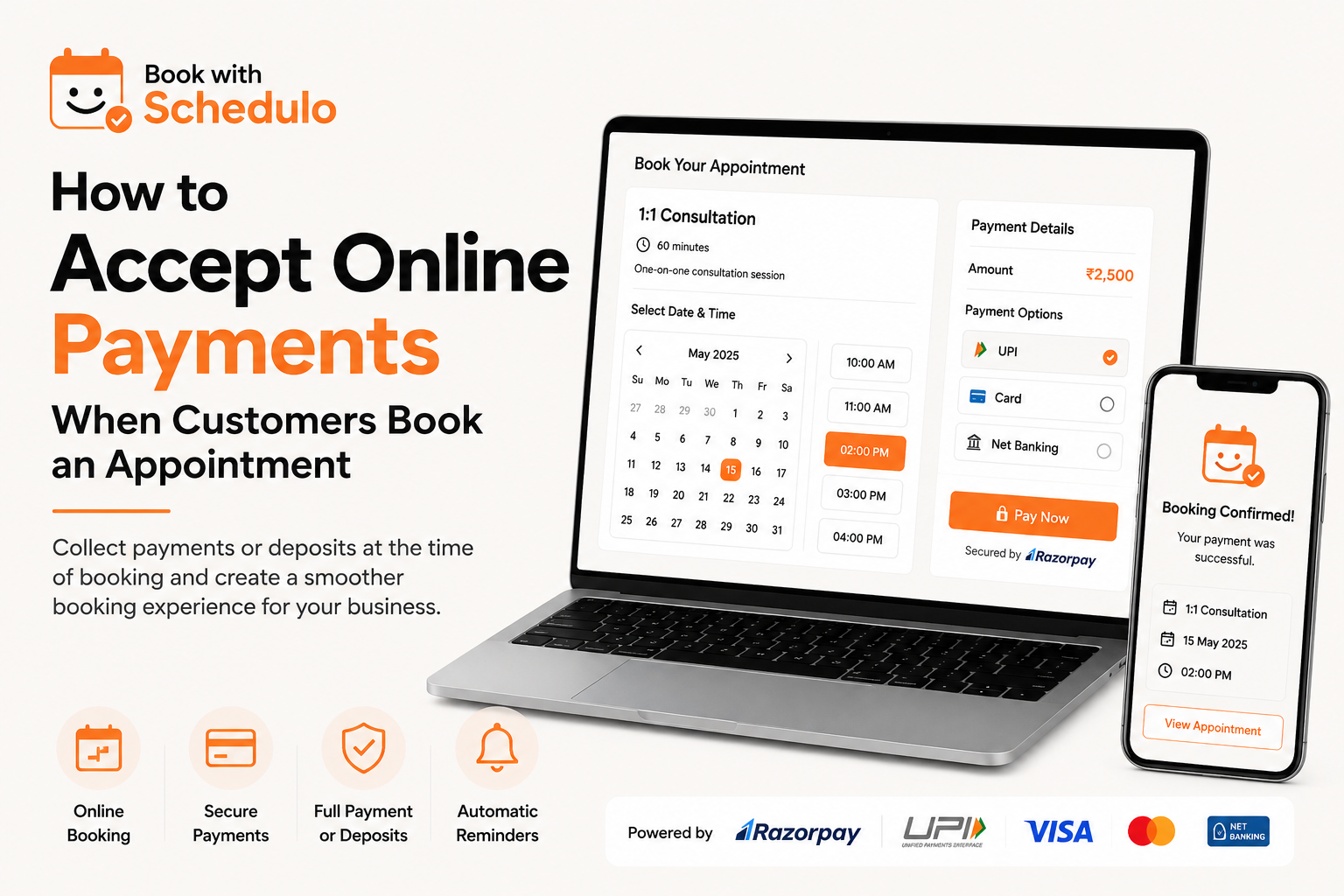
If you charge for strategy sessions, collect payment at the moment of booking — not after the call, and not via an invoice you chase later. Taking payment up front does two things at once: it filters out people who were never serious, and it all but eliminates no-shows, because people reliably show up for what they have already paid for.
The key is to charge in the method your client actually uses. A booking page that only offers one option will lose the clients who prefer another:
- Clients in India: UPI, cards, and netbanking through Razorpay — the methods your clients reach for by default.
- International clients: PayPal, in USD or EUR, so a client abroad is not wrestling with a currency conversion or an unfamiliar gateway.
A client who pays ₹3,000 or $99 to lock a slot is a client who turns up. For the full walkthrough, see how to accept online payments when customers book an appointment.
Cut no-shows with automatic reminders
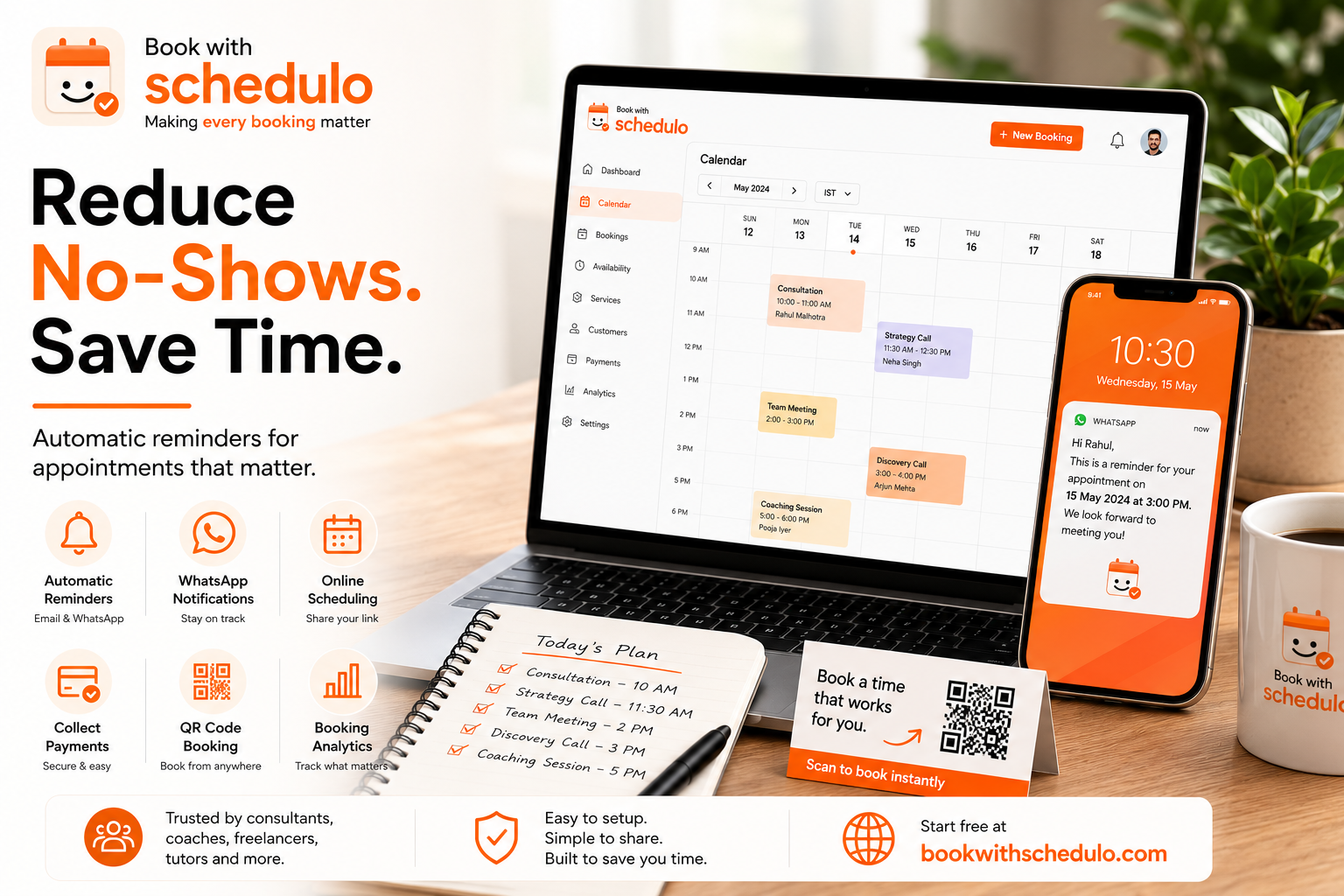
Even a paid booking can slip if the client simply forgets. Automatic reminders — by email and WhatsApp, a day before and again an hour before — quietly recover a meaningful chunk of your calendar. You set them once and they run forever, with no nagging on your part. A reminder that lets the client reschedule in one tap is better still: a moved call is salvaged revenue, while a silent no-show is gone. Our guide on how to reduce appointment no-shows with automatic reminders covers the timing and wording that work.
Qualify leads before the call, not during it
The worst consulting calls are the ones where you spend the first fifteen minutes working out whether the person is even a fit. A short intake form on your booking page fixes that. Two or three questions — what they do, what outcome they want, and their rough budget or timeline — tell you before the call whether it is worth your hour and let you prepare something specific. The prospect feels seen; you feel prepared; the call starts at minute one instead of minute fifteen. Keep it short, though: every extra field is a reason for a borderline lead to abandon the booking.
Put your booking link where clients already are
A booking page only works if people find it at the moment they decide to act. The highest-converting places are the ones tied to that moment: the call-to-action button on your website, the last line of your email signature, your LinkedIn "Contact info" and featured section, and the final slide or page of every proposal you send. If you speak on podcasts or webinars, a short, memorable link in the show notes captures the listeners who are warm right then. The goal is that at no point does an interested person have to email you to ask how to work with you — the answer is always one tap away.
What to look for in consultant scheduling software
Not every scheduling tool fits how consultants actually sell. Before you commit to one, check that it can:
- Run multiple booking types (free and paid) from a single account
- Take payment at booking, in your clients' own currency and preferred method
- Send WhatsApp and email reminders, not email alone
- Auto-attach Zoom, Meet, or Teams without manual steps
- Let you qualify leads with pre-call questions
- Give you one clean public page that looks trustworthy on first glance
If a tool cannot take payment, or can only send an email reminder, it was not built for the way consultants win and keep clients. For a deeper comparison of features and pricing, see our overview of consultant scheduling software.
Common mistakes consultants make with booking pages
Three errors show up again and again. The first is offering too many slots: wide-open availability makes you look idle and makes the choice harder. Show a tighter, curated set of times and you convert more, not fewer. The second is hiding the price until after the call — if a strategy session costs money, say so on the booking page, so the only people who book are the people ready to pay. The third is treating the confirmation as the finish line. The booking is the start of the relationship; a warm confirmation message, a clear calendar invite, and a well-timed reminder are what turn a booked slot into a client who actually arrives and comes back.
What to put on your booking page
The words on your booking page do quiet work. A clear title for each booking type — "Free 20-minute discovery call" and "Paid 60-minute strategy session" — tells the client exactly what they are getting and what it costs before they commit, which filters the right people in. A short, confident description of what happens on the call ("we will pinpoint the single biggest bottleneck in your process and leave you with two concrete next steps") turns a vague "chat" into something worth booking. And if a session is paid, state the price plainly rather than hiding it until checkout; the clients who book anyway are the ones ready to pay. Treat the page as a small sales page, not a form, and it will do some of your qualifying for you.
Turn the discovery call into paid work
A booking page gets you the call; your follow-up gets you the client. The highest-converting move is to make the next step bookable before the discovery call even ends — share your paid-session link on the call itself, or set your booking system to send it automatically afterwards, so a warm prospect can commit while the conversation is still fresh in their mind. Leaving "I will send you something" to a later email is exactly where momentum dies and good leads go cold. The same separation that keeps your links clean also makes this effortless: because the discovery call and the paid session are already distinct booking types, moving a client from one to the other is a single link away.
How often should you review your setup?
A booking page is not set-and-forget. Once a month, glance at which booking types are actually getting used and which questions your leads are answering. If your free discovery calls are attracting people who are plainly not a fit, tighten the intake questions. If paid sessions are converting well from discovery calls, make that path even more obvious. Small, regular adjustments keep the page earning its place instead of quietly drifting out of step with how your business has grown.
Start taking consultation bookings today
You do not need a new website or an assistant to stop losing leads to email tag. You need one link. Set up your free discovery call and your paid strategy session, connect your calendar and a payment method, and share the link where your clients already are. Let them book — and pay — in a single step, and spend your energy on the work itself instead of the scheduling around it.