The Calendly Alternative That Actually Takes Payments (UPI, Razorpay & PayPal)


Calendly made self-scheduling mainstream, and for good reason: share a link, let people pick a slot, done. But the moment your calls are paid — a consultation, a class, a session — a scheduling tool that stops at "booked" leaves the most important step undone. You still have to chase the money. For businesses in India especially, where clients expect to pay by UPI, the gap is wider still. This guide looks at what a genuine Calendly alternative should do, and why "takes payment at booking" is the feature that actually matters.
What Calendly does well
Credit where it is due. Calendly is clean, fast, and widely understood — when you send someone a Calendly link, they know exactly what to do. It handles calendar sync, time zones, and buffers well, and its free tier is generous enough for a single person booking free meetings. If all you need is to stop the "what time works for you?" email thread, it does the job.
The trouble starts when a booking is worth money.
Where Calendly leaves money on the table
Paid scheduling has two failure points, and a tool that ignores either one costs you revenue. The first is collection: if the client does not pay until after the call, a chunk of them never pay at all, and no-shows climb because nothing is at stake. The second is payment method. Calendly's payment options lean on gateways and currencies that suit the US and Europe. If your clients are in India and reach for UPI by reflex, a checkout that only offers an international card is a checkout a good share of them will abandon. You did the hard part — you got the booking — and lost it at the last step.
This is the single biggest reason service businesses outgrow a generic scheduler: the scheduling was never the problem. Getting paid, cleanly and in the right currency, is.
What to look for in a Calendly alternative
Before you switch tools, be clear about what you are actually solving for. A worthwhile alternative should:
- Collect payment at the moment of booking, not after
- Support the payment methods your clients actually use — UPI, cards, and netbanking for India, and PayPal for international clients
- Let you run free and paid booking types from one account
- Send WhatsApp and email reminders, not email alone
- Sit on your own website and booking page, under your brand
- Be priced so the cost does not scale painfully as you grow
Notice that most of these are not scheduling features at all. They are the things that happen around the booking — and that is exactly where generic schedulers stop.
Take payment at booking — in your client's currency
The feature that changes the economics is collecting payment up front. When a client pays to lock the slot, two things happen: the people who were never serious filter themselves out, and the people who do book almost always show up, because they have money on the line. For a paid consultation or class, that alone is worth switching for.
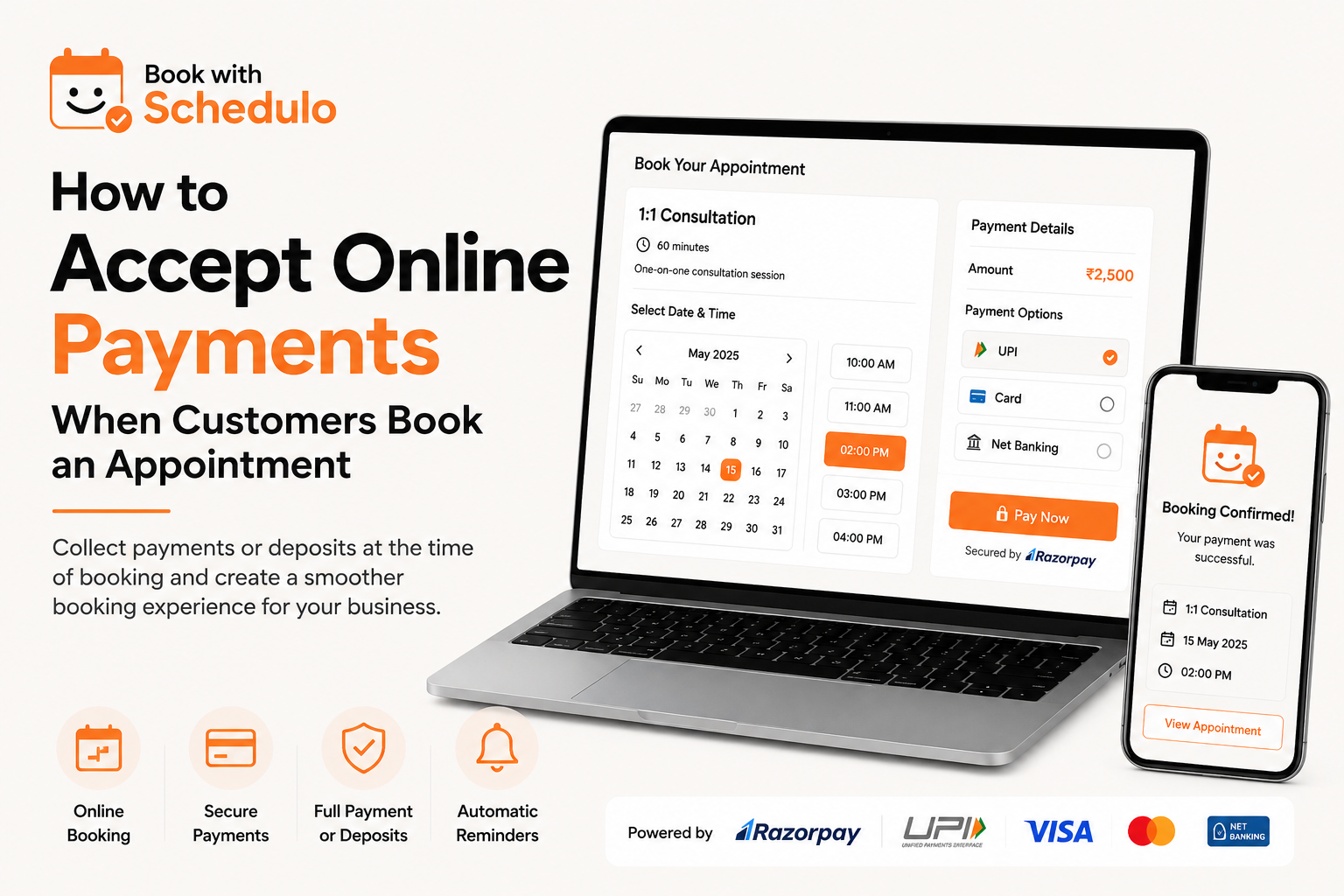
Currency and method matter just as much as the fact of payment. A client in Pune paying for a session should see UPI and netbanking through Razorpay — the rails they use every day — while a client in London should see PayPal in their own currency. A booking page that offers the right option to the right person converts far better than one that forces everyone through a single foreign gateway. We cover the mechanics in detail in how to accept online payments when customers book an appointment.
Keep free and paid meetings on separate booking types
Not every meeting should ask for money. A good alternative lets you run a free discovery or intro call alongside a paid session, each with its own link and its own rules. That way a new lead can book a free call to build trust, while a returning client books — and pays for — the real thing, without the two ever colliding on your calendar. For consultants and coaches in particular, this separation is the difference between a booking page that qualifies leads and one that just fills your week. See how to let clients book a call with you for the full setup.
Reminders that actually reduce no-shows
An email reminder is easy to miss. A WhatsApp reminder is not. A Calendly alternative worth its name should send reminders on the channel your clients actually read — a day before and an hour before — and let them reschedule in a tap rather than vanish. A moved booking is salvaged revenue; a silent no-show is gone. If your current tool only emails, you are quietly losing bookings that a better-timed nudge would have saved.
Put the booking page on your own site, under your brand
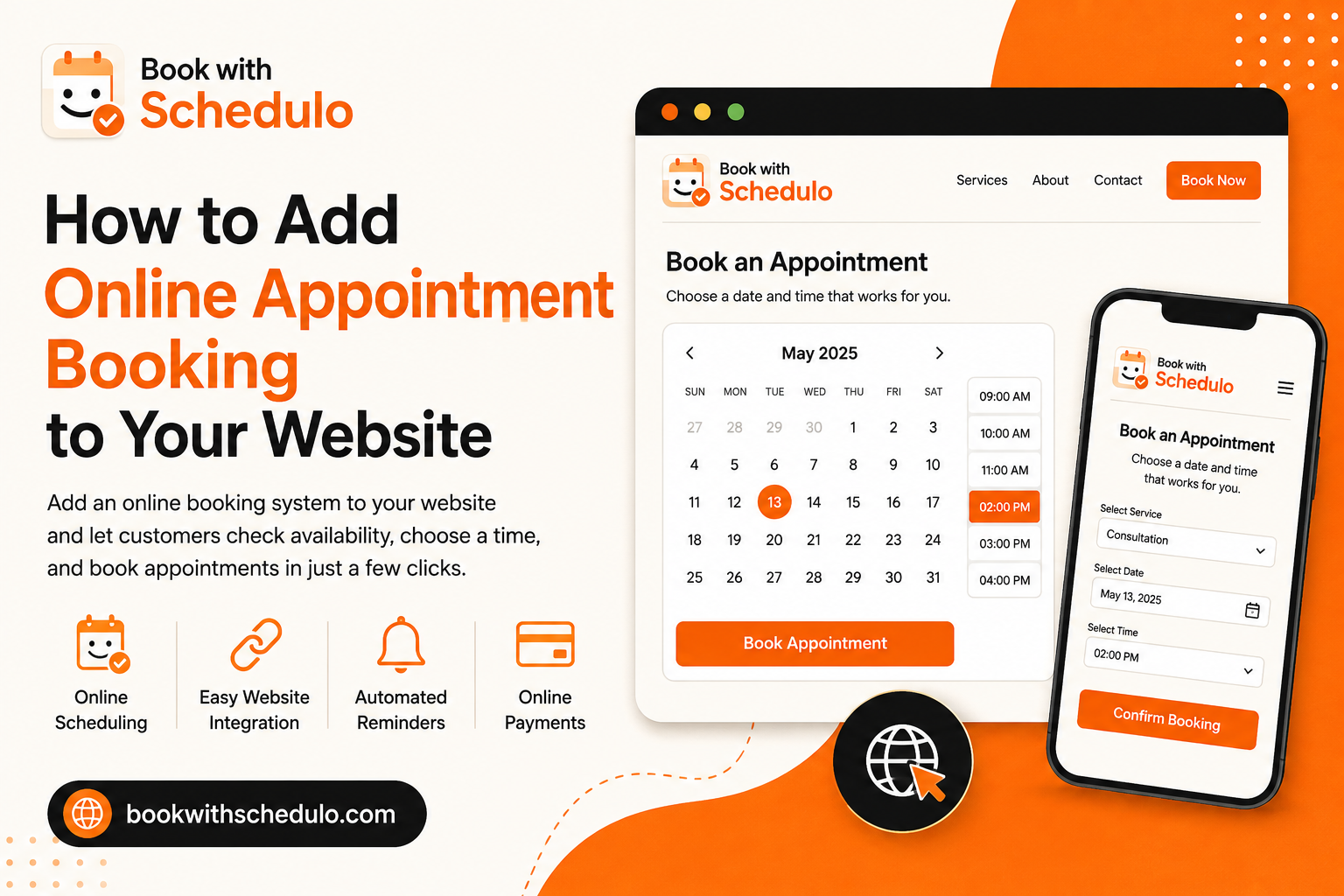
There is a subtle cost to sending clients to a generic third-party domain: it never feels like you. A strong alternative gives you a booking page you can brand and embed on your own website, so the client stays in your world from first click to confirmed payment. It looks more professional, it builds trust, and it keeps the traffic — and the SEO value — on your domain instead of someone else's. If you run a site already, see how to add online appointment booking to your website.
Pricing: "free" scheduling is not always cheaper
Generic schedulers look free until you need the features that make money — payments, multiple booking types, team members, reminders on the right channel. Those sit behind paid tiers, and the pricing is usually set in dollars, which stings more at Indian exchange rates. When you compare alternatives, compare the plan that includes everything you actually need to get paid, not the free tier that does not. A tool that collects payment reliably pays for itself the first time it prevents a no-show on a paid session.
The checkout is where bookings quietly die
It helps to picture exactly where a generic scheduler loses you money. A prospective client finds your link, likes your availability, picks a time — every bit of the hard work is done — and then reaches a payment step that asks for a sixteen-digit card number when they expected a UPI prompt. A meaningful share of them hesitate, tell themselves they will do it later, and never come back. You never see this happen; there is no error, no complaint, just a booking that did not complete. Across a month of enquiries, those invisible drop-offs are often a bigger leak than any marketing problem you are actively worrying about. The fix is not more traffic — it is a checkout that offers the method the client already trusts, so the booking they wanted to make actually goes through.
How to switch from Calendly without disruption
The fear that stops most people switching is losing momentum — breaking a link that is already in their signature, proposals, and bio. In practice the move is low-risk if you do it in order. First, set up your new booking page fully: recreate your meeting types, connect your calendar, and turn on payments, so the new system is ready before anyone sees it. Second, test it yourself end to end — book a slot, make a test payment, check the confirmation and reminder land. Only then update your public links, starting with the highest-traffic one (usually your website button or email signature). Because the new page lives on your own domain, you can even point your existing link to it. Nothing about switching requires a flag day; you move one link at a time and keep the old tool running until the new one has proven itself.
The features that actually matter when you compare
Comparison pages love to count features, but only a handful decide whether a tool fits a paid, India-aware service business. When you weigh a Calendly alternative, hold each candidate to the questions that change your revenue: does it take payment at booking, and in UPI and rupees for Indian clients, not just dollars on a card? Can it run free and paid booking types from one account, so discovery calls and paid sessions never collide? Does it remind clients on WhatsApp, where they actually read, rather than email alone? Does it sit on your own branded domain? And is the plan that includes all of this priced sensibly for an Indian business, rather than gated behind a dollar-denominated premium tier? A tool can have a hundred features and still fail these five — and these five are the ones that get you paid.
Does switching actually cost you anything?
Generic schedulers feel free because the version that gets you paid is not. Payments, multiple booking types, team members, and reminders on the right channel tend to sit behind paid tiers priced in dollars, which sting more at Indian exchange rates. The honest way to compare cost is to line up the plan you would actually need to collect money against the equivalent plan elsewhere, not the free tier that cannot take a payment. Measured that way, a payment-ready alternative usually pays for itself the first time it collects a fee up front and prevents a single no-show on a paid session. The real cost of staying put is quieter: the bookings you lose at a card-only checkout, month after month, that you never see because they simply never completed.
Is Book with Schedulo the right Calendly alternative for you?
If your bookings are free and your clients are all on international cards, you may never outgrow a generic scheduler. But if you charge for your time, serve clients in India, or want payment collected the moment someone books, you need a tool built for that — one that takes UPI and Razorpay for Indian clients and PayPal for everyone else, runs free and paid booking types side by side, reminds people on WhatsApp, and lives on your own branded page. That is exactly the gap Book with Schedulo was built to fill.