How to Reduce No-Shows by 40% with Automated Reminders


If you run a consulting practice, a clinic, a salon, or a coaching business, no-shows are quietly taxing your income. Industry data puts the average no-show rate between 10% and 15% of all booked appointments. At ₹5,000 per session, a practice taking 100 bookings a month is losing ₹50,000–₹75,000 every single month to people who simply don't turn up — money you can recover without finding a single new client.
The good news: most no-shows are not malicious. They're forgetfulness, calendar mistakes, and low commitment. A well-designed reminder system fixes all three. Here's exactly how to build one.
Why people actually miss appointments
Before you fix no-shows, it helps to understand them. In practice, almost every missed appointment falls into one of three buckets:
- They forgot. The appointment was booked days or weeks ago and never made it onto the calendar they actually check.
- Life got in the way and rescheduling felt hard. If changing the time means emailing you and waiting for a reply, many people just don't show instead.
- Low commitment. A free, friction-free booking is easy to walk away from — there's nothing at stake.
A good reminder system addresses the first two directly, and pairing it with upfront payment handles the third.
The anatomy of a reminder system that works
Sending "a reminder" isn't enough. The systems that cut no-shows dramatically share three traits: the right timing, the right channels, and the right content.
Timing: hit two windows
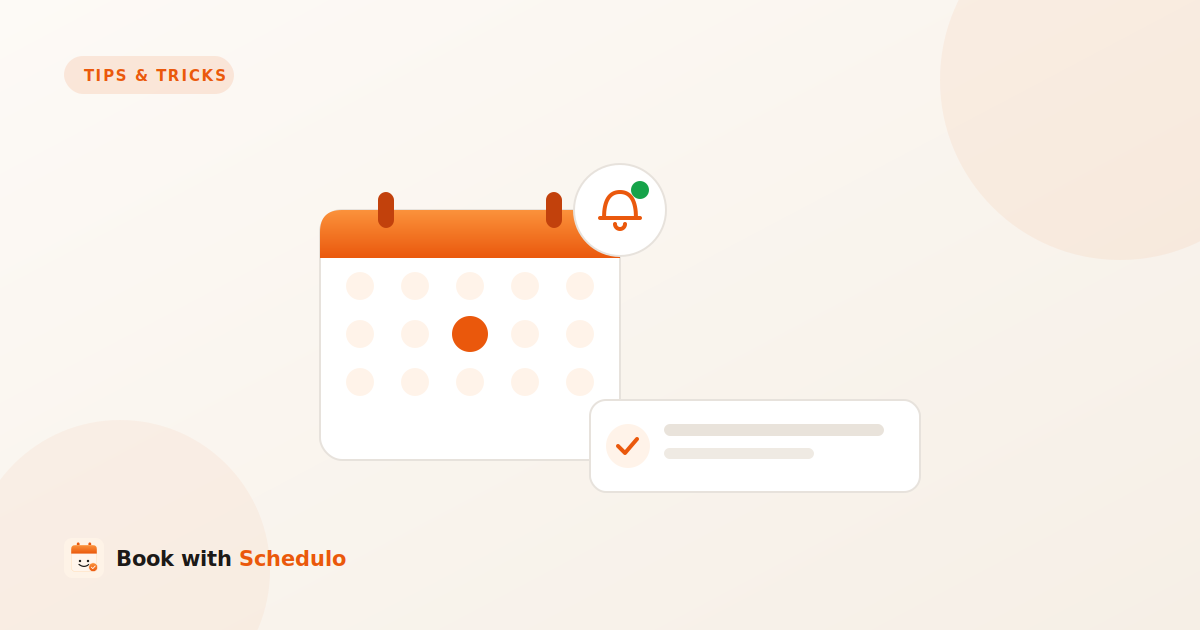
One reminder is good; two is far better. Send the first 24 hours before the appointment — early enough that the client can rearrange their day or reschedule. Send the second 1–3 hours before — late enough to catch them on the day itself. This two-touch pattern is the single biggest lever you have.
Channels: meet people where they read
Email reminders are reliable and free, but they get buried. In India and across much of the world, WhatsApp is where people actually look — open rates for WhatsApp messages dwarf email. The strongest setup sends an email and a WhatsApp message, so the reminder lands wherever the client checks first. Book with Schedulo sends both automatically.
Content: make the next action obvious
A reminder should do more than say "you have an appointment." It should include the date, time and time zone, the location or video link, and — critically — a one-tap way to reschedule or cancel. When rescheduling is easy, people reschedule instead of ghosting, and you keep the slot.
Make rescheduling one tap, not an email
This is the step most businesses miss. If your reminder ends with "reply to this email to change your time," you've added friction at exactly the wrong moment. Instead, every reminder should contain a link that lets the client pick a new slot themselves. A reschedule is infinitely better than a no-show: you keep the relationship and you free the original slot for someone else.
Raise commitment by collecting payment upfront
Reminders fix forgetfulness. Upfront payment fixes commitment. When a client has paid — even a small deposit — at the moment of booking, the no-show rate collapses, because now there's something at stake. You can collect the full fee or a partial deposit at booking and let reminders handle the rest. This combination is the closest thing to a no-show cure. See how scheduling with payments works →
Measure it so you know it's working
Track your no-show rate before and after you turn reminders on. Most businesses see a meaningful drop within the first month — our users commonly report no-shows falling by around 40%. Watch the trend for a few weeks, then experiment: try moving the second reminder closer to the appointment, or adding a deposit, and see what moves the number for your specific audience.
How to set this up in minutes
You don't need to build any of this by hand. In your Book with Schedulo dashboard, open Reminders under Automation, switch on the 24-hour and 1-hour reminders, and enable both email and WhatsApp. If you want the commitment boost too, turn on payments for your paid event types so clients pay at booking. The whole setup takes a couple of minutes and then runs on autopilot for every appointment you take.
The bottom line
No-shows feel like an unavoidable cost of doing business. They aren't. Two well-timed reminders across email and WhatsApp, a one-tap reschedule link, and an optional upfront payment will recover most of the revenue you're currently losing — without adding a single client to your calendar.